
A little display. A lot of personality.
-
Clock
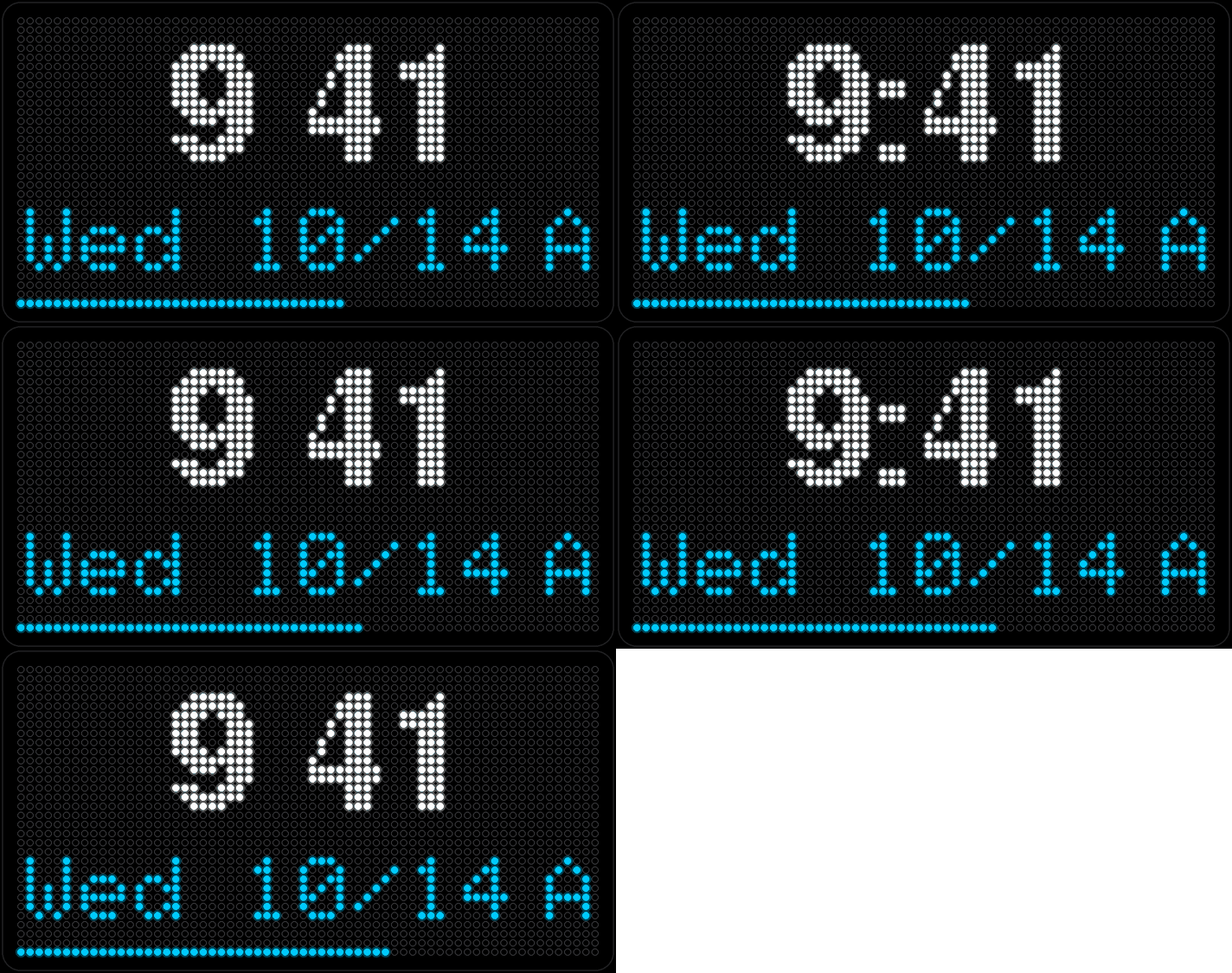
Time and date, with a seconds bar creeping along the bottom edge so you always know it's alive. 12- or 24-hour, your call — the only setting that really matters is your time zone.
-
Horoscope
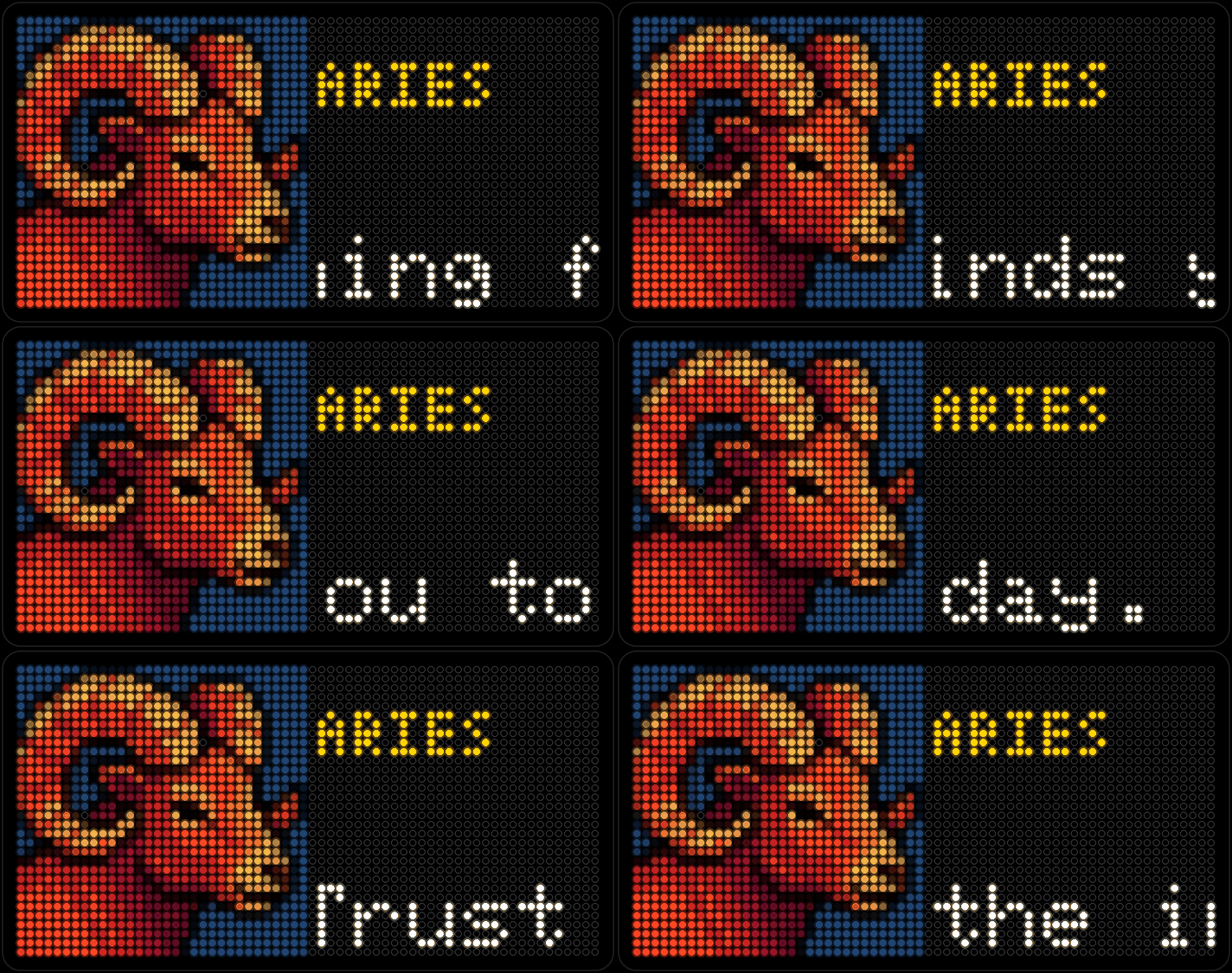
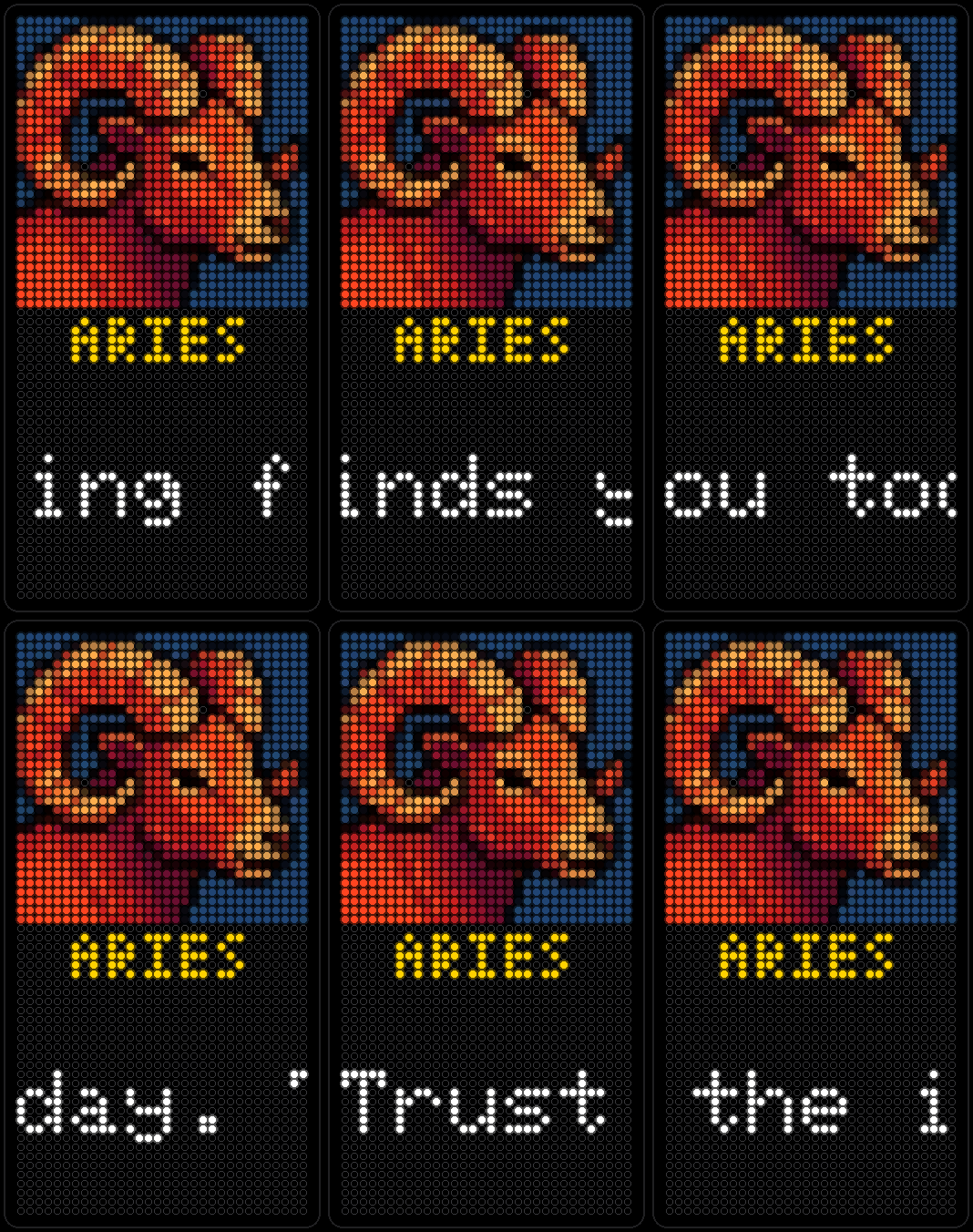
Your sign's reading for the day, with its full-color icon and name underneath — pulled daily from a free horoscope feed, no sign-in needed. All twelve signs get the same treatment; here are three.
-
Holidays
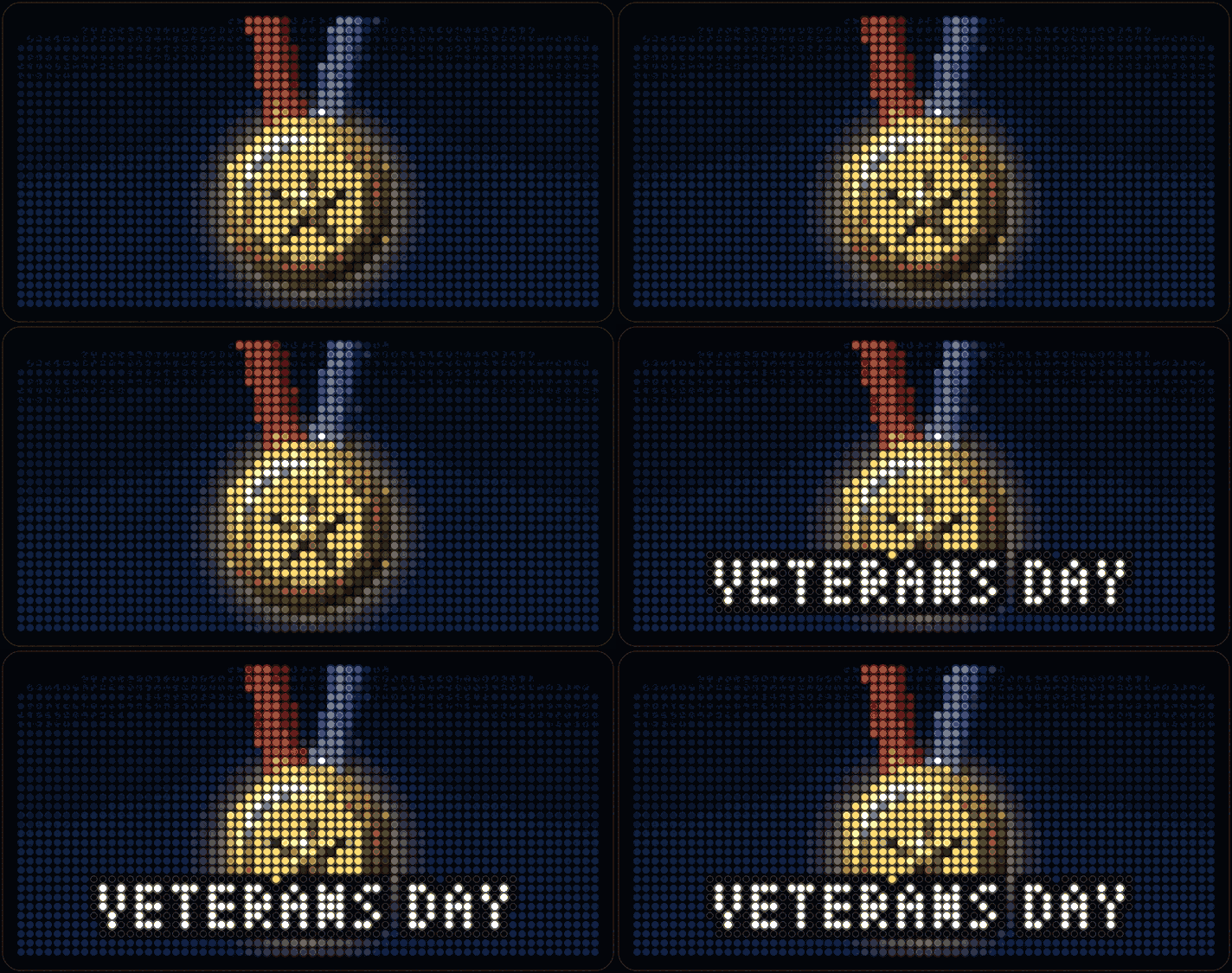
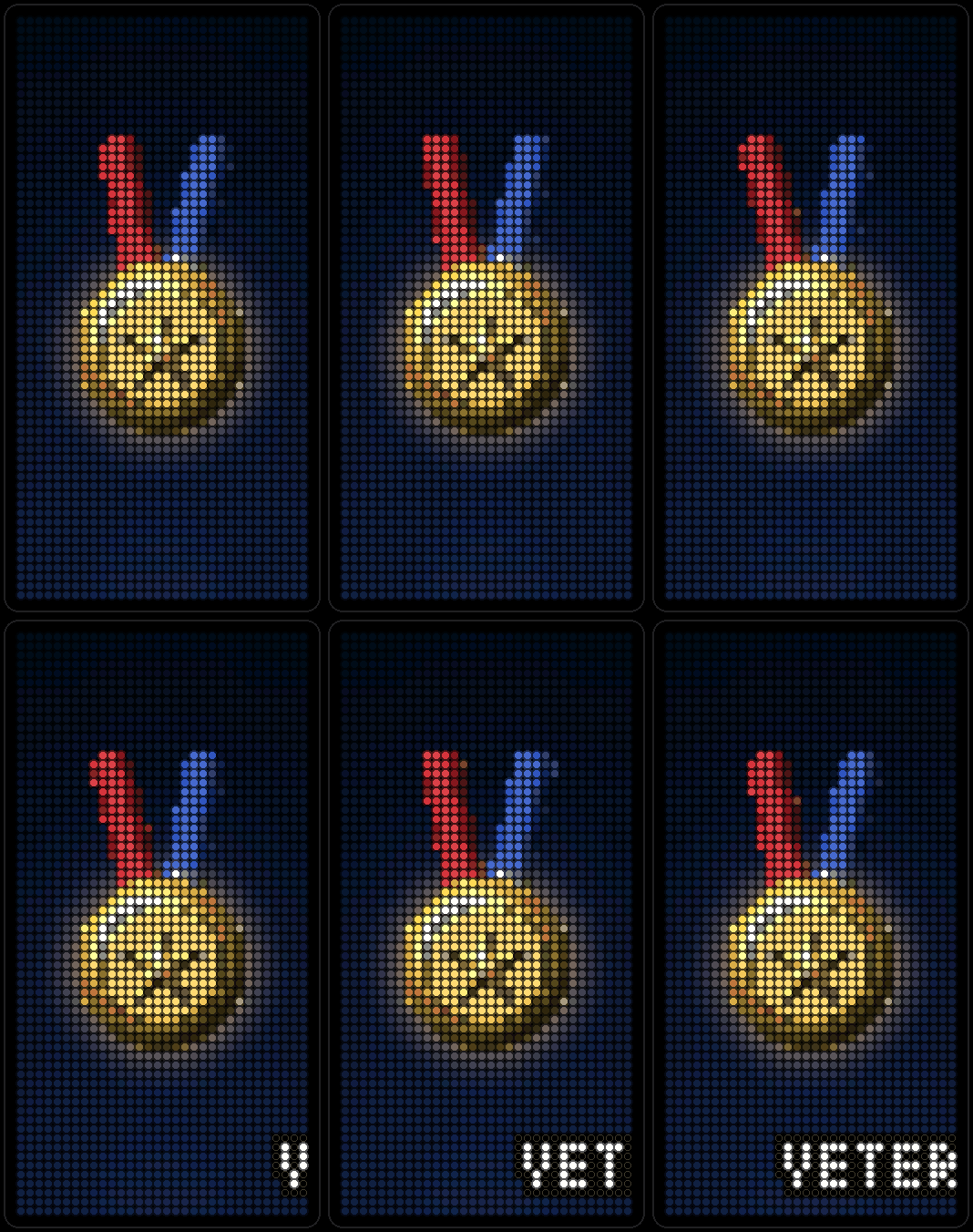
An animated pixel-art scene for today's holiday, or a countdown to the next one. Every date is worked out on the board itself — no network needed.
-
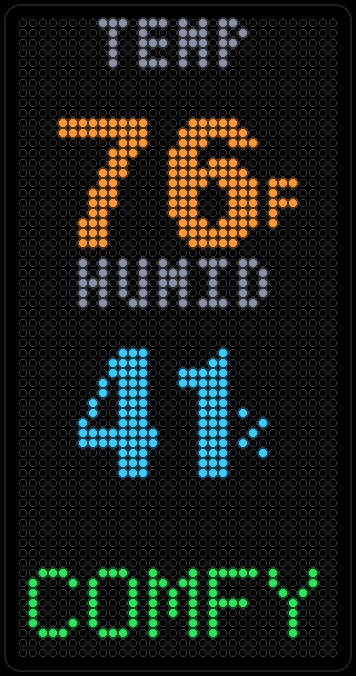
Air quality
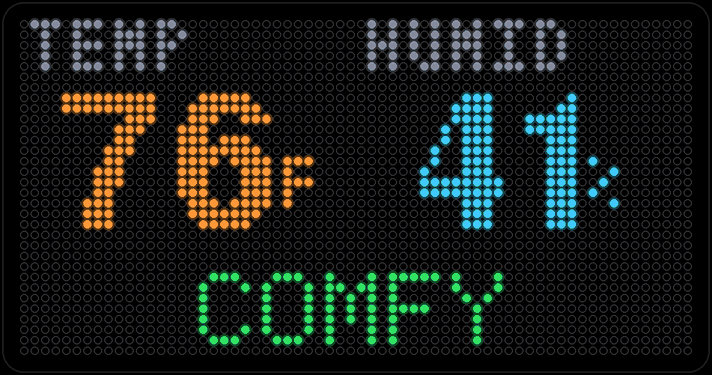
Not outdoor smog — this one reads the board's own temperature and humidity sensor, a few inches from your face, and says in plain words whether the room feels comfortable. Plus a trend graph of the last few hours.
-
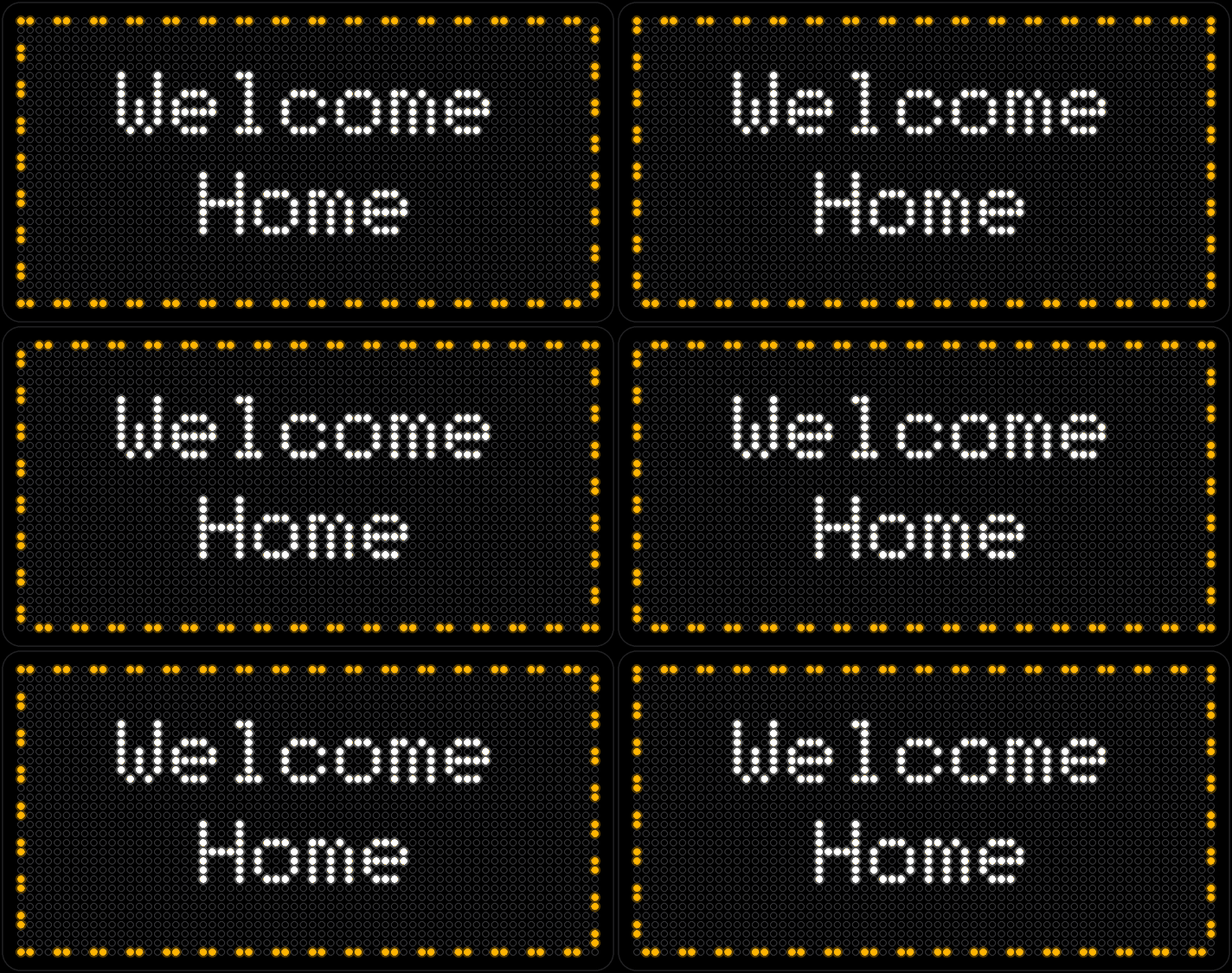
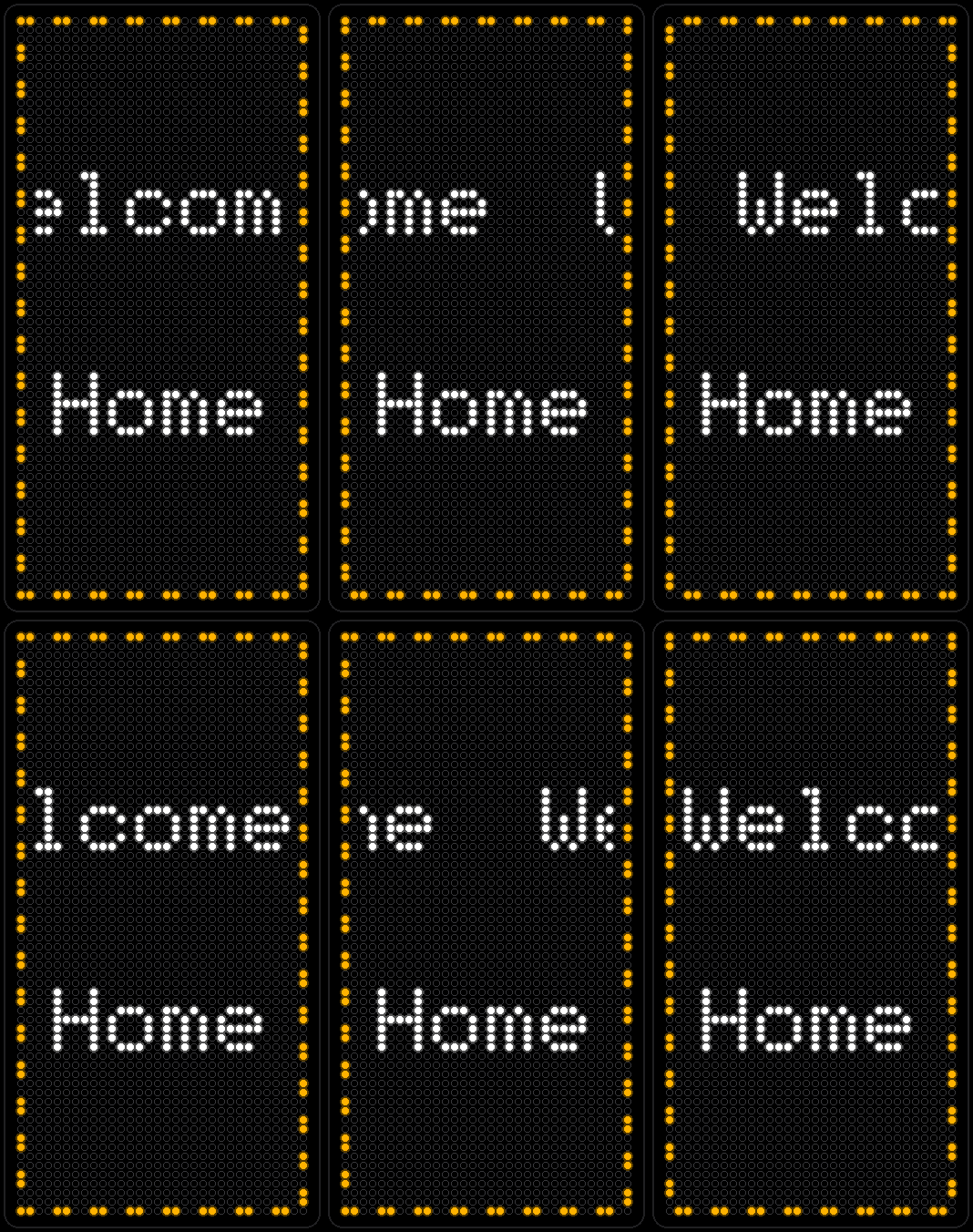
Marquee
Your own message, up to three lines, chased by a ring of marching dashes like an old theater sign. Lines too long to fit pause, then scroll.
-
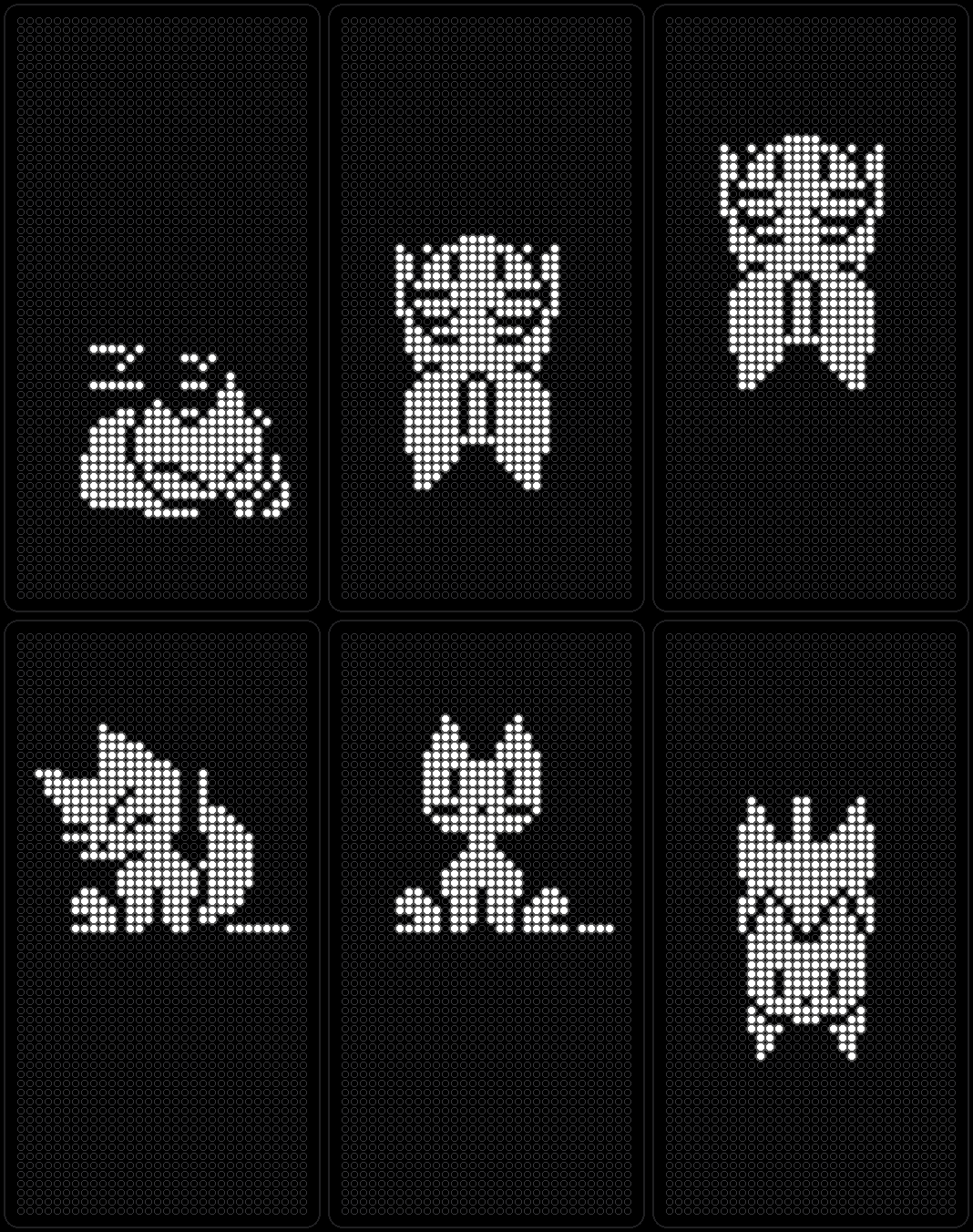
Neko
A tan, blue-eyed cat who naps, wakes and wanders after a little mouse — then grooms once he's caught it. Modeled on a real sprite sheet, and he turns to face wherever he's walking, portrait panel included.
-
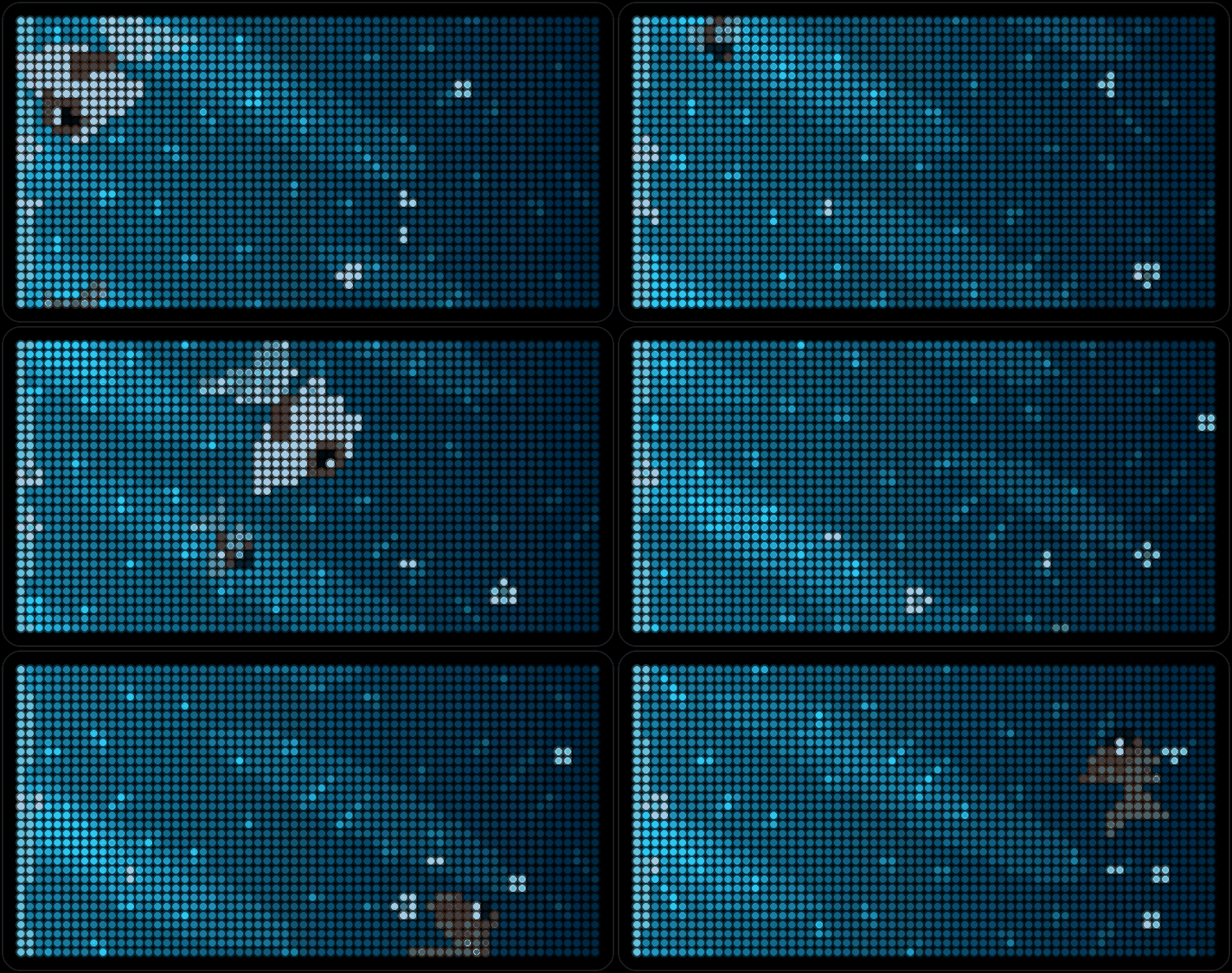
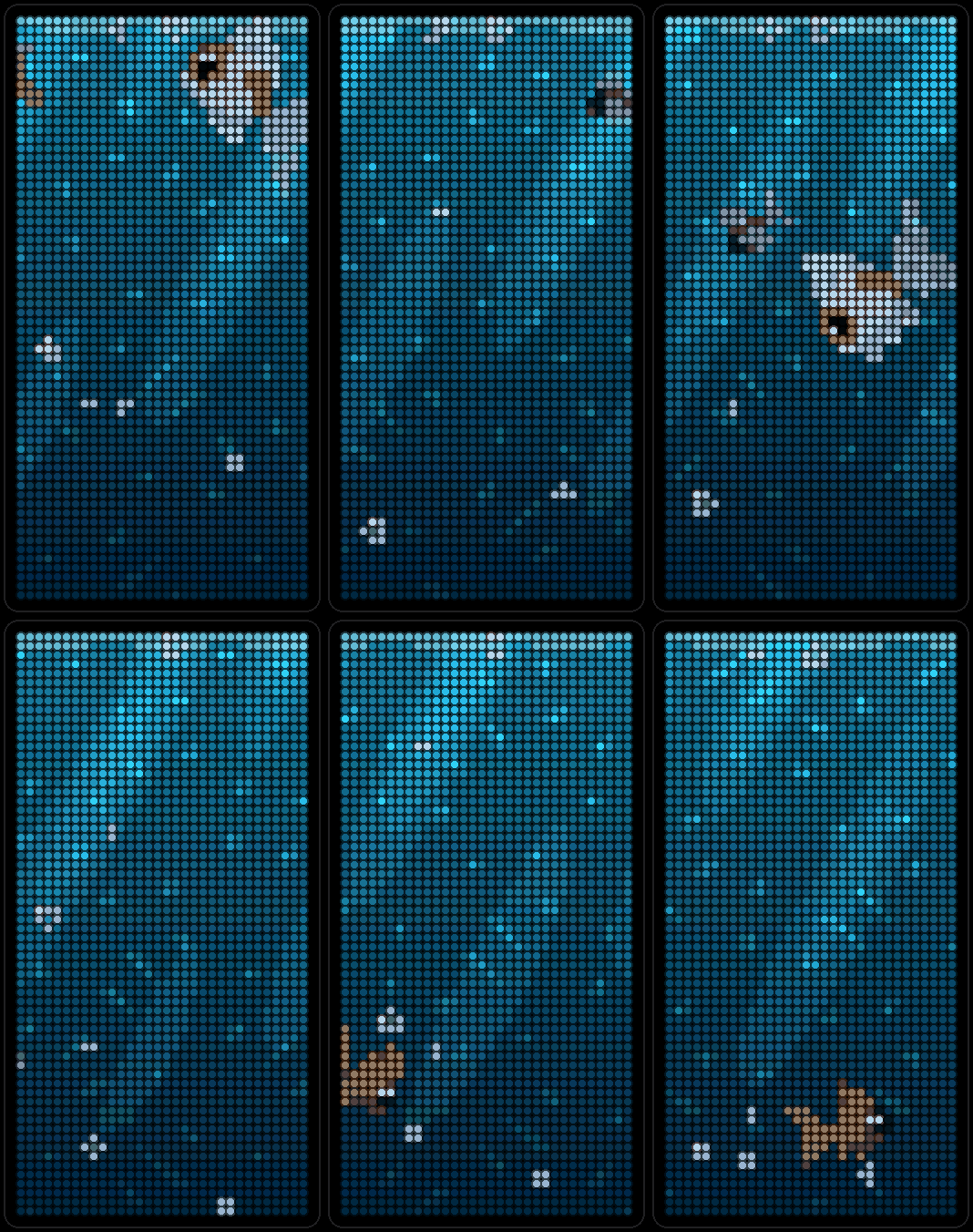
Aquarium
A small pixel aquarium with fish drifting across the panel, slow and calm.
-
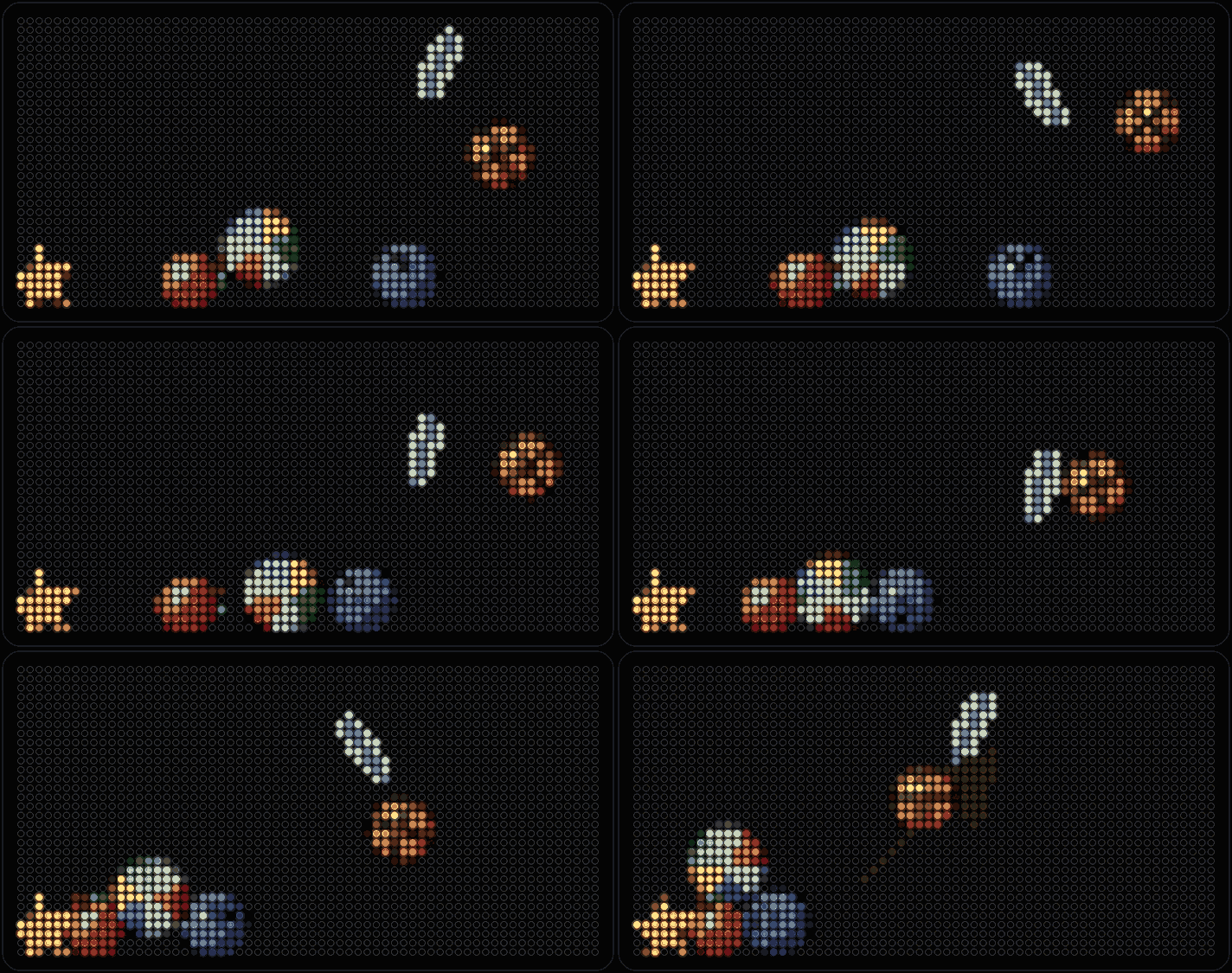
Gravity
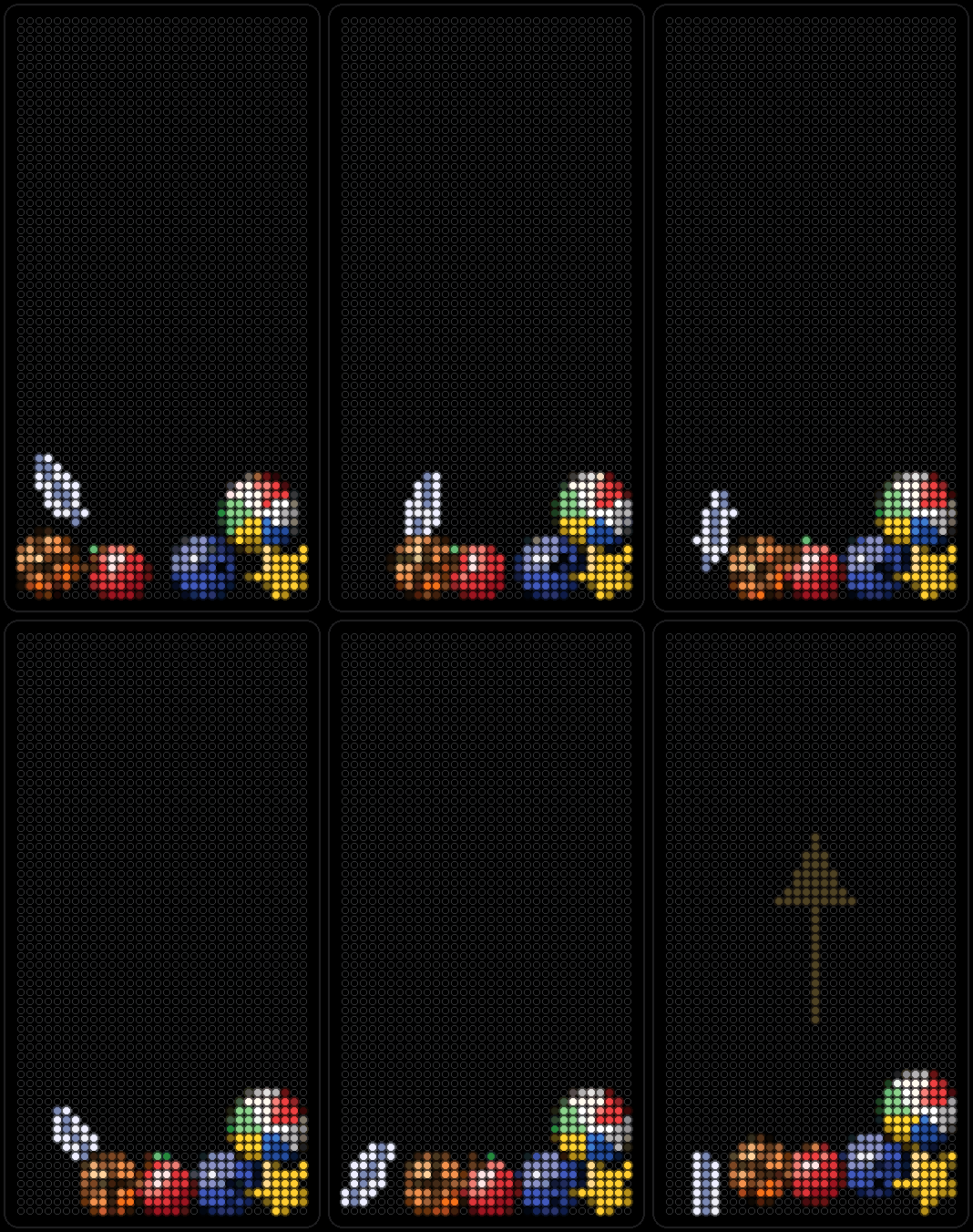
A basketball, beach ball, apple, duck, feather and more fall, roll and slide around the panel as you tilt the board, using its motion sensor.
-
Forecast
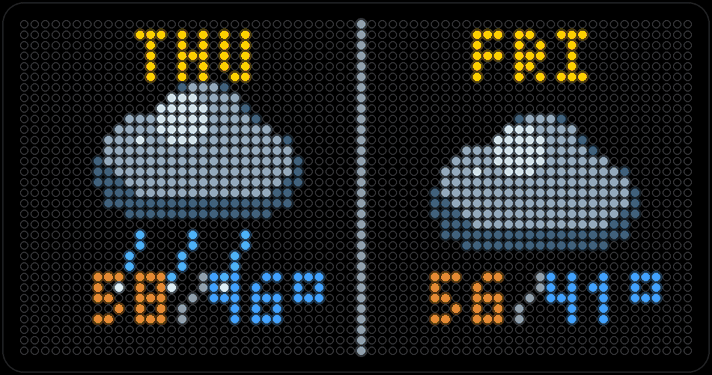
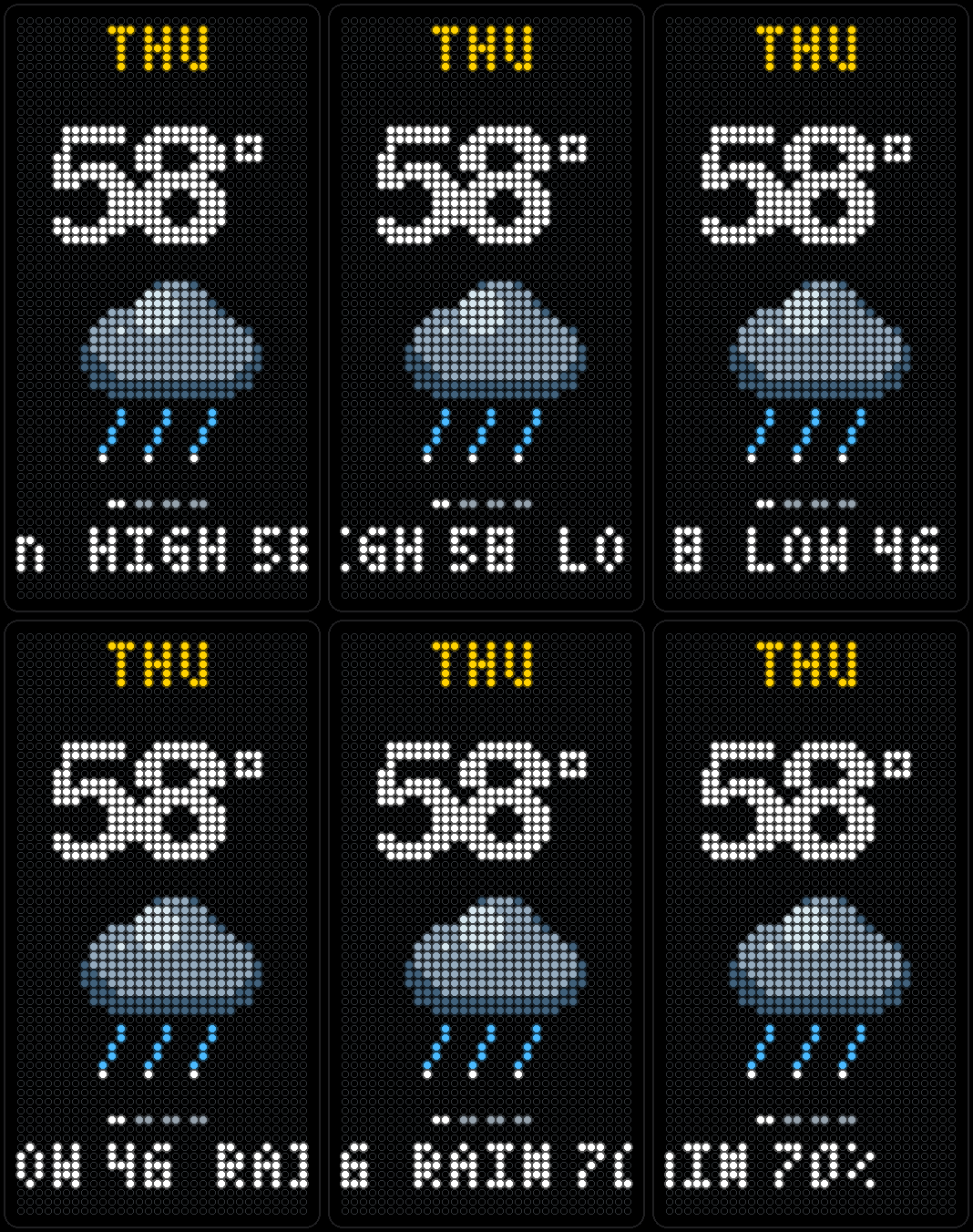
Up to seven days out, shown two ways: two days per screen, or one big day at a time with its high, low, rain chance and icon. Shares Weather's location by default.
-
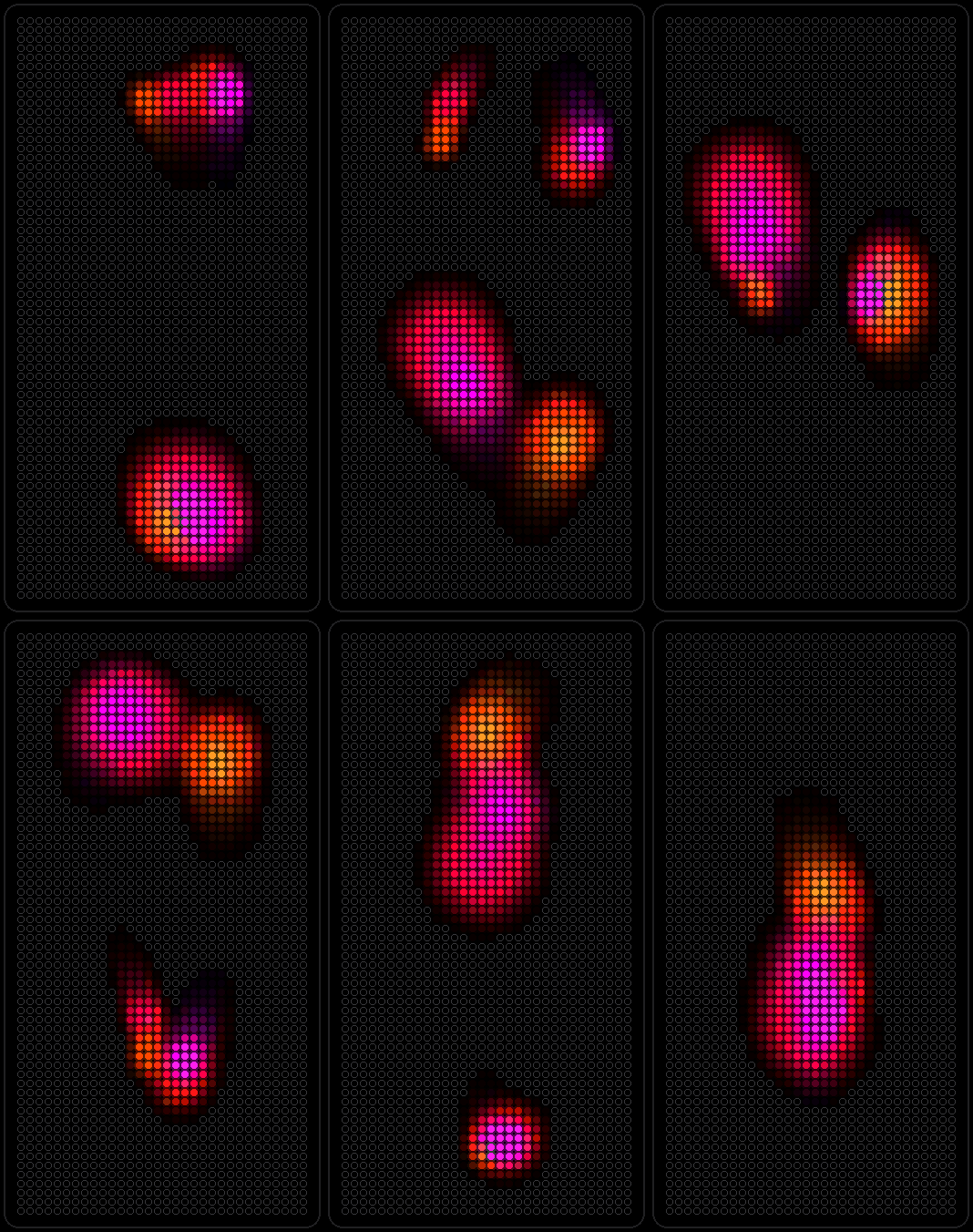
Lava
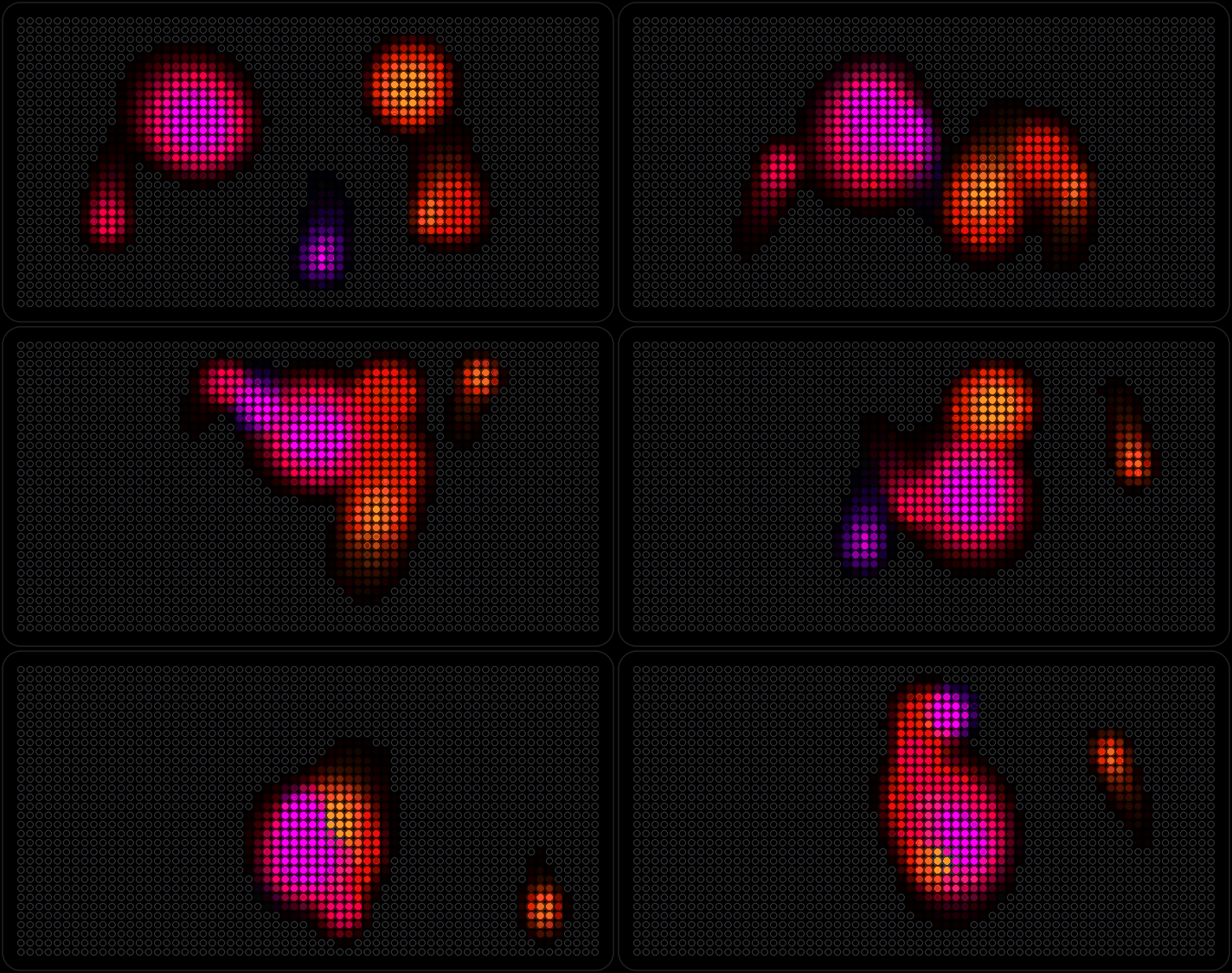
Soft, additive color blobs that drift and leave fading trails behind them — the screensaver you'd actually want to sit and watch.
-
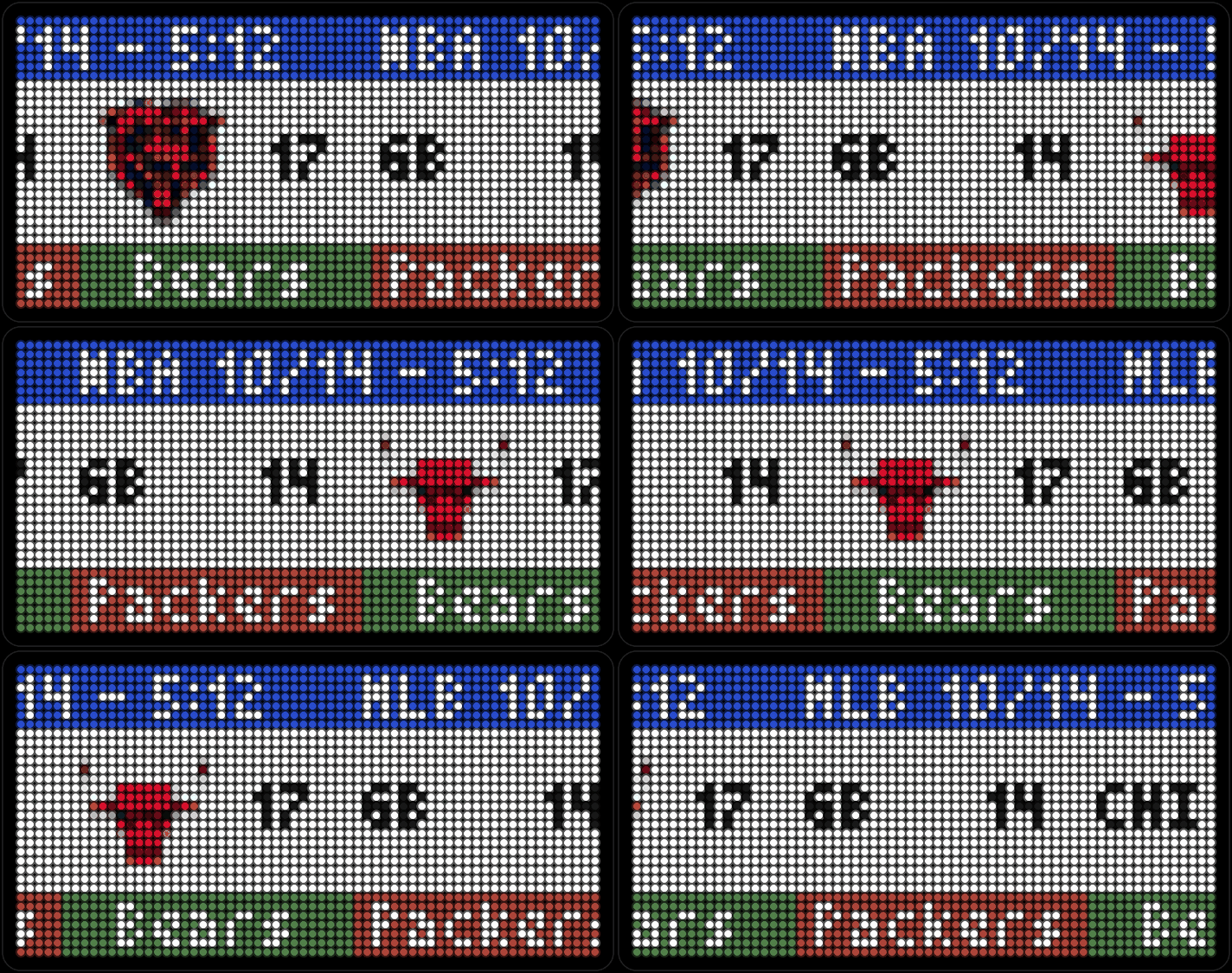
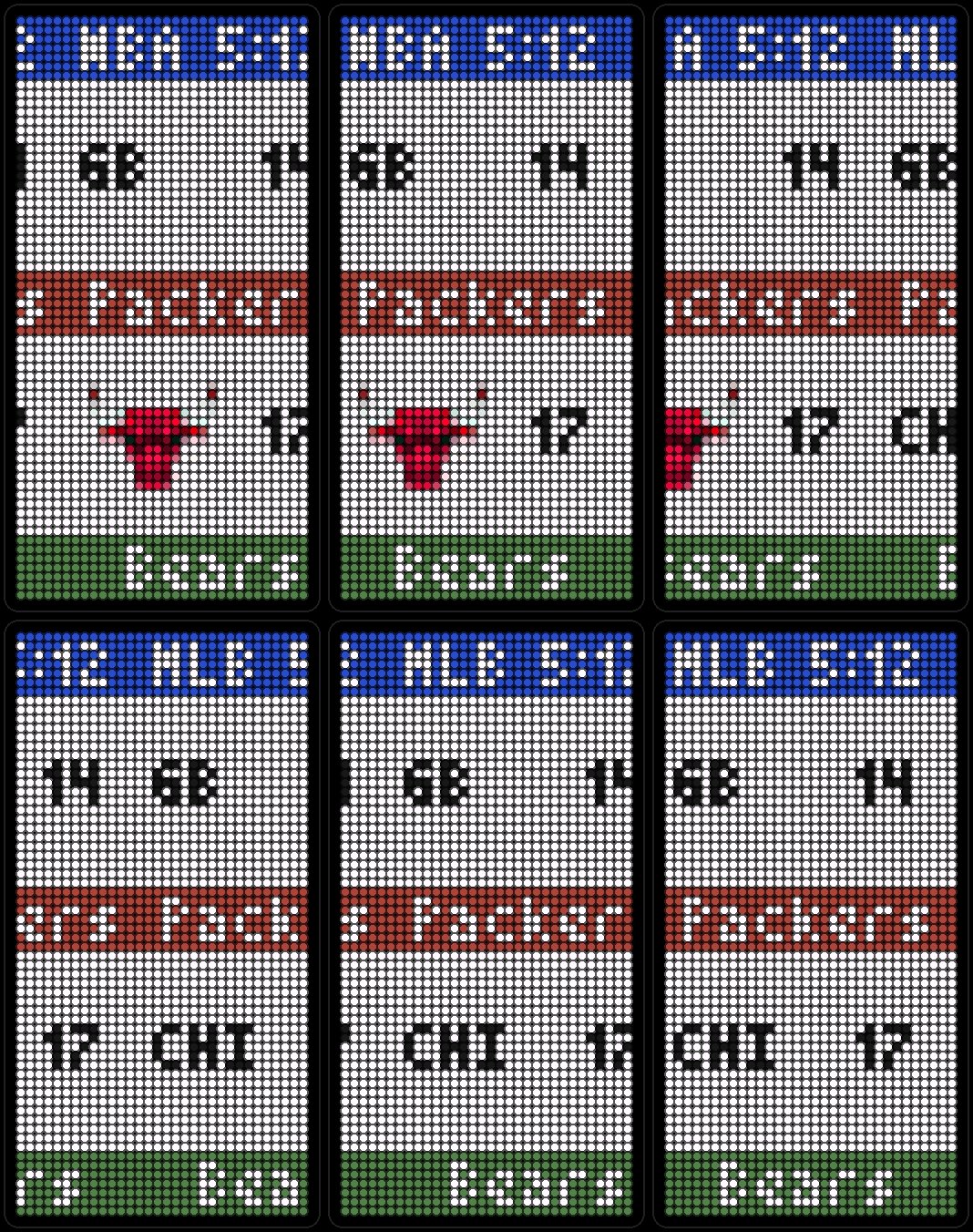
Scores
Scores for the NFL, NBA, MLB, NHL and MLS, team logos and all, scrolling card by card from ESPN's public scoreboard.
-
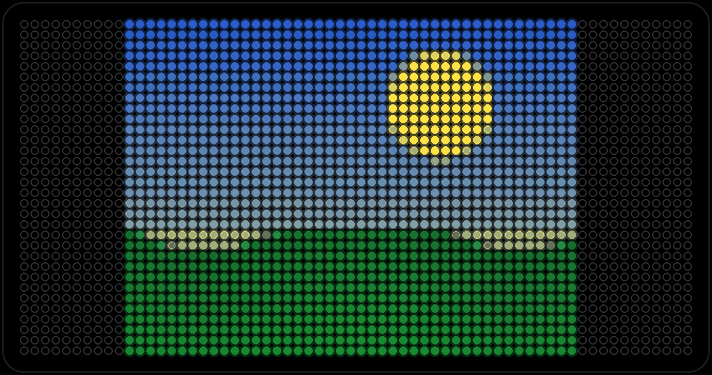
Photos
Up to 16 pictures uploaded from the board's own web page, fitted to the panel by stretching, cropping or letterboxing.
-
Weather
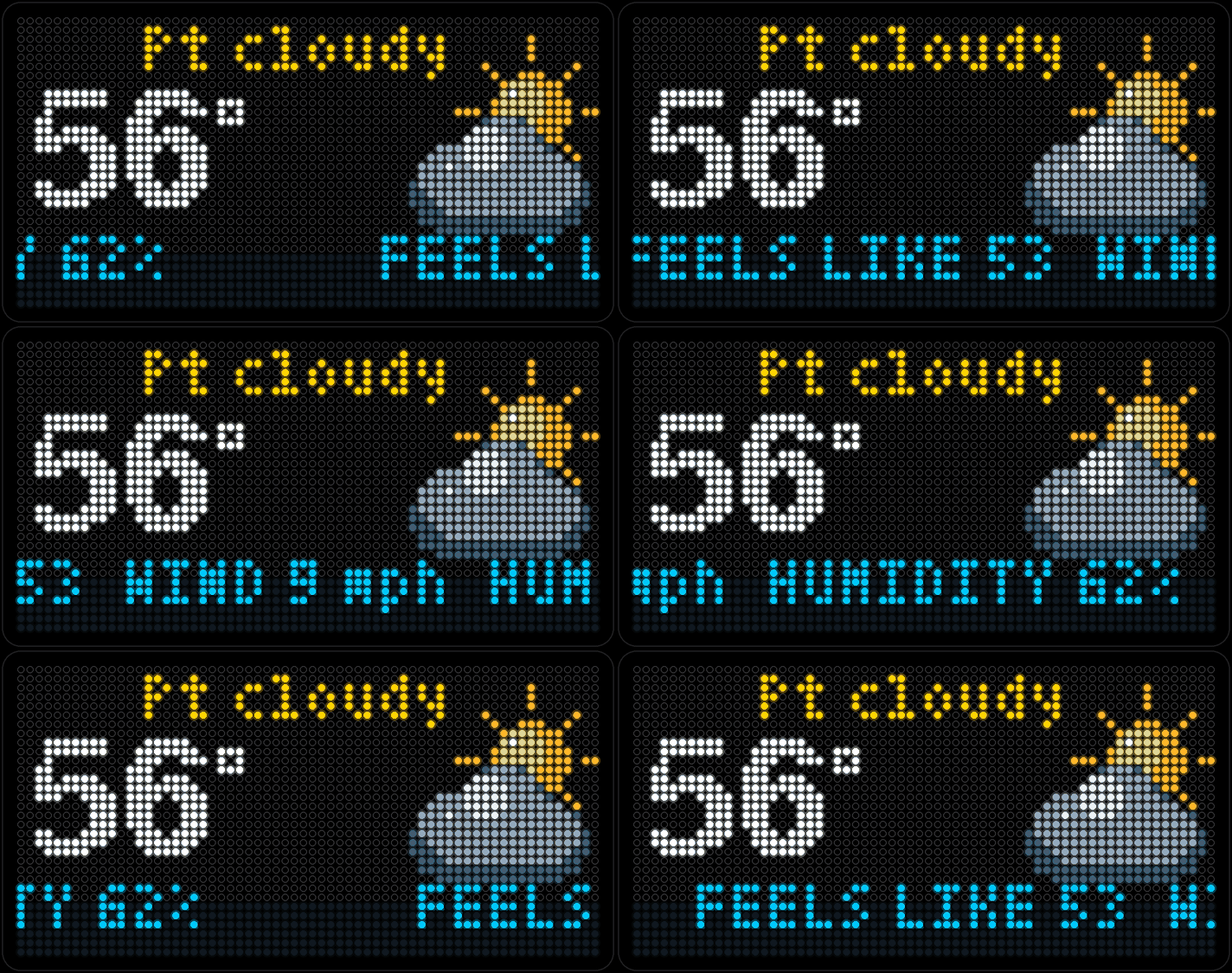
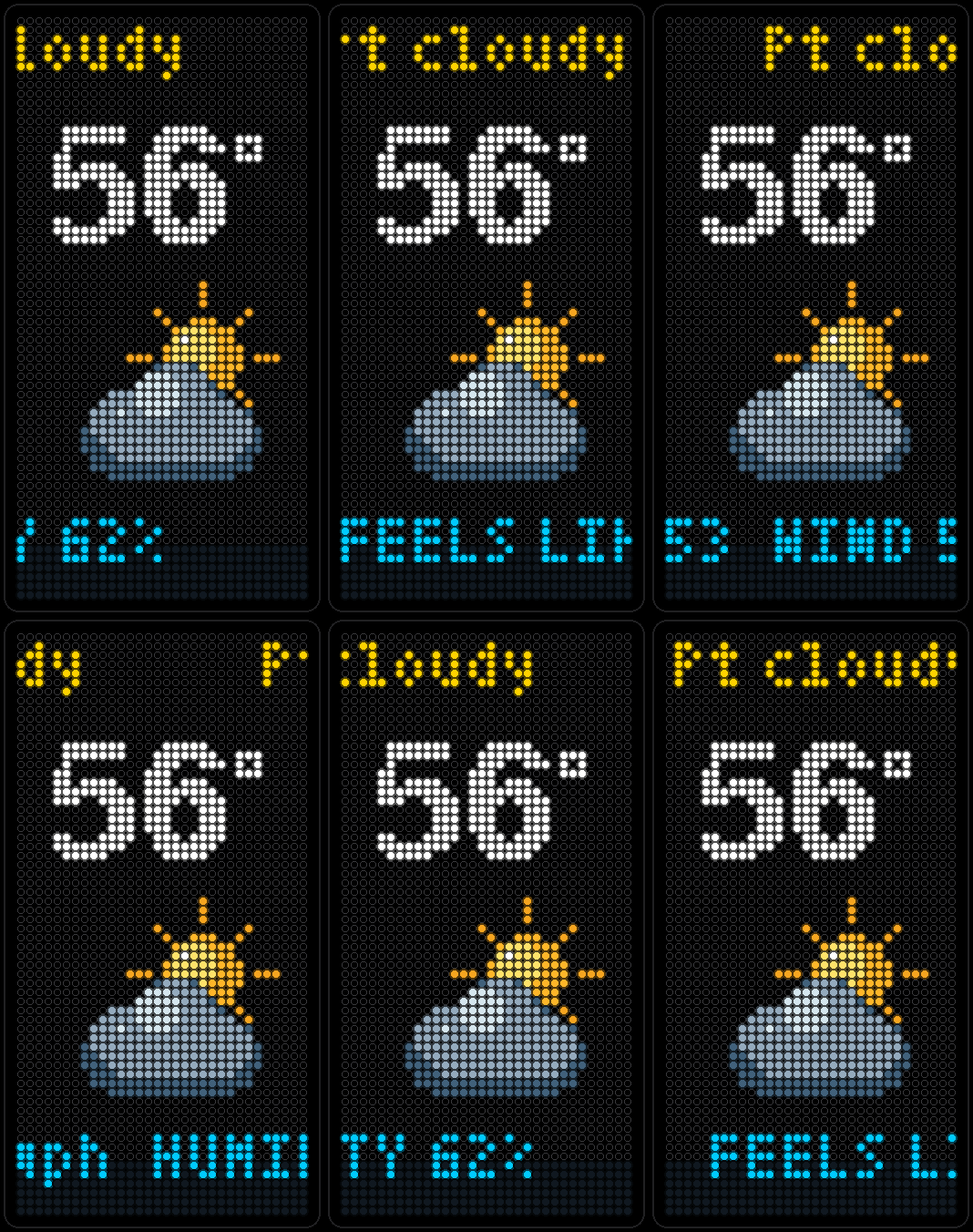
Current conditions from Open-Meteo — free, no API key. The big temperature and sky up top, with feels-like, humidity and wind scrolling underneath.
-
Planets
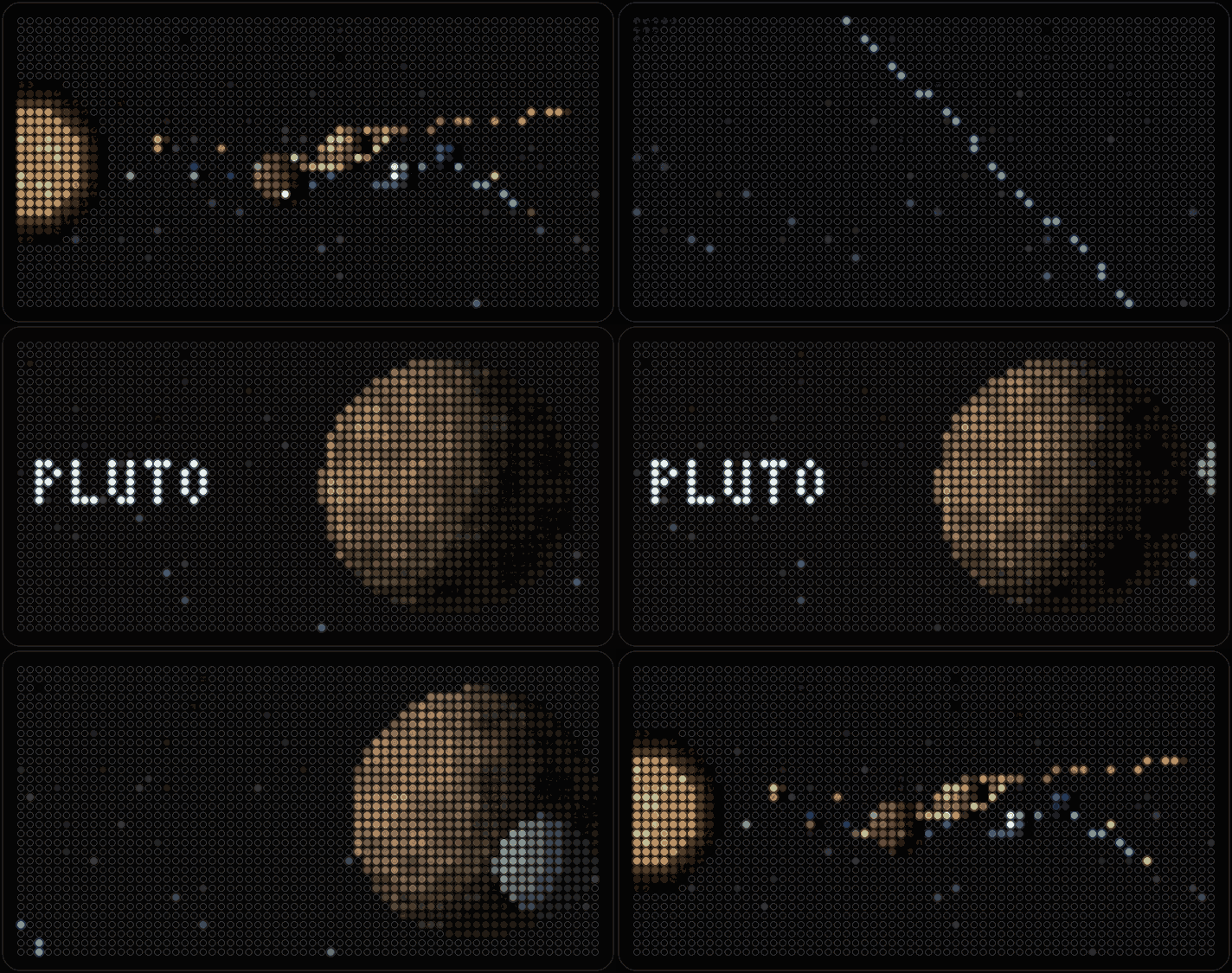
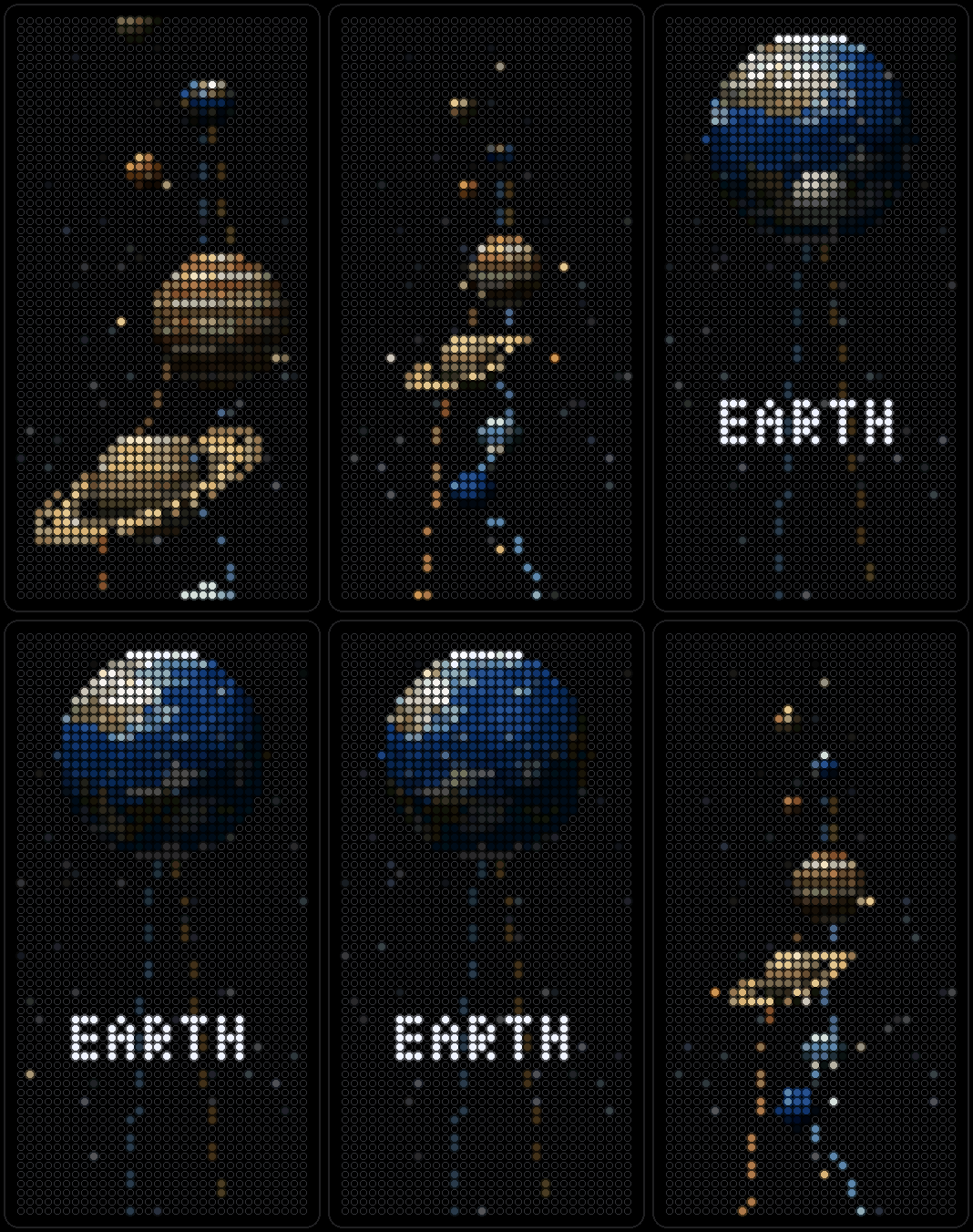
Shaded pixel art of the solar system: the camera zooms into each planet in turn — name, spin, rings and moons — then back out to the next.
-
News
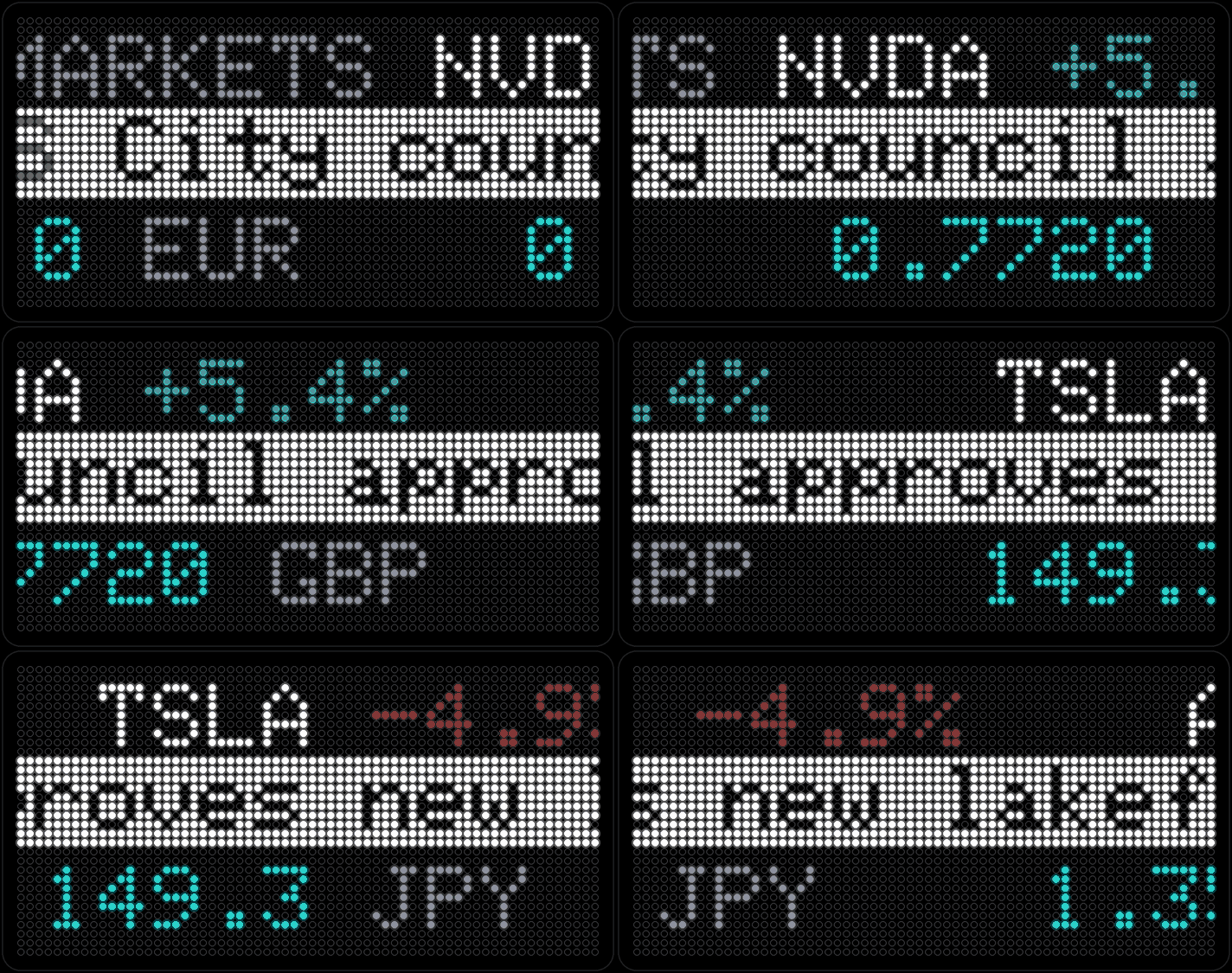
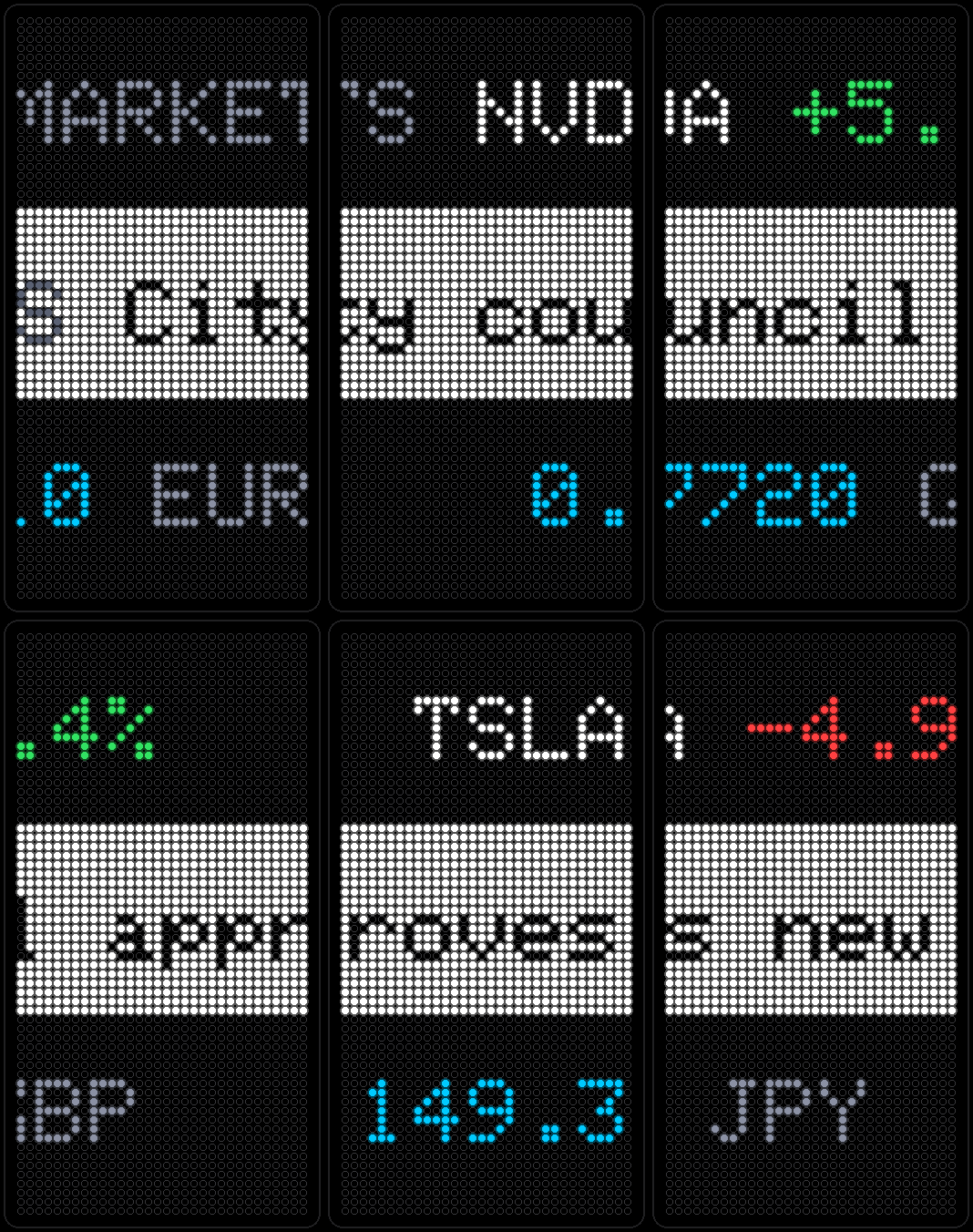
Three rows scrolling at once, any mix you want: stock movers, headlines from an RSS feed, or currency conversions. All from free services — no account required.
-
Fireworks
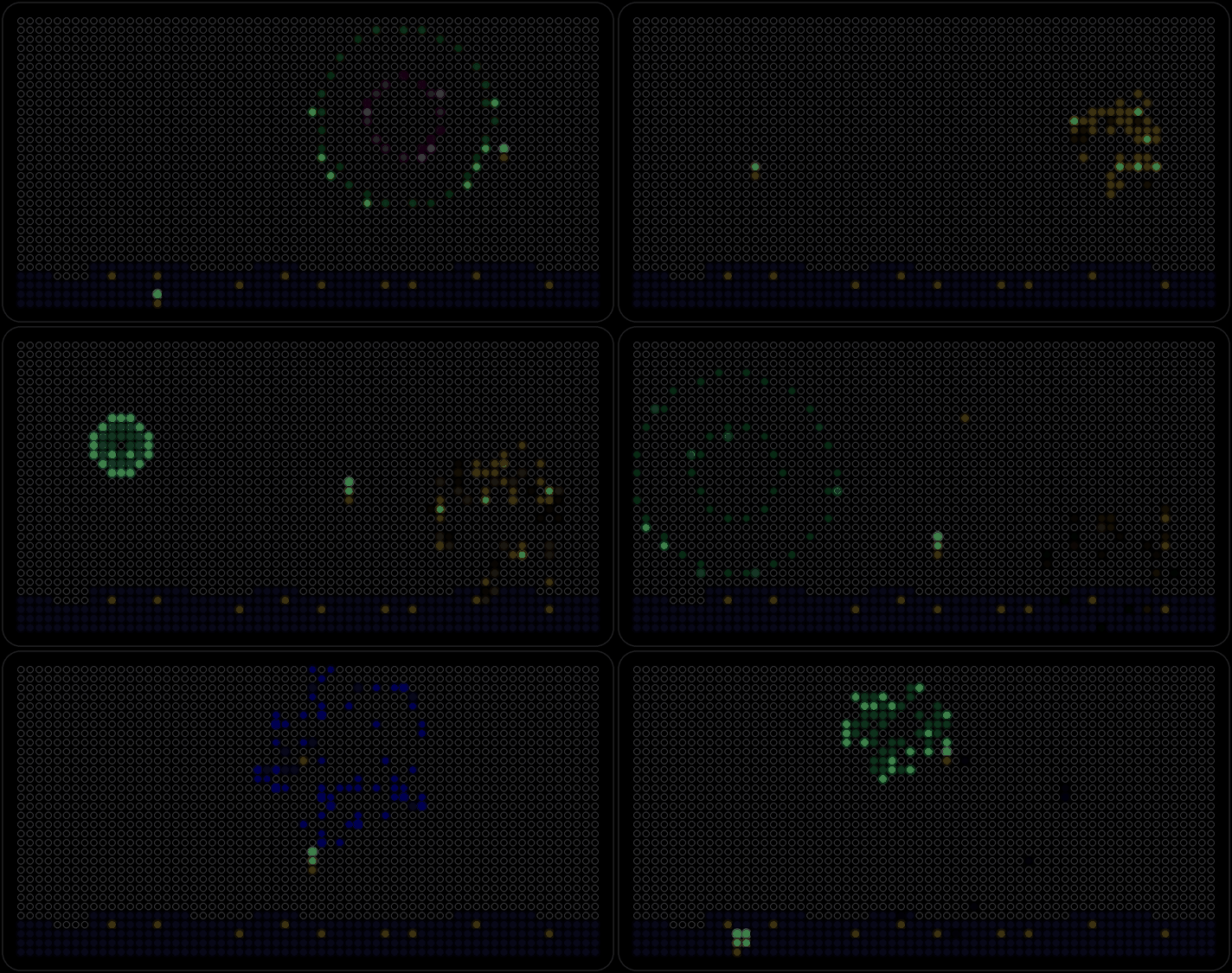
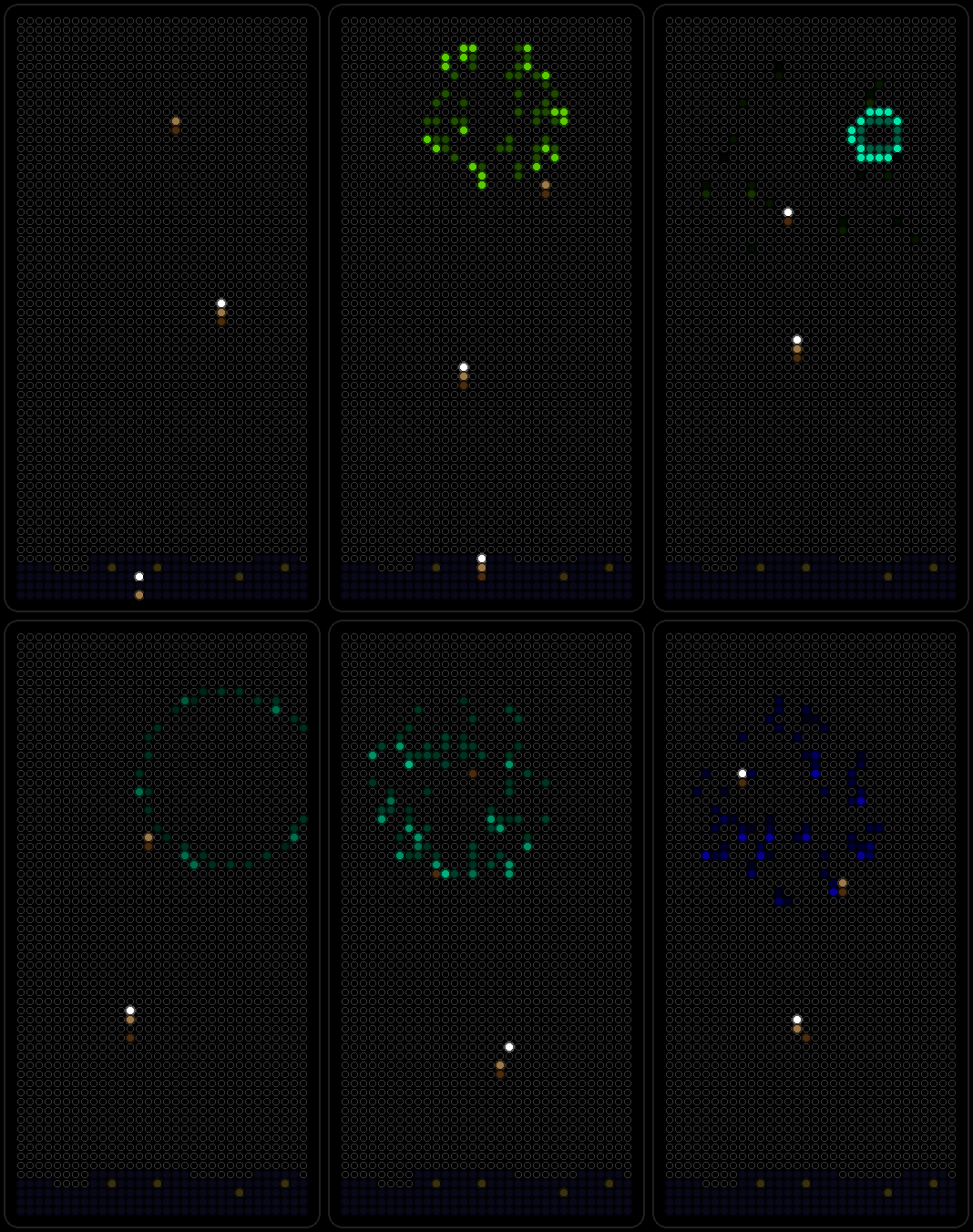
A simulated show over a tiny skyline: rockets rise, burst into spheres, rings and golden willows, sometimes ending in a finale right before the page turns. Whoosh, boom and crackle, if the speaker's on.
-
Matrix Rain
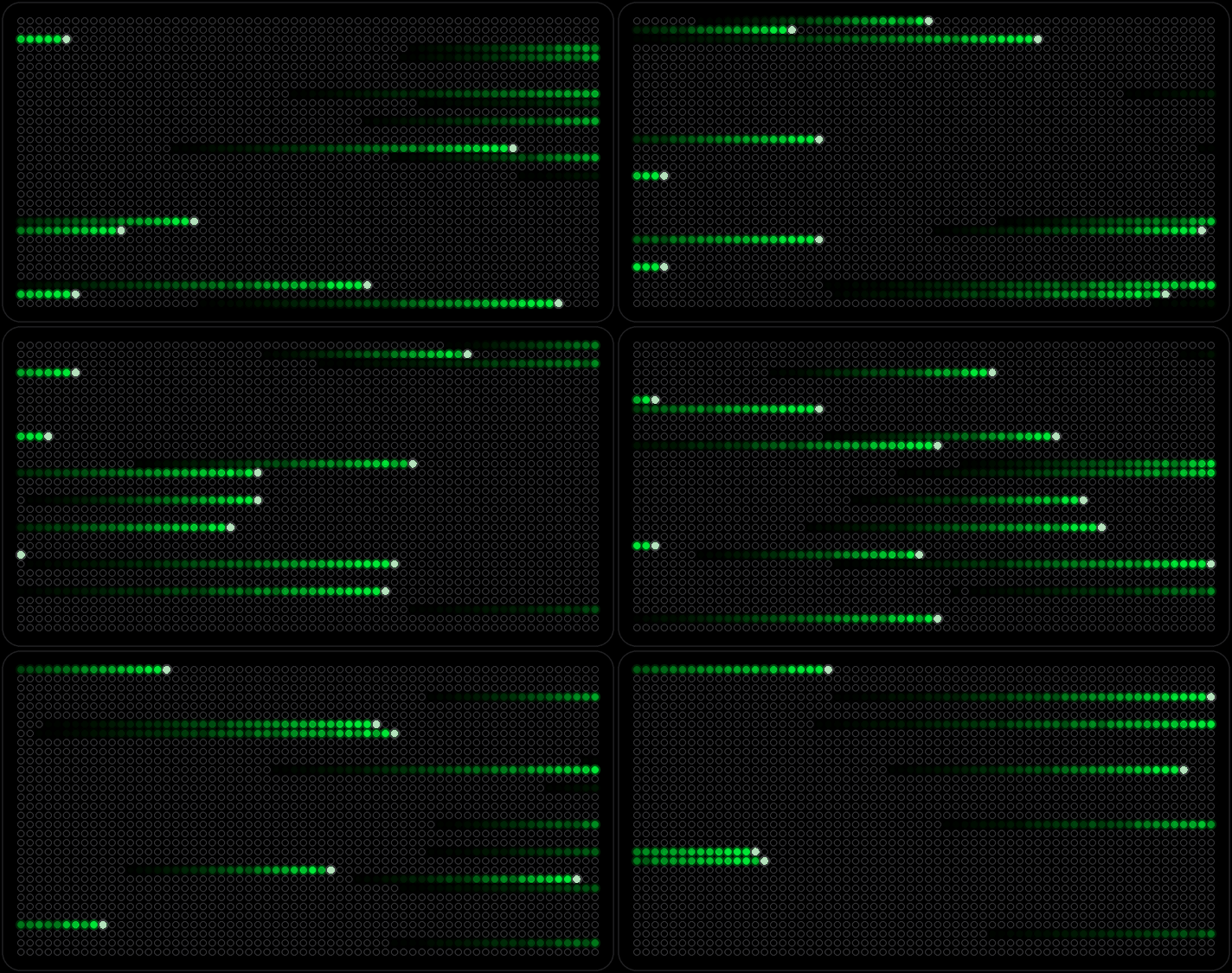
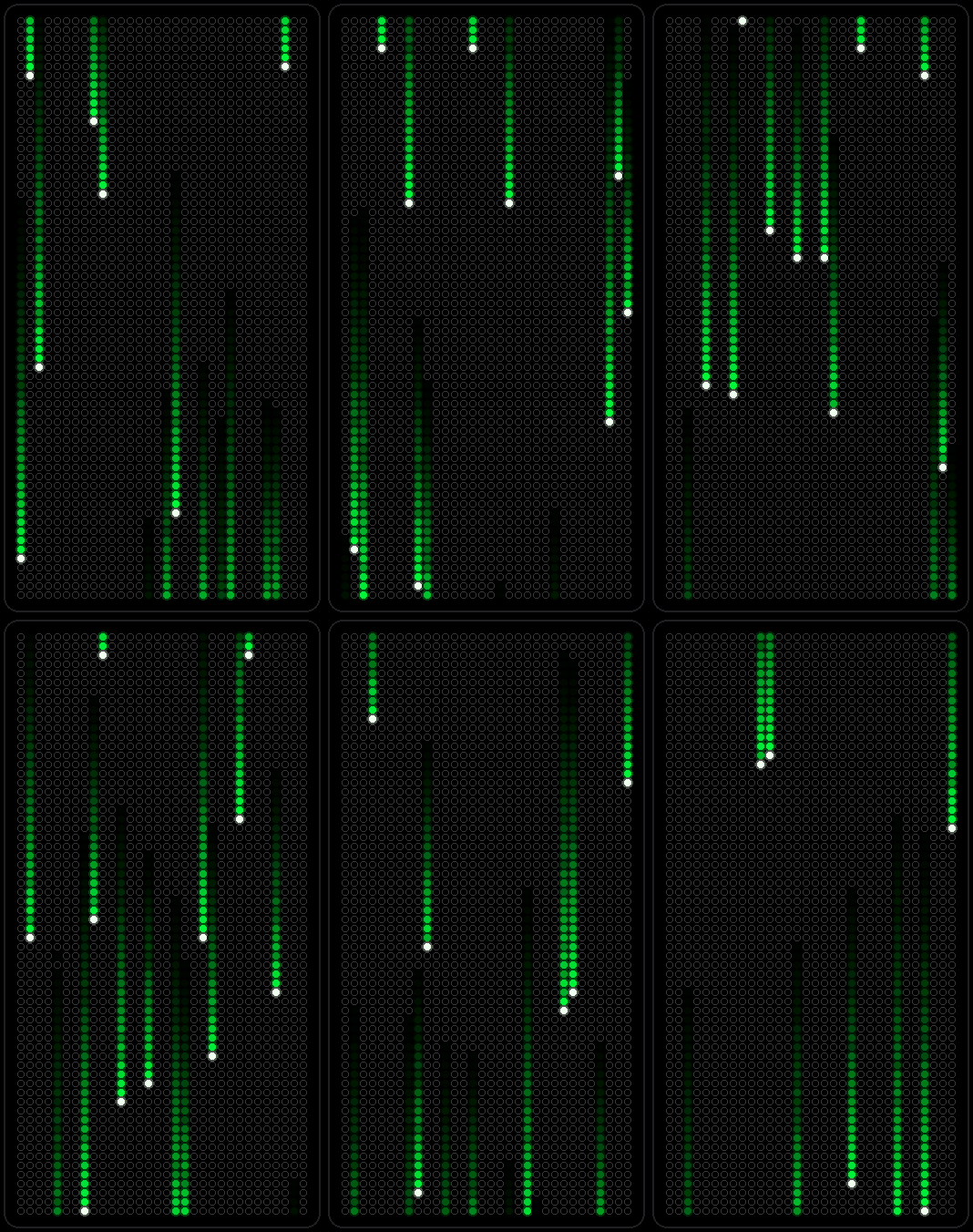
Green characters falling down the panel, the classic screen rain.
-
Chicago Events
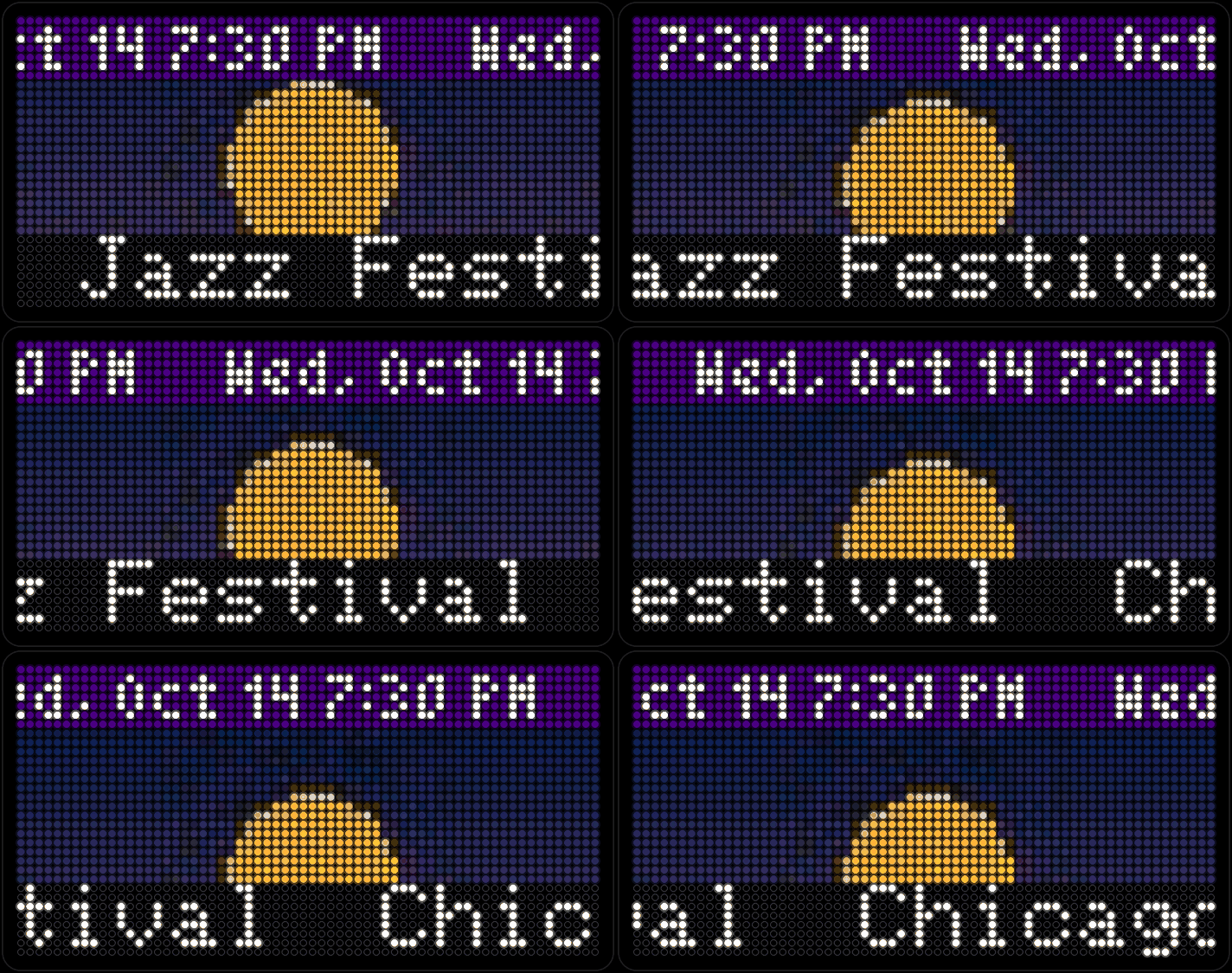
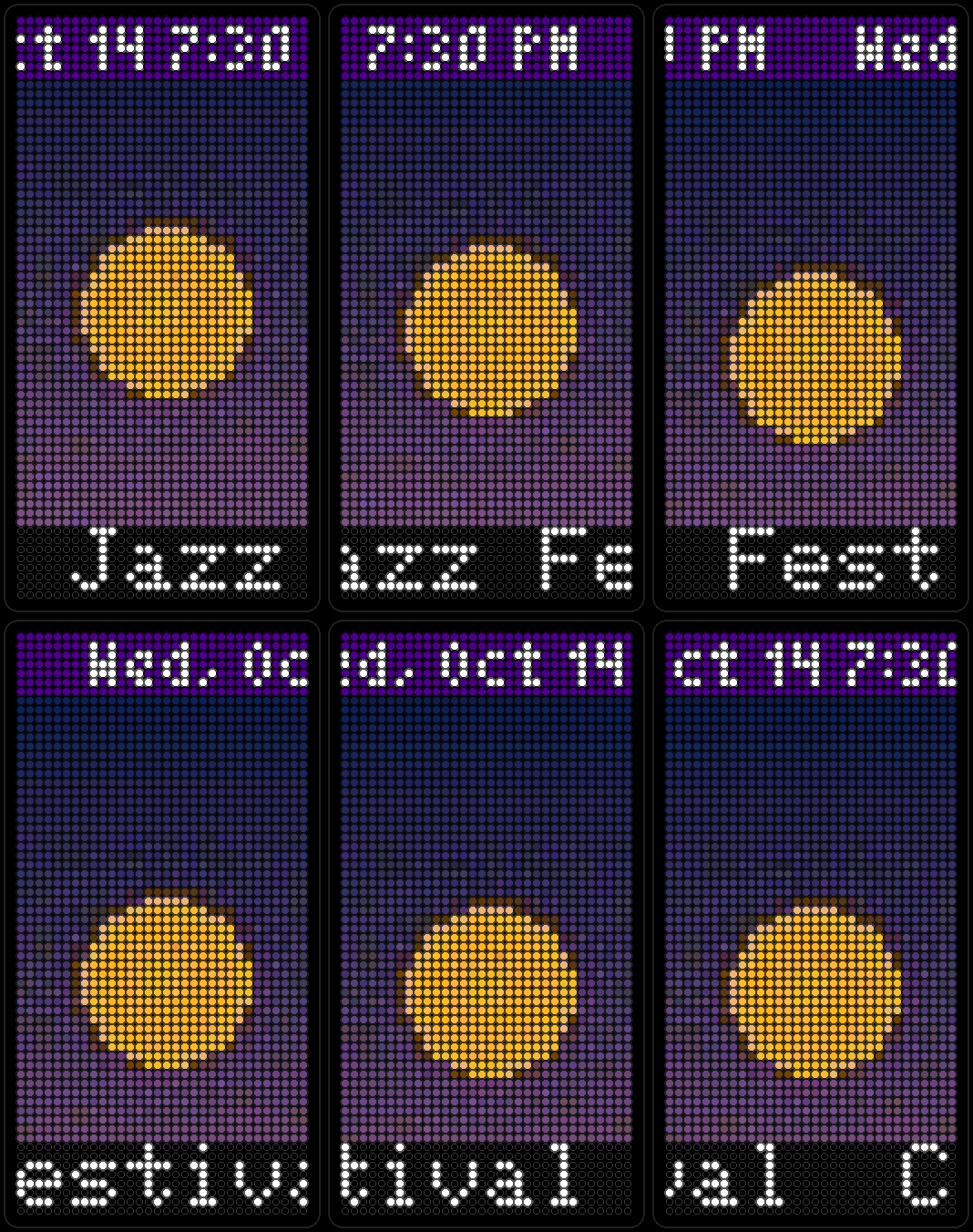
Upcoming events around Chicago from a public listings feed, one per page like Calendar, with the date and time across the top.
-
Calendar
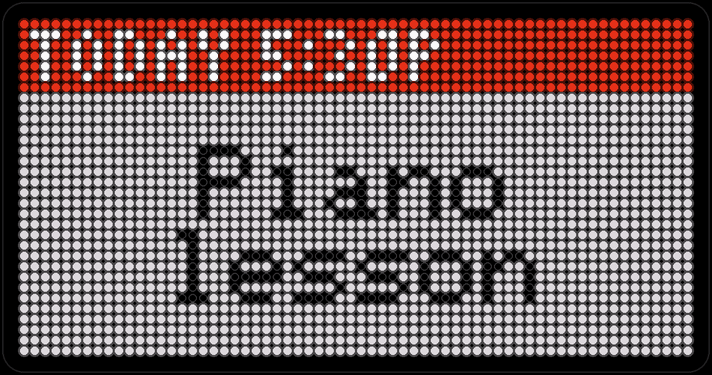
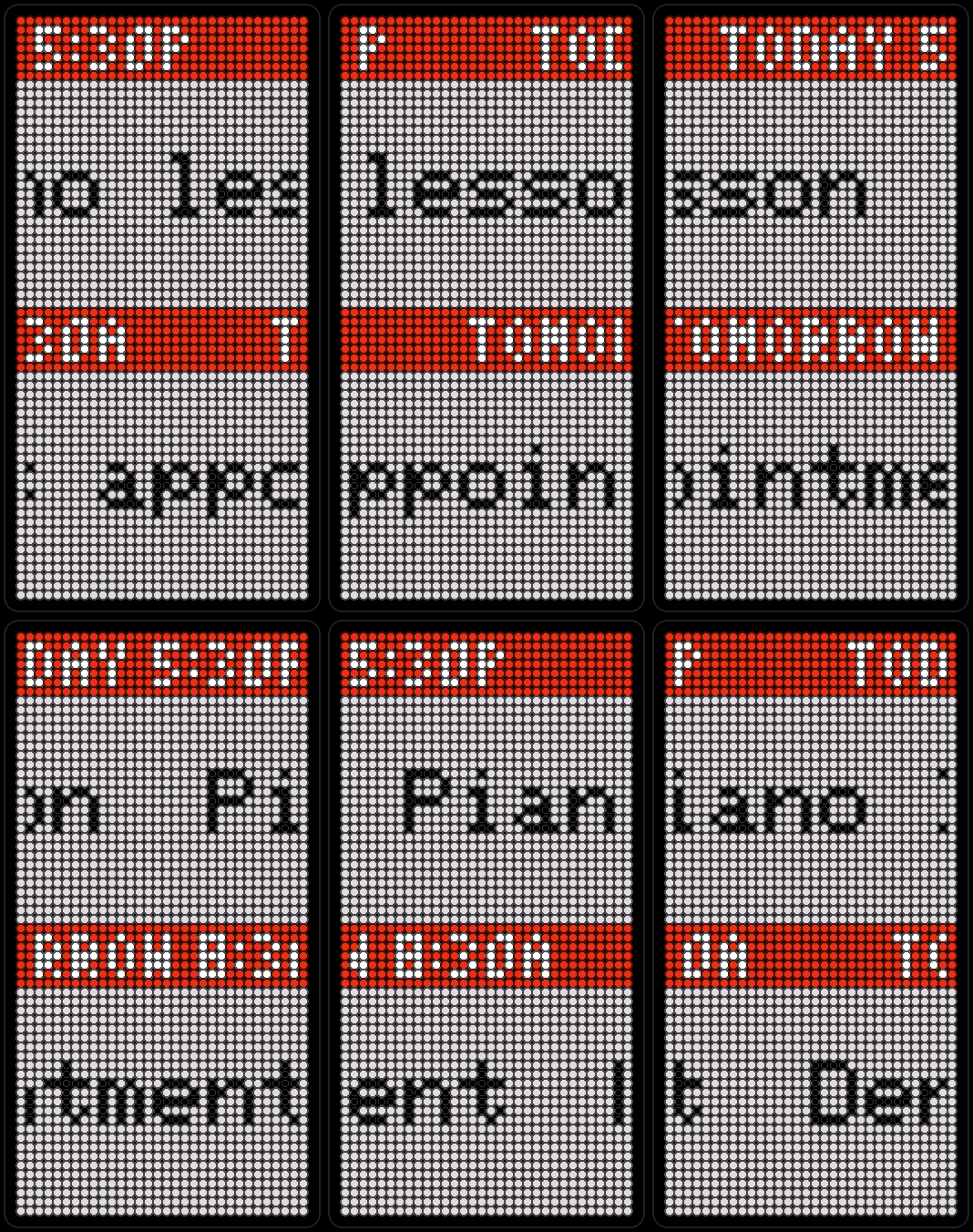
Paste a public calendar link — iCloud, Google, Outlook, anything that speaks iCalendar — and your next few events show up here, one per page, however big the real calendar is.
-
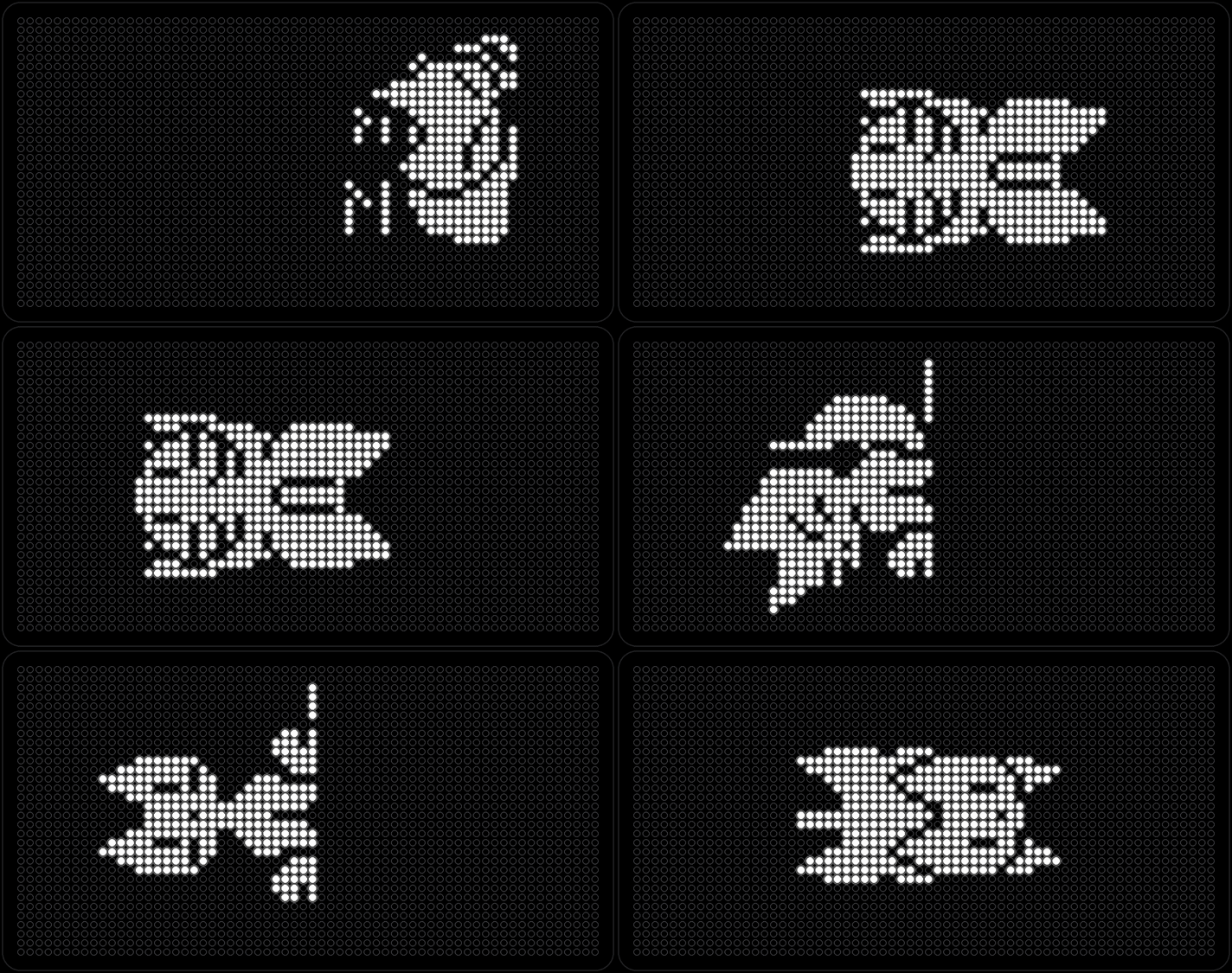
Trench Run
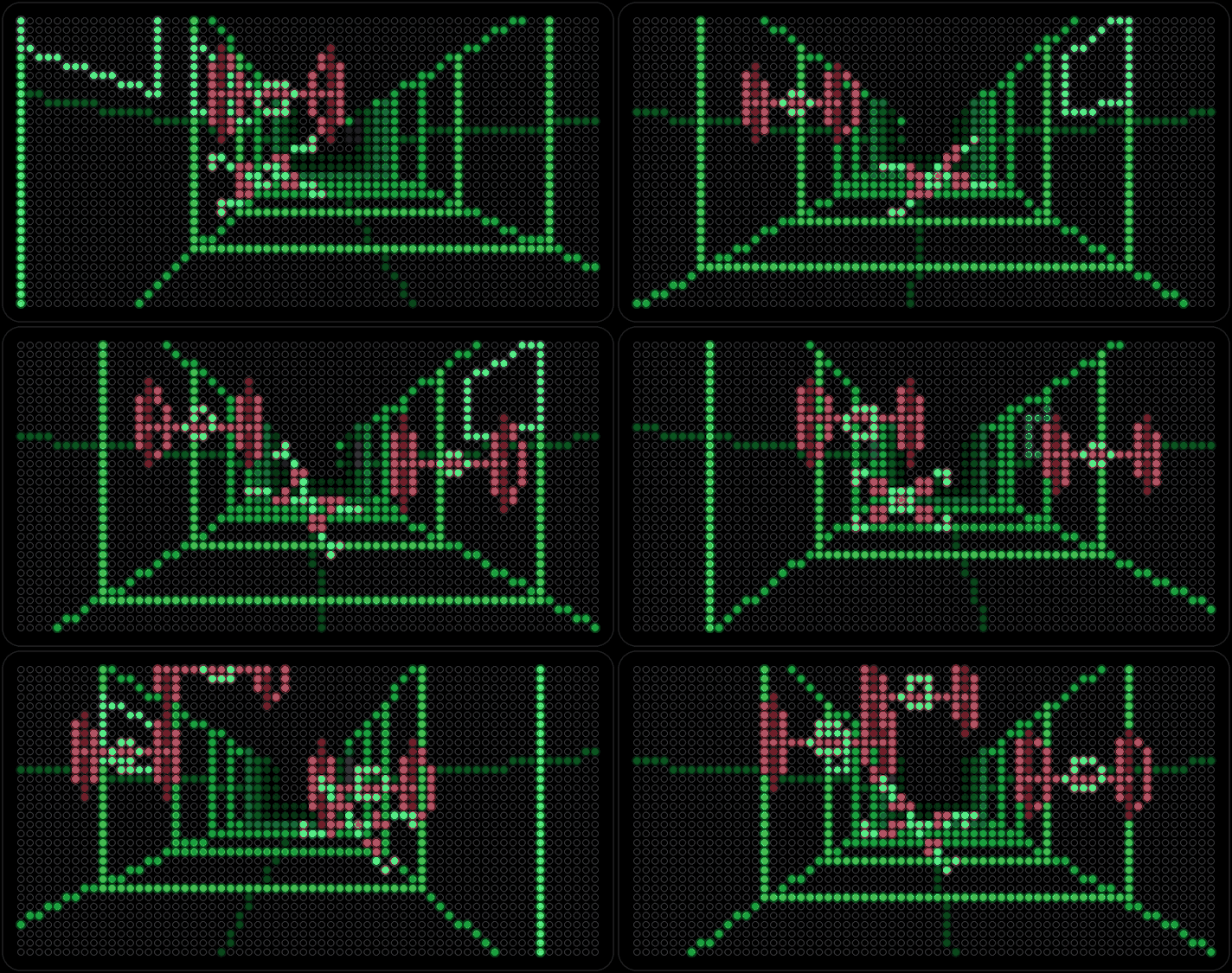
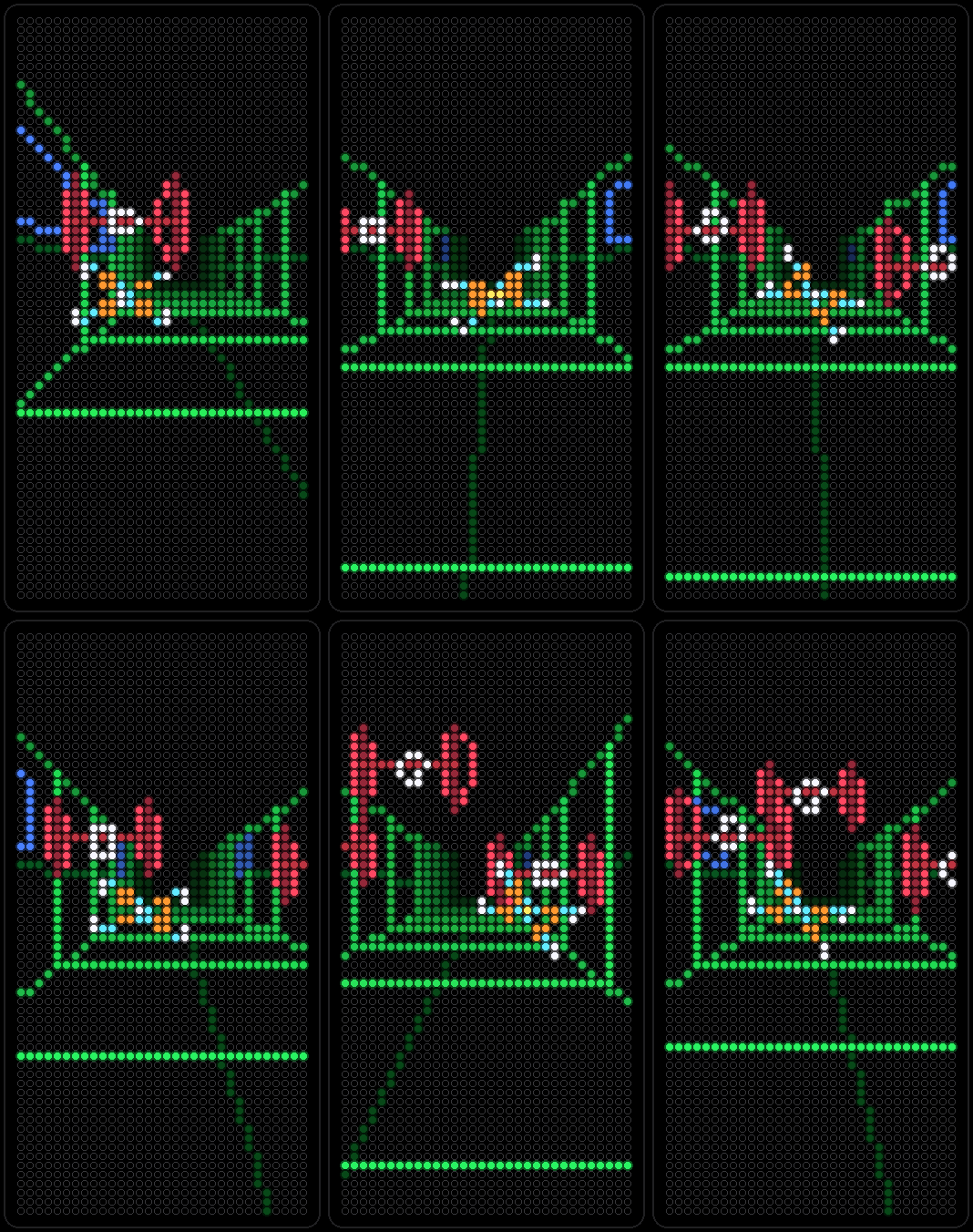
A vector-arcade trench run: a fighter weaves down the station canal, fires two torpedoes into the exhaust port and pulls up — then the station blows. Original line art.
-
Gas Prices
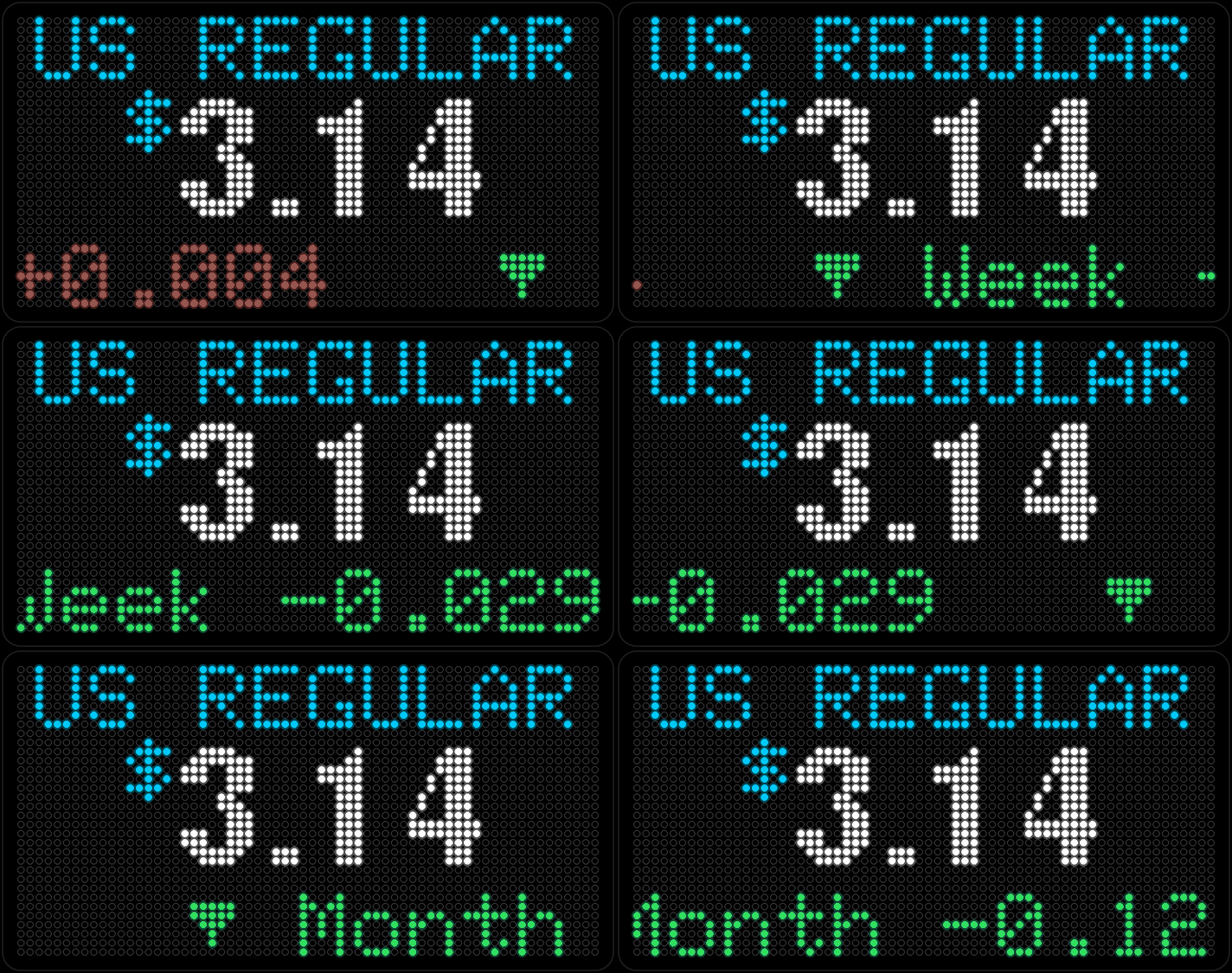
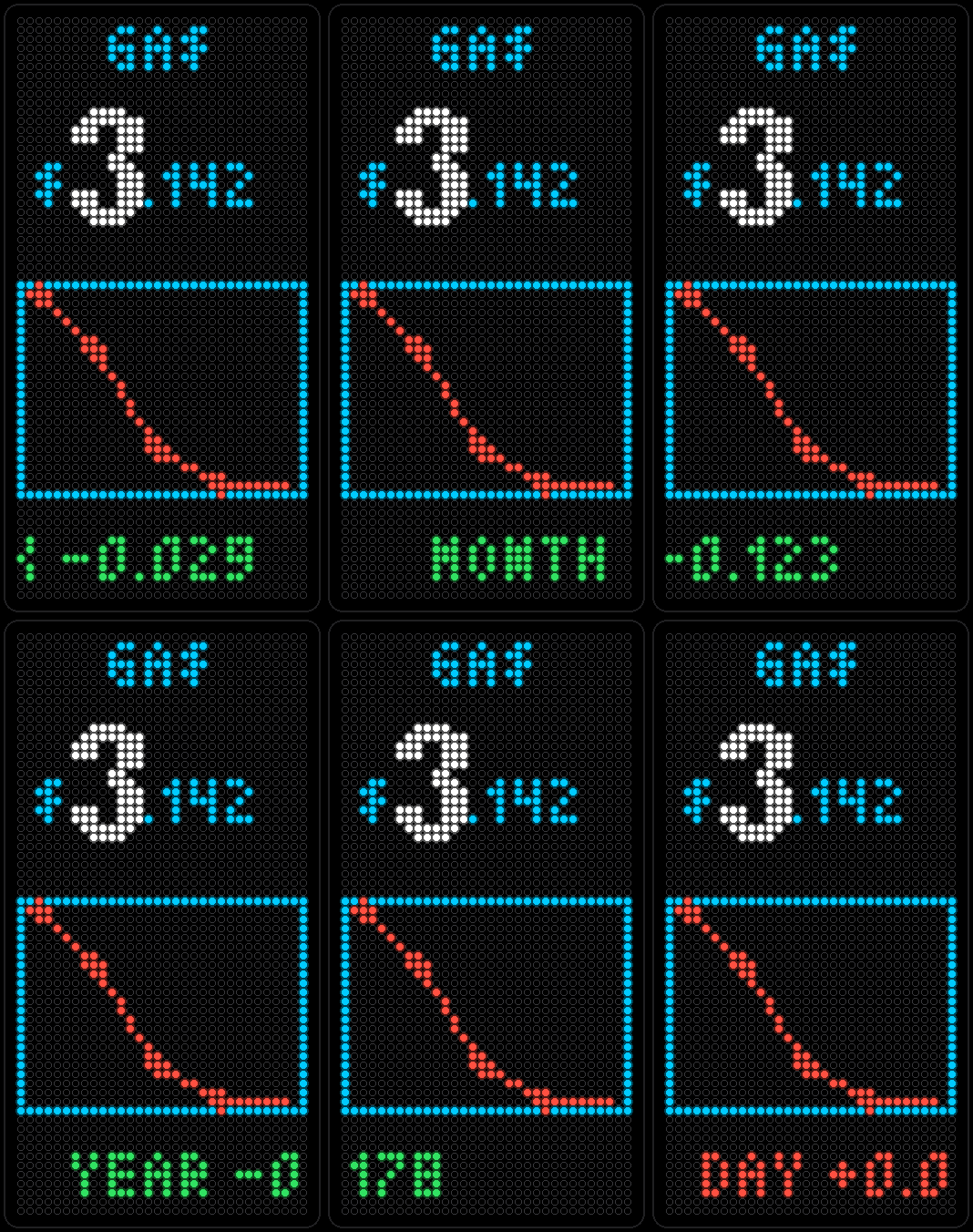
National average price of a gallon of regular gas from AAA, updated once a day, with the grade you pick shown above the price.
-
Seasonal
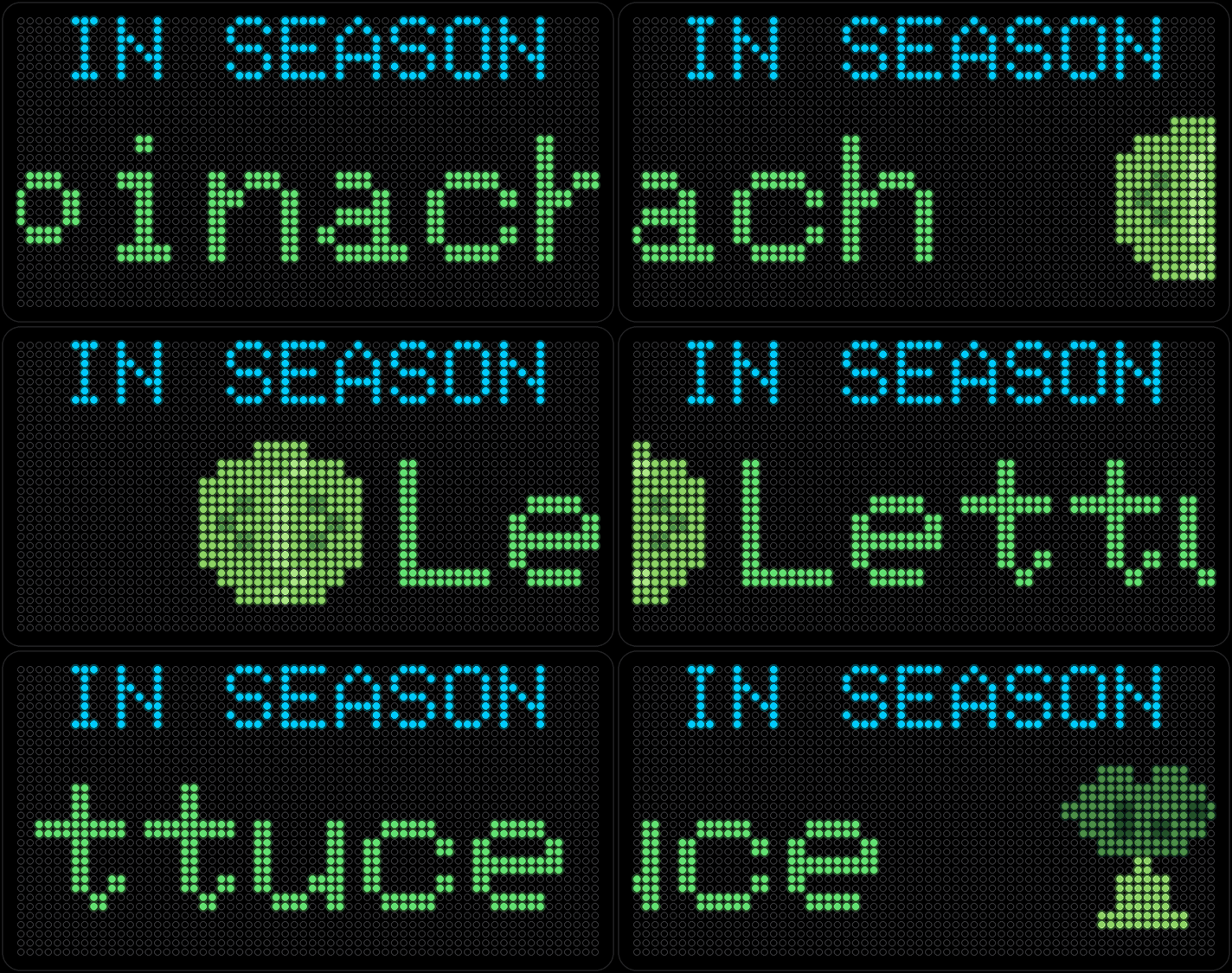
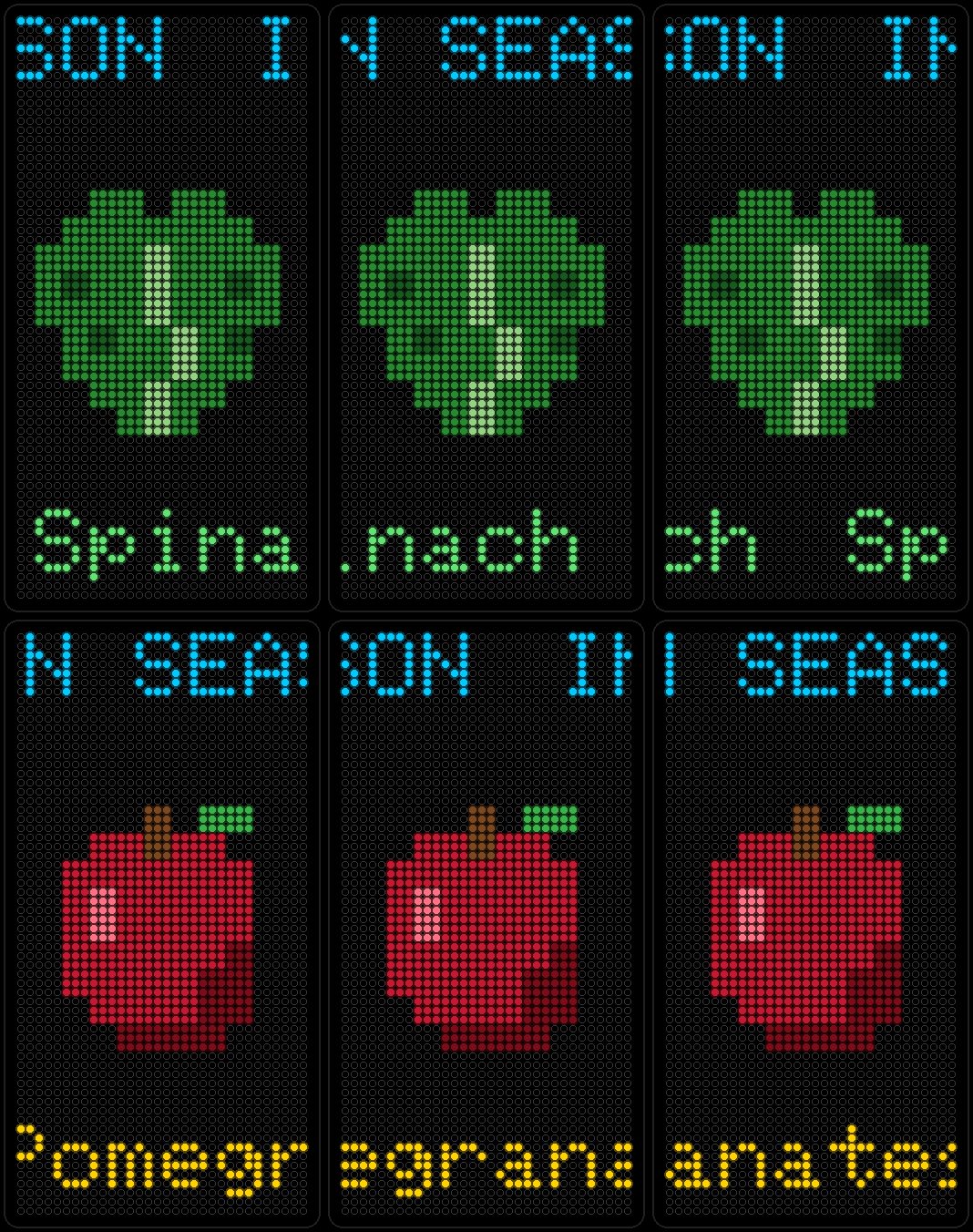
What's actually in season this month, wherever you live — little produce icons scrolling by, pulled from the same location as Weather.
-
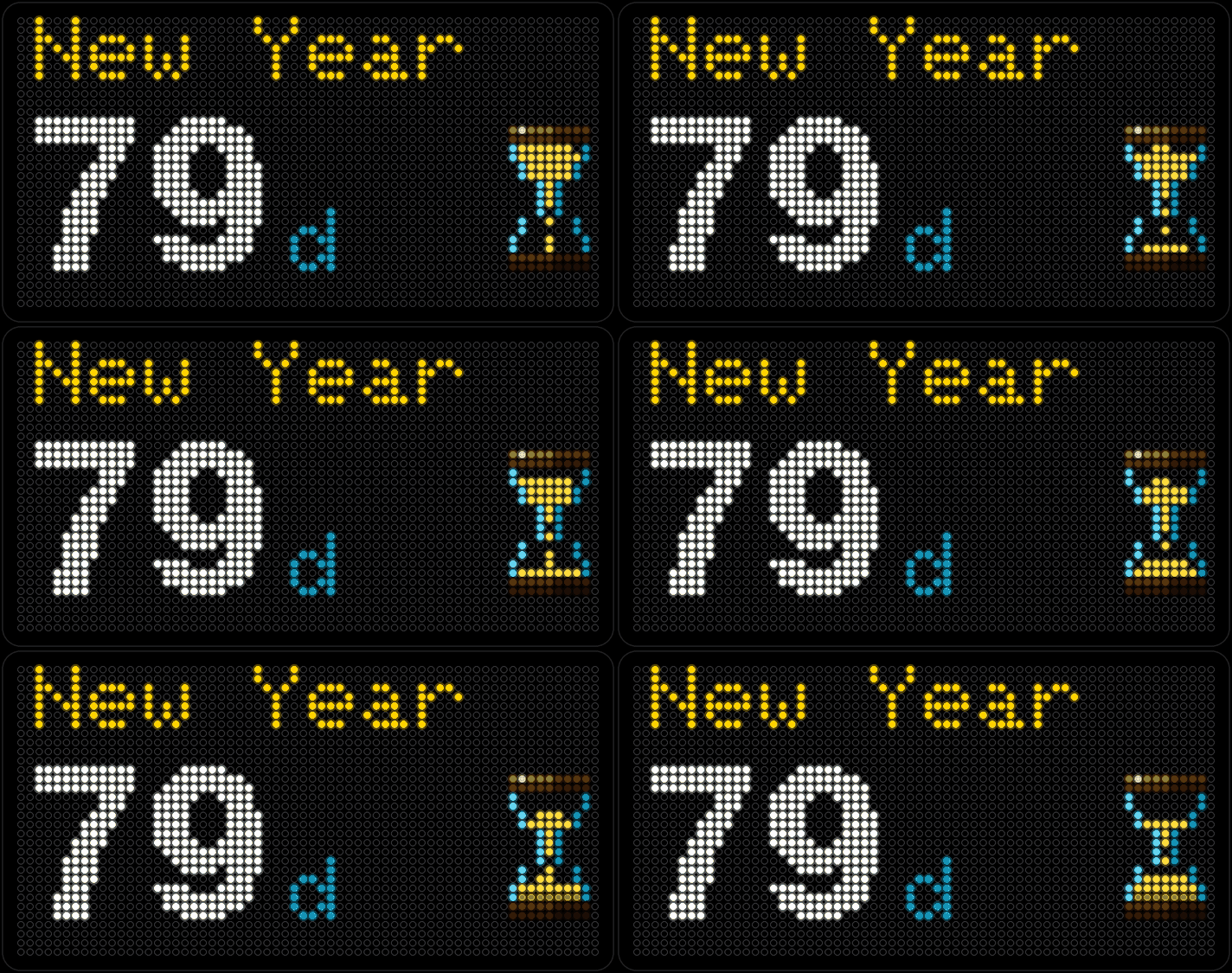
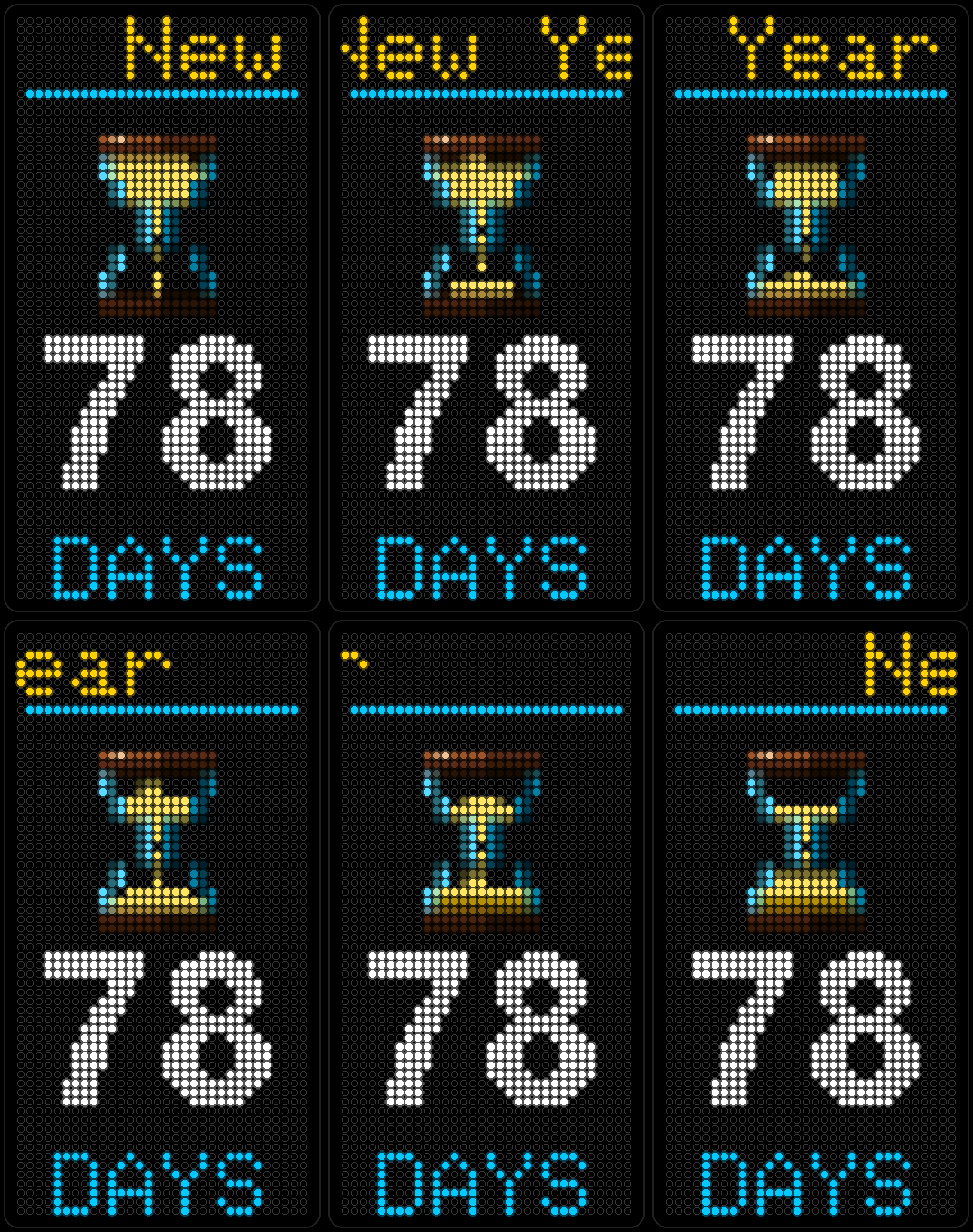
Countdown
Pick a date and a label — Vacation, Birthday, whatever's circled on the fridge — and watch the days left tick down.
-
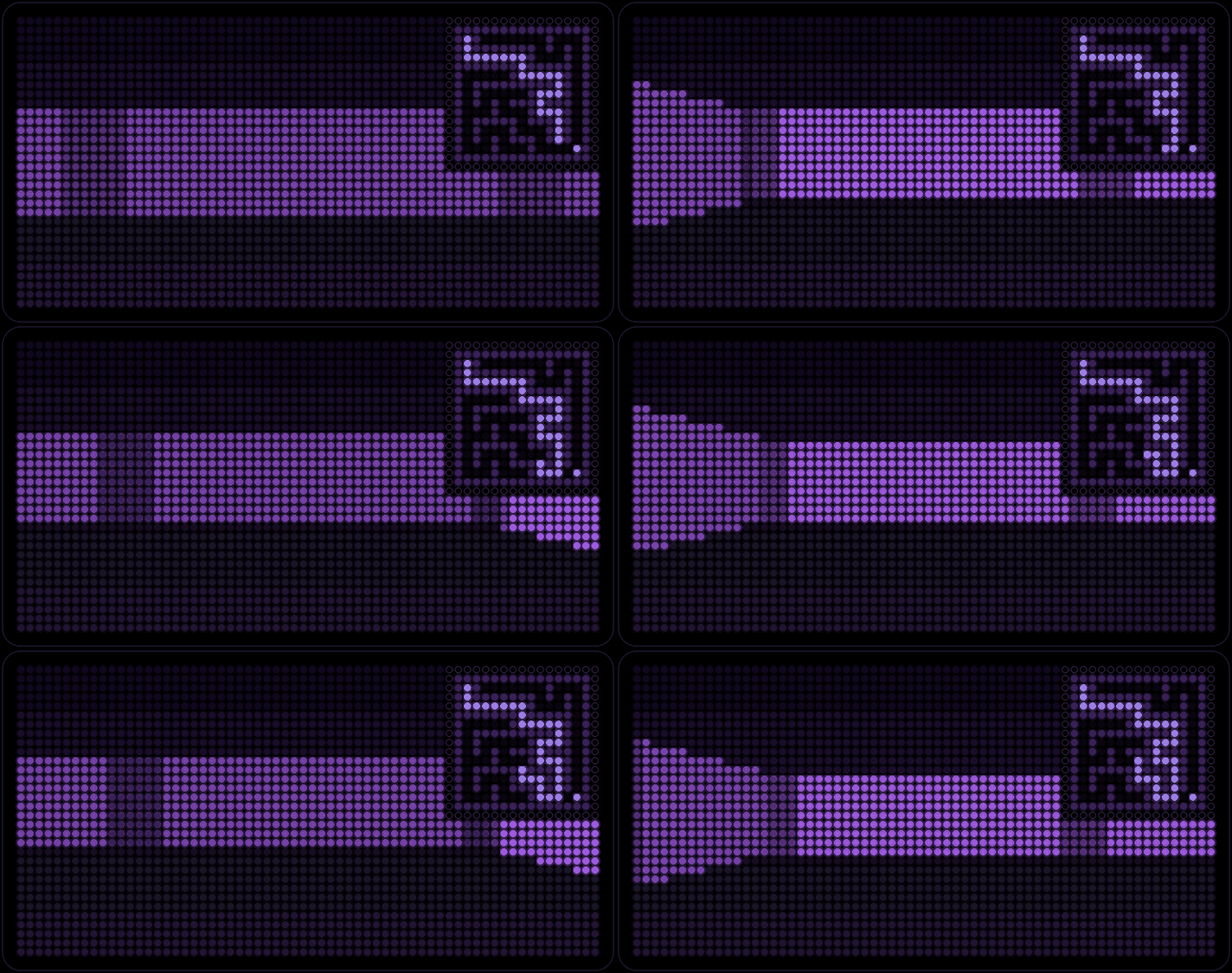
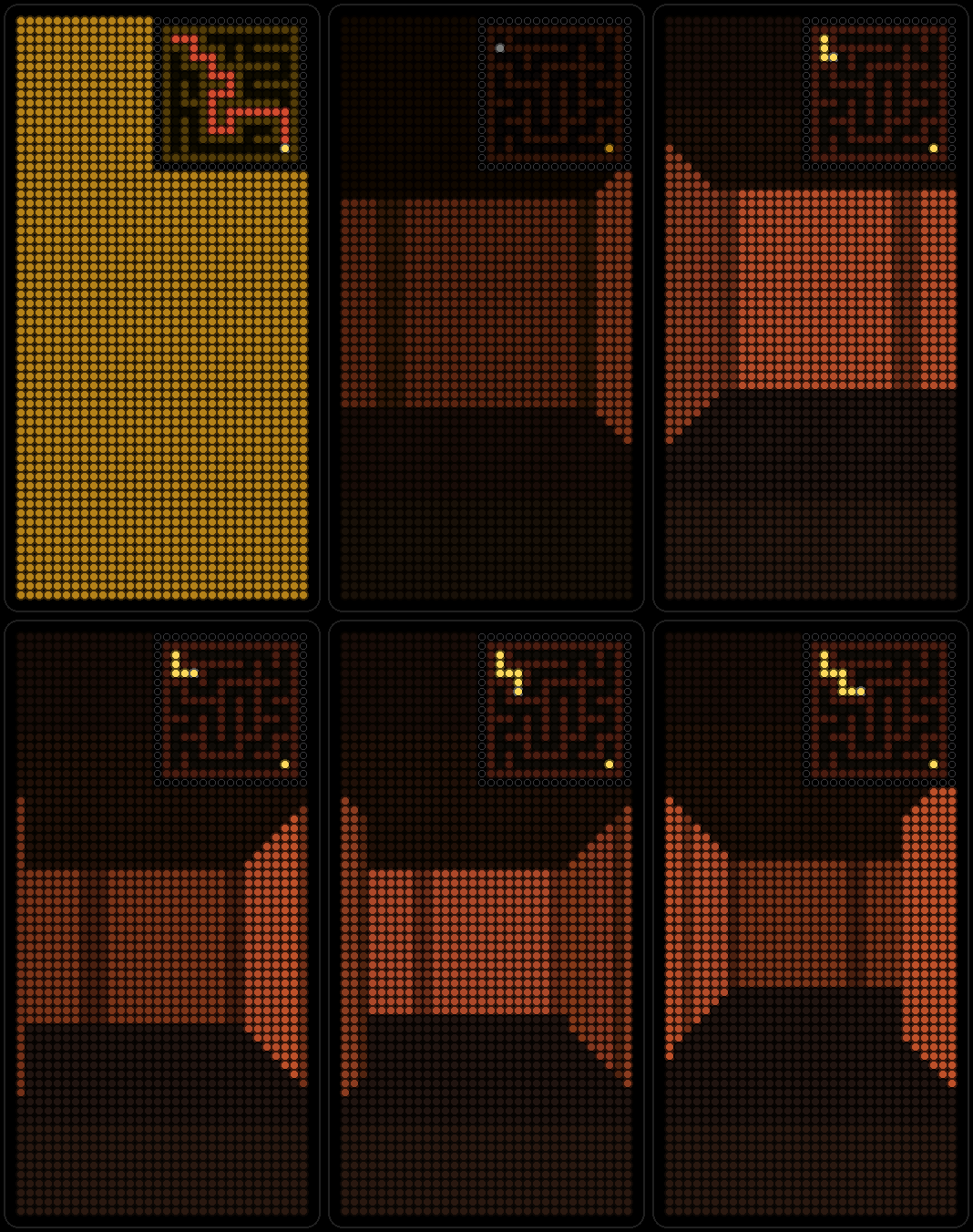
3D Maze
A random maze drawn in first person while a walker solves it, with a mini-map and an optional trail. When it gets out, a new maze begins.
-
Space Warp
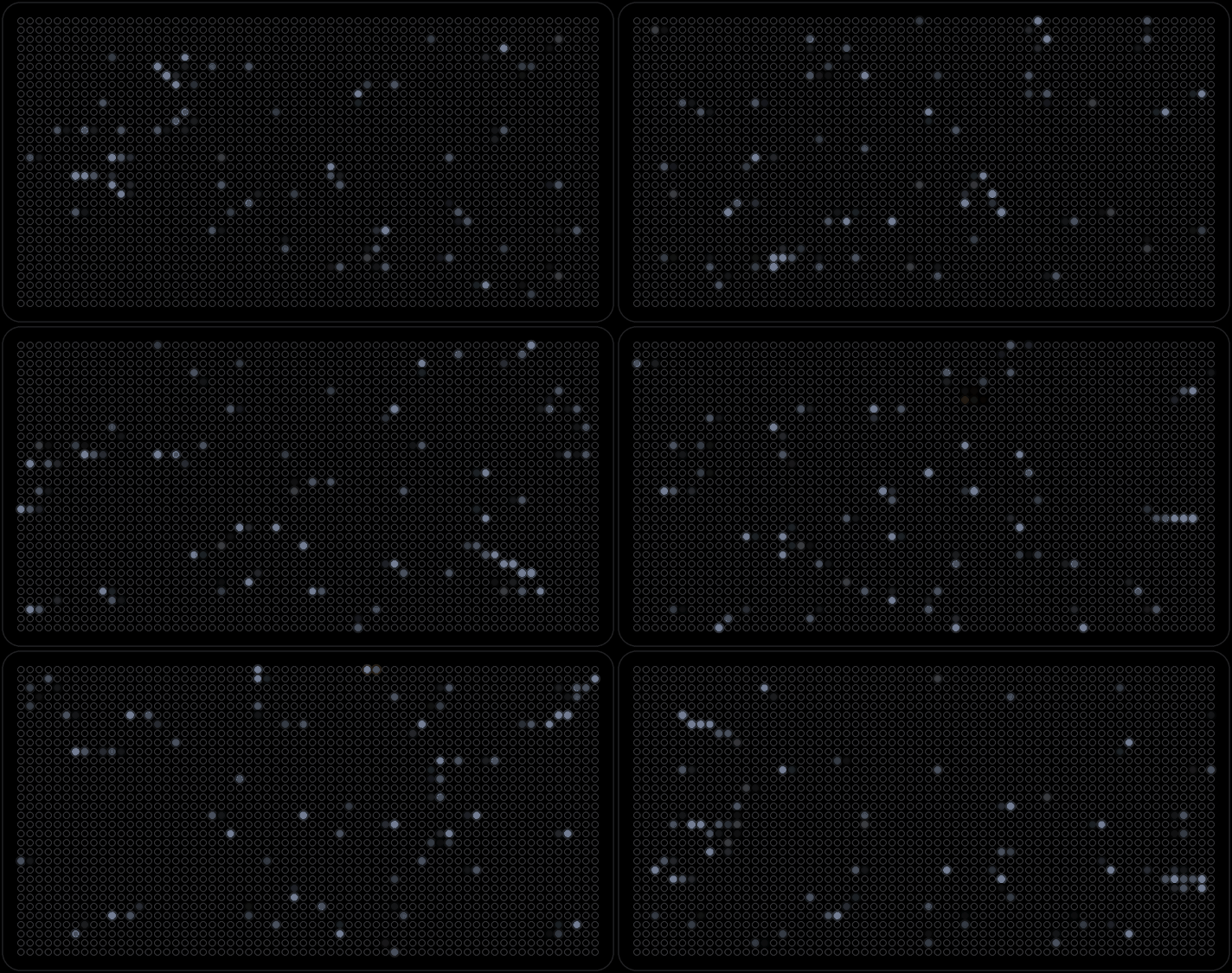
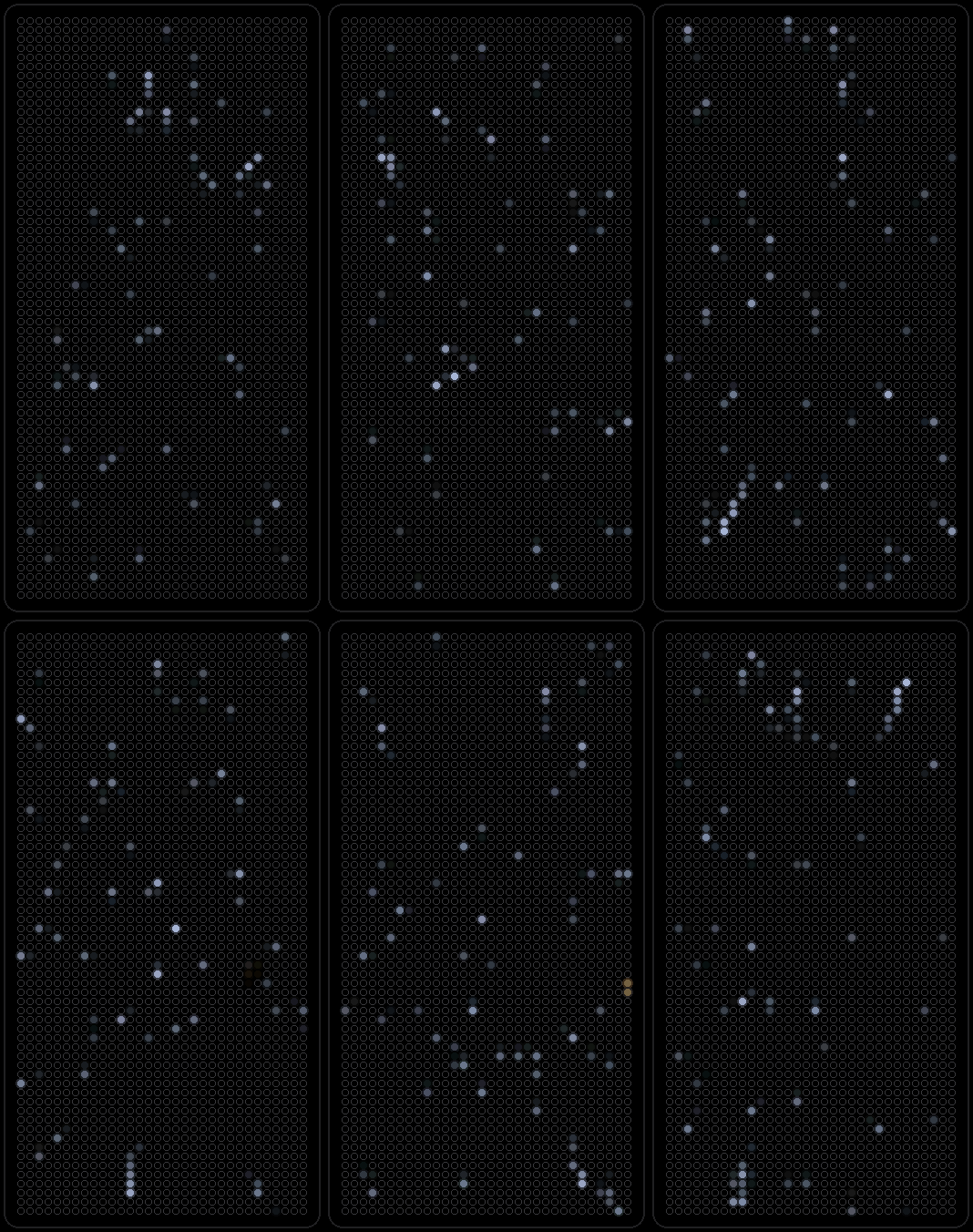
Stars streaming toward you through a space warp, faster and brighter as they pass.
-
Plex
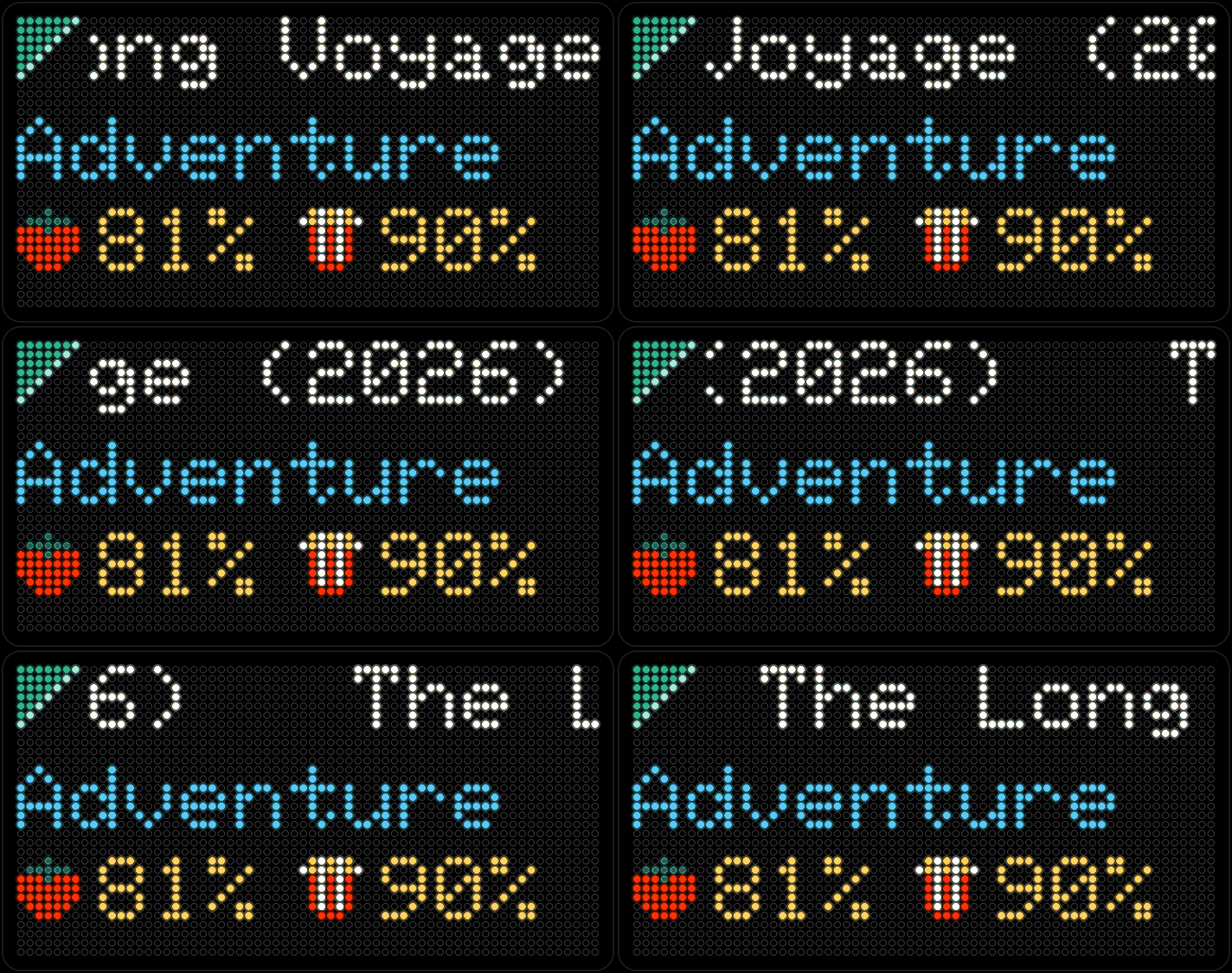
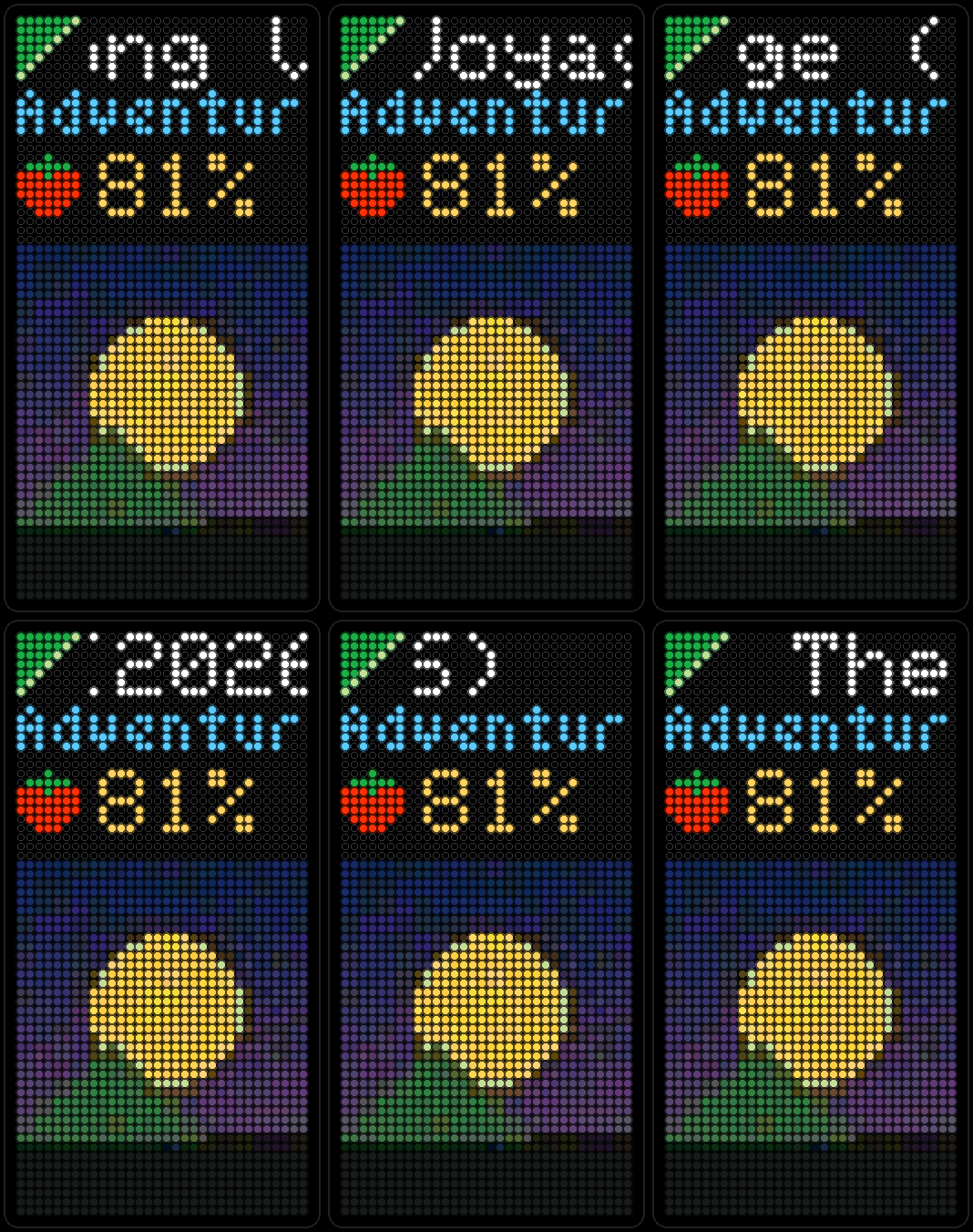
The newest arrivals on your own Plex server, one per page, with the title and its rating — Rotten Tomatoes when it has one, IMDb or TMDb otherwise. Talks to the server directly on your network.
-
Flights
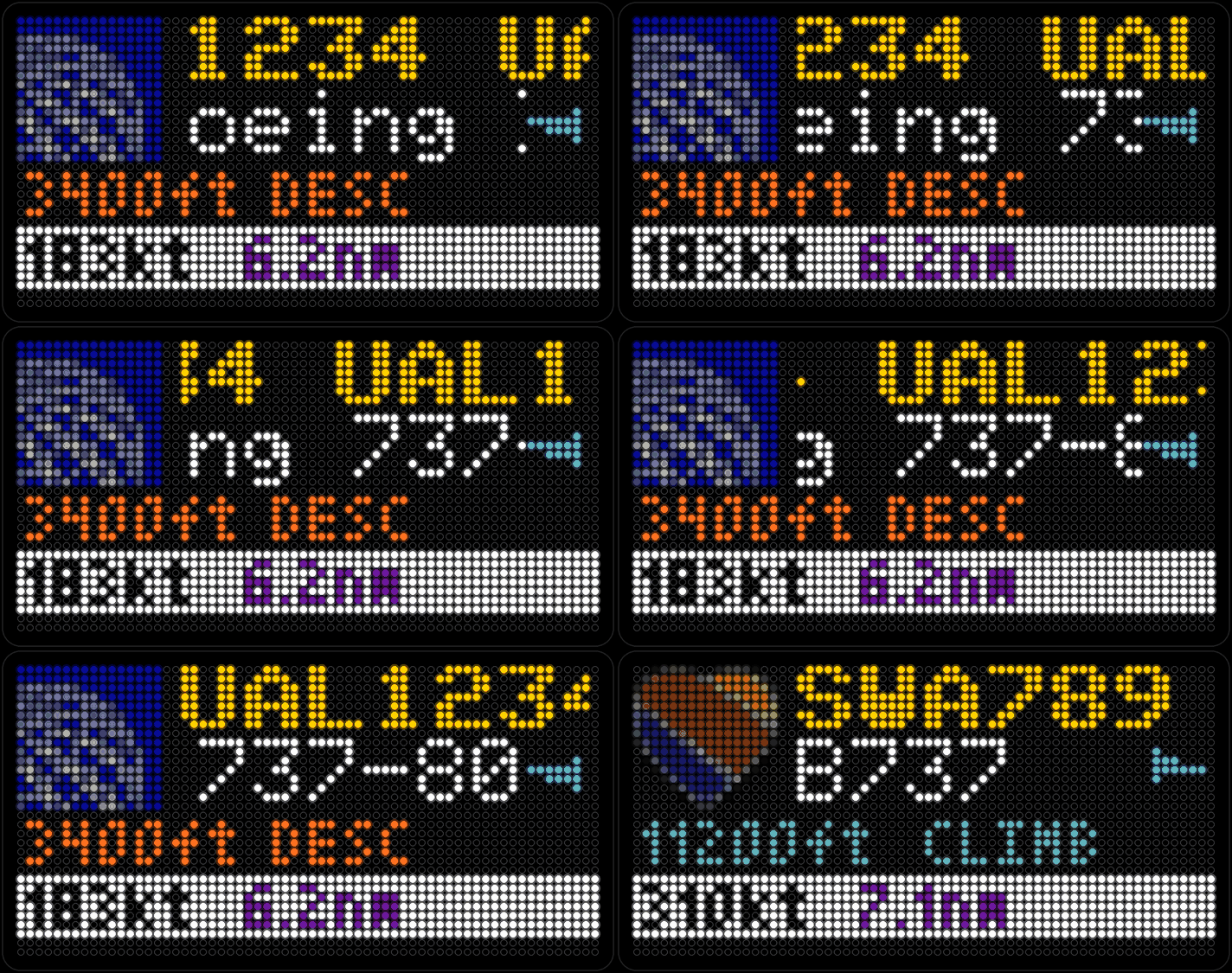
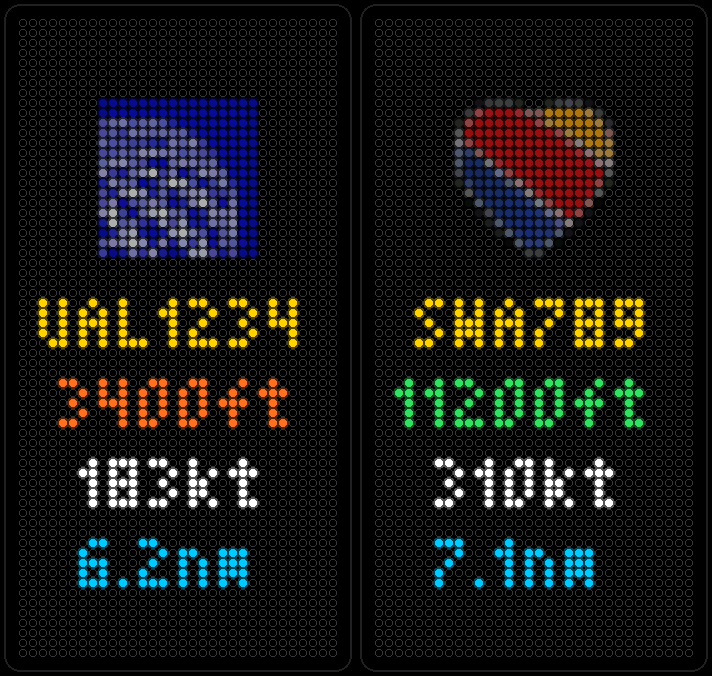
Every aircraft currently flying near a spot you choose, nearest first: callsign, type, altitude, speed and an arrow for the direction it's heading. Free public ADS-B data, no account needed.
-
HAL
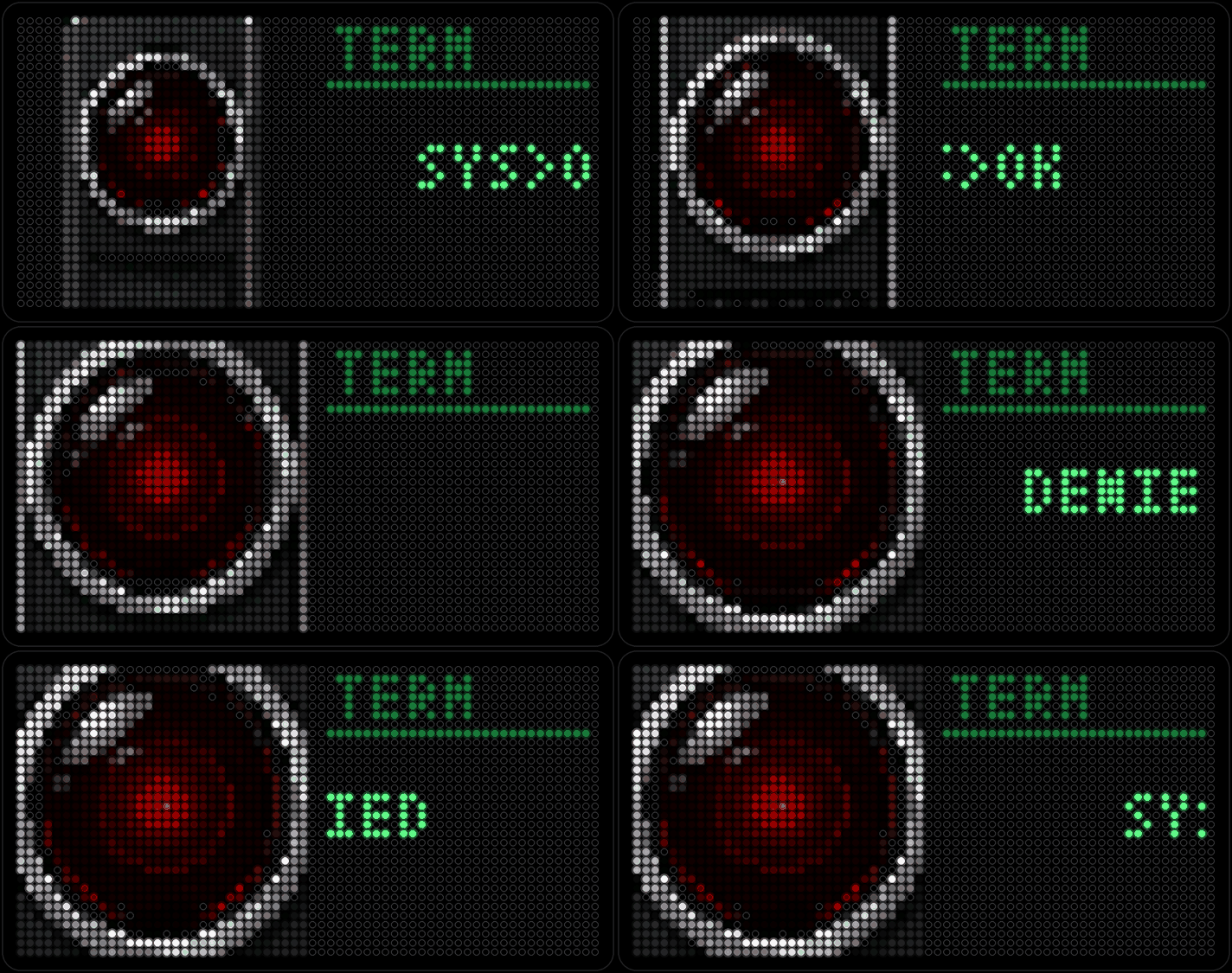
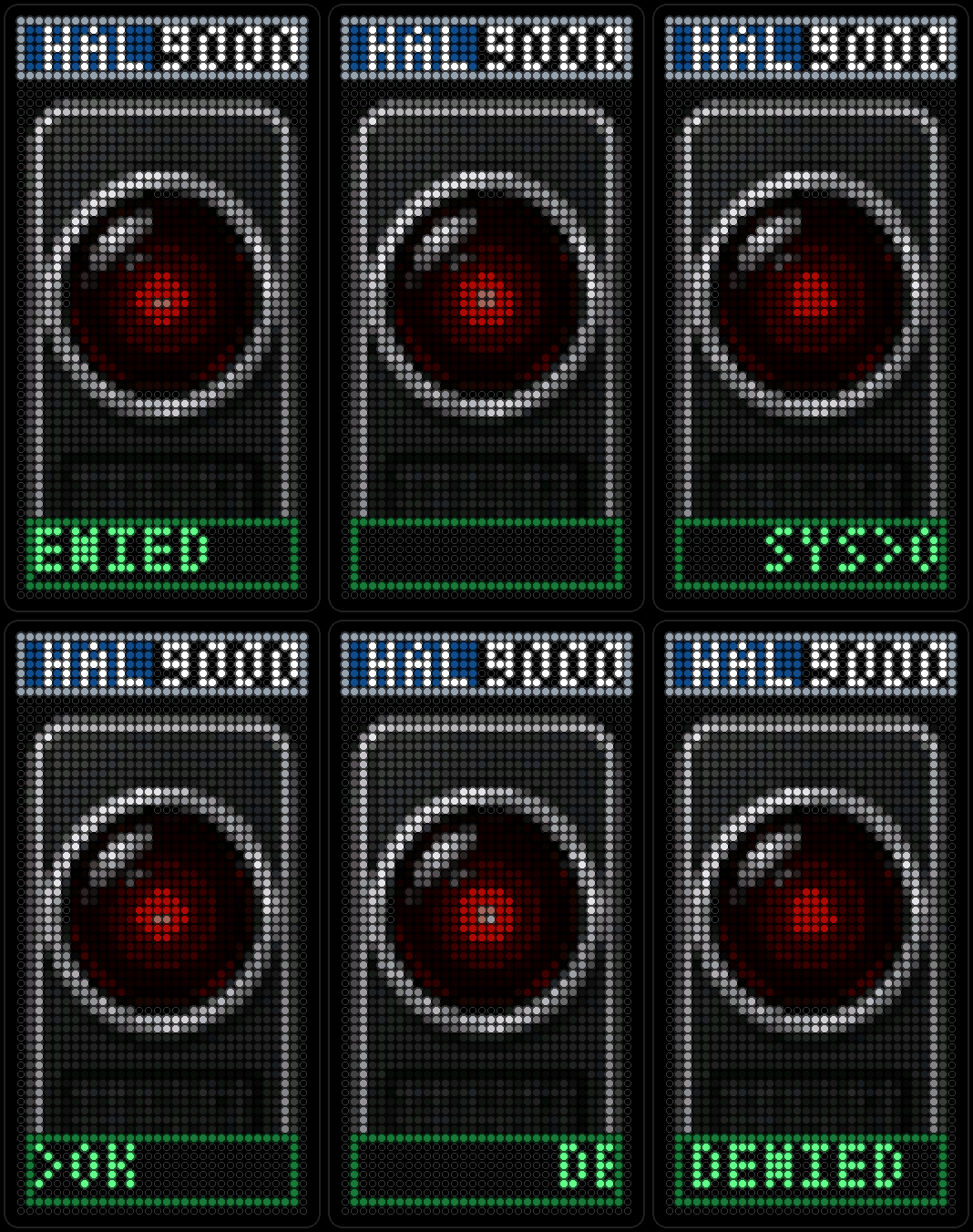
An original sci-fi scene: a red lens beside a green CRT terminal, quietly watching. No data, no sound — just atmosphere.
-
Gallery
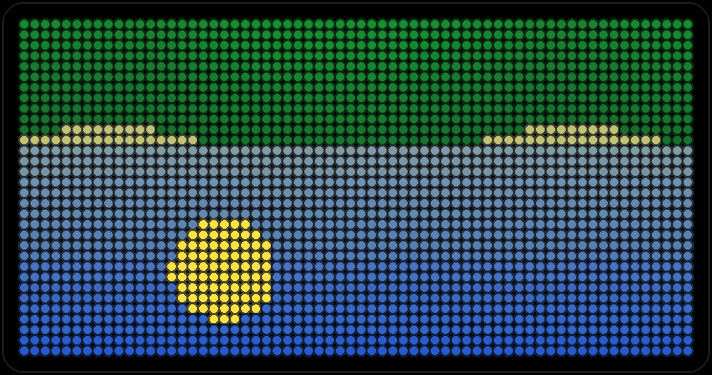
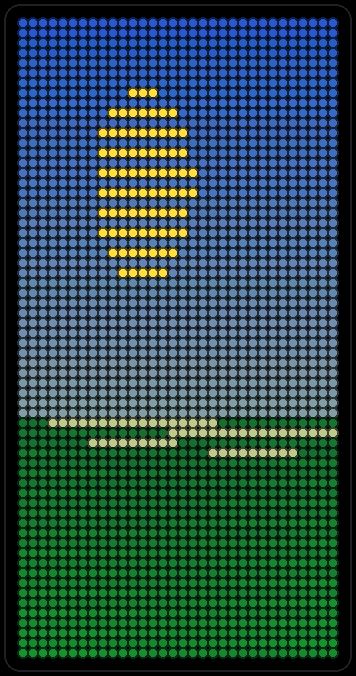
Pixel art from Companion's PopArt library, crossfading from piece to piece. At bedtime, Lullaby dims the picture and plays a soft recording that fades out right along with it — see it below.
-
PixelPet
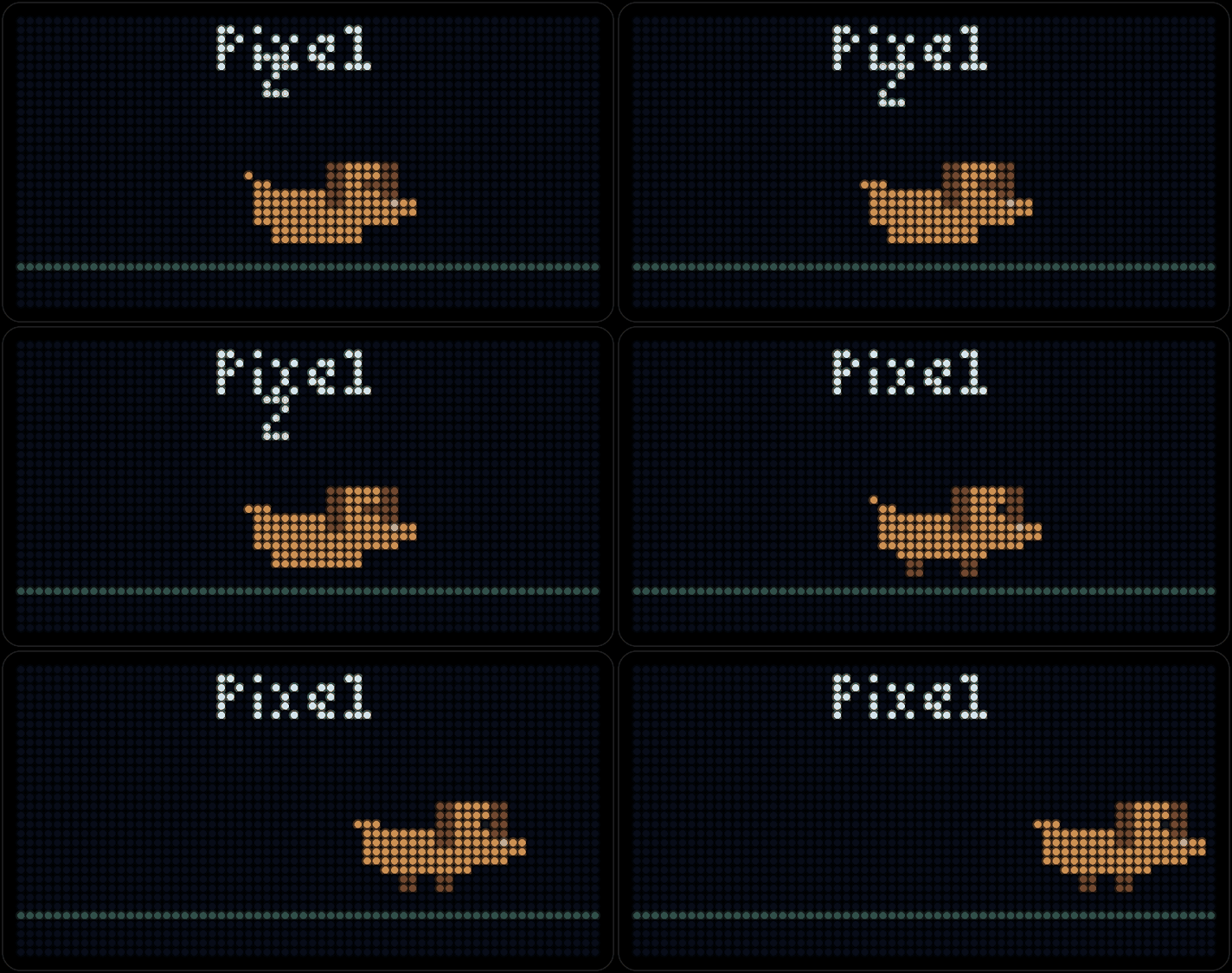
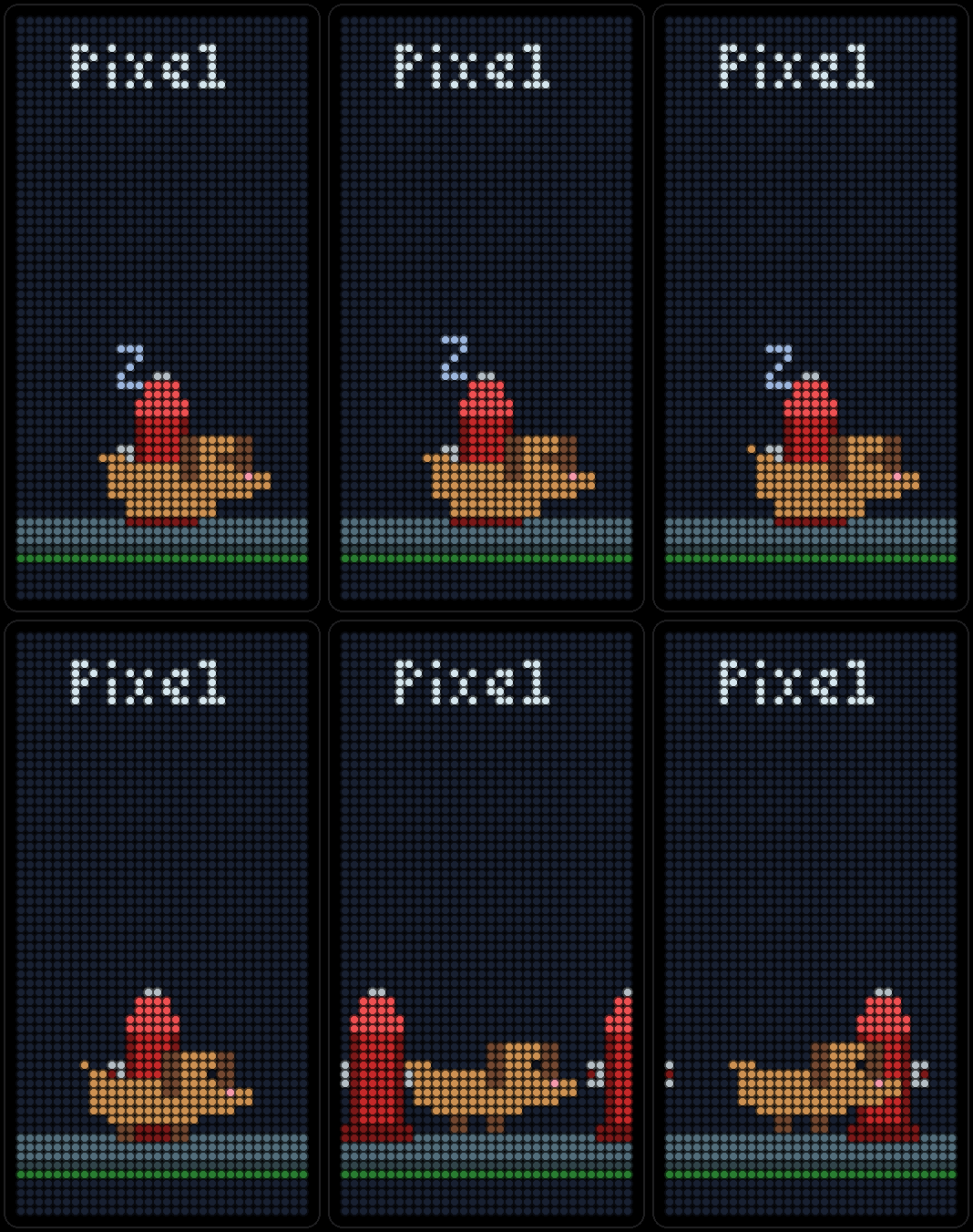
A pixel cat or dog walking across the panel. In portrait the pet stays in place while the street scrolls past, with fire hydrants for the dog and a cat tower for the cat.
Moves on its own. Drag, swipe or tap a dot. Press the centred card to open it.
Also on your Mac.
Run your PixelPop from your desk. Pick AutoPops, preview them, paint with your mouse, and send your Wi-Fi to a new board. Plug the board in with its USB-C cable, or reach it over Wi-Fi.
Free · Intel or Apple silicon
macOS 13 or later
Free beta through TestFlight. The App Store version is coming soon.
The iPhone app is coming soon to the App Store. Until then, use PixelPop for Mac above, or type the .local address your board scrolls on its screen into any browser on your Wi-Fi.
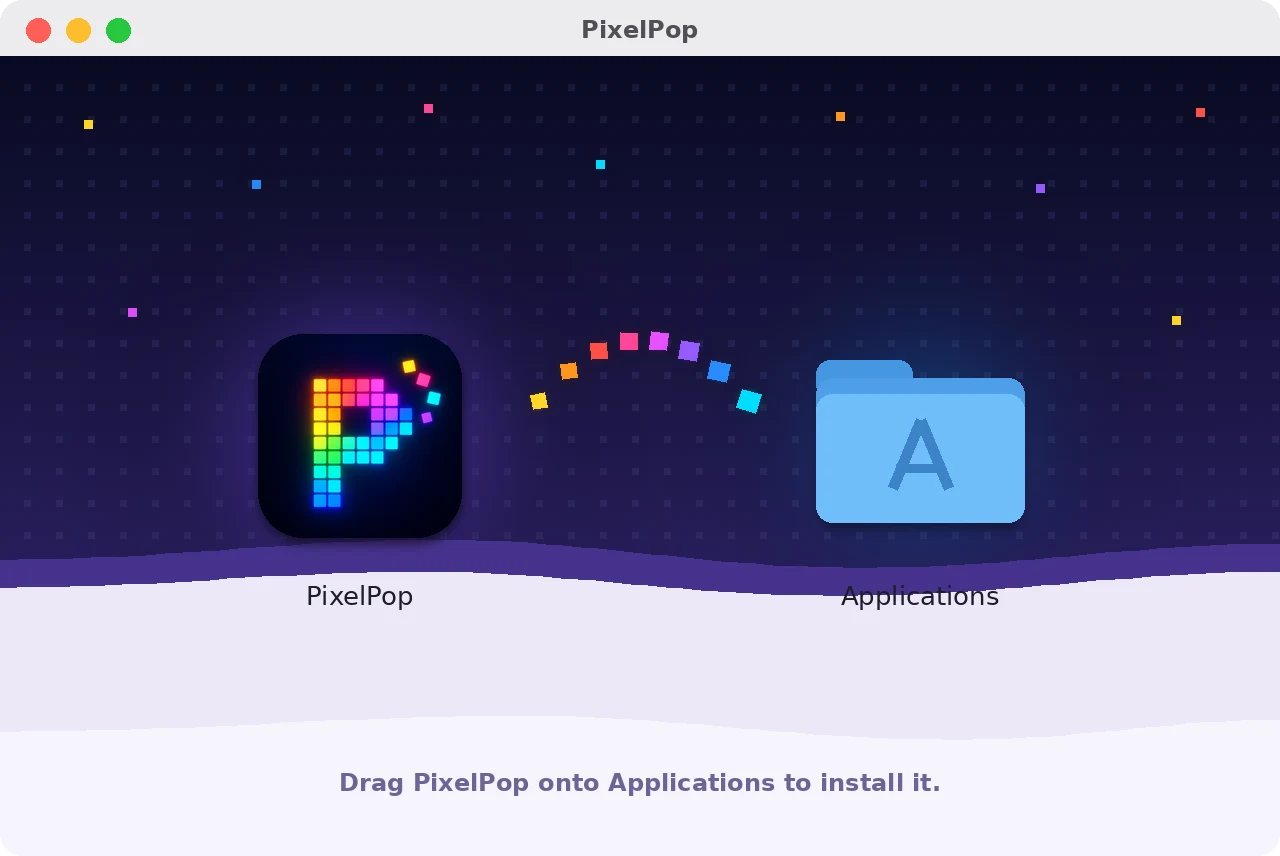
- Open PixelPop.dmg from your Downloads.
- Drag PixelPop onto the Applications folder.
- Open PixelPop from Applications and pick your board.