
Modules & Activities
Everything your PixelPop can show.
Every module in the rotation and every Activity you can start from Companion. The pictures are renders of the firmware's own drawing code.
- Clocks & time
- Weather & home
- News, scores & feeds
- Pictures & words
- Fun & animations
- Activities
- Watch Arcade
Clocks & time
Clock
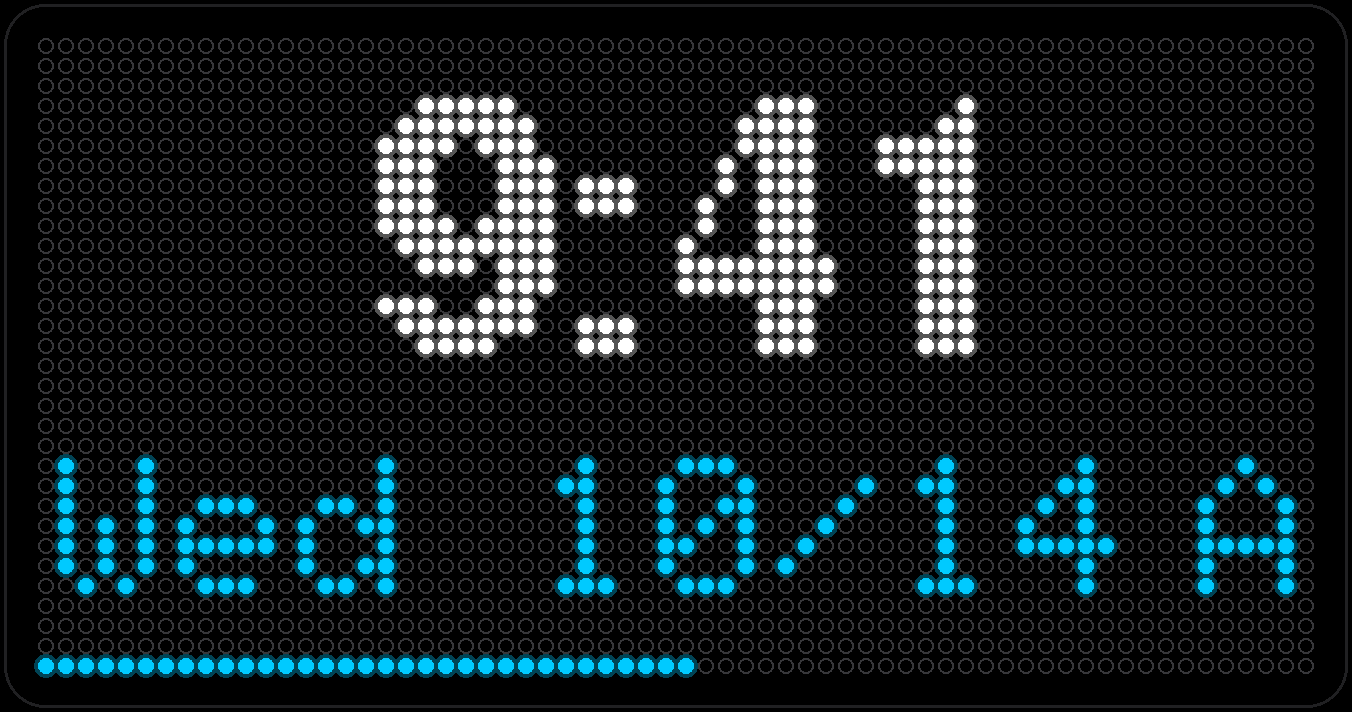
Time and date, with a seconds bar creeping along the bottom edge so you always know it's alive. 12- or 24-hour, your call — the only setting that really matters is your time zone.
Countdown
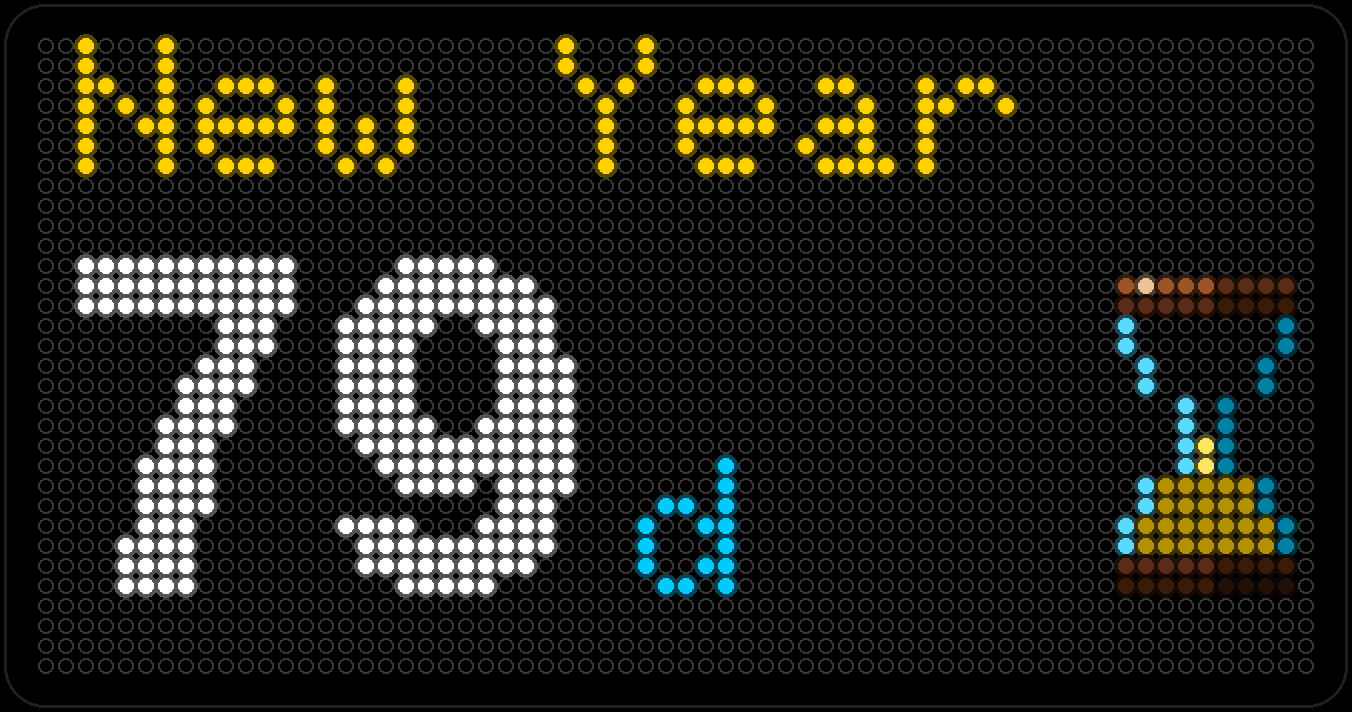
Pick a date and a label — Vacation, Birthday, whatever's circled on the fridge — and watch the days left tick down.
Calendar
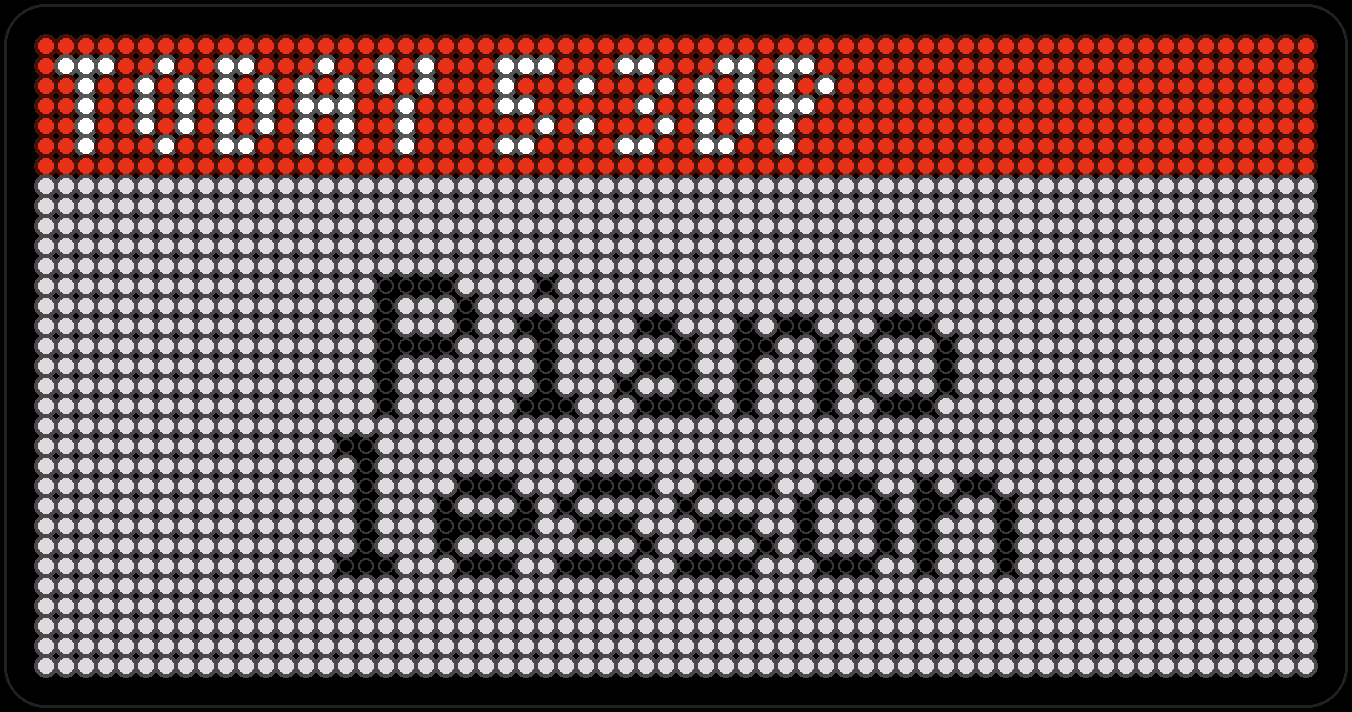
Paste a public calendar link — iCloud, Google, Outlook, anything that speaks iCalendar — and your next few events show up here, one per page, however big the real calendar is.
- Capture coming soon
Chimes
No screen time at all — just the clock, chiming. Westminster quarters, a cuckoo call, or a slower grandfather-clock strike, on whatever daily window you set.
Weather & home
Weather
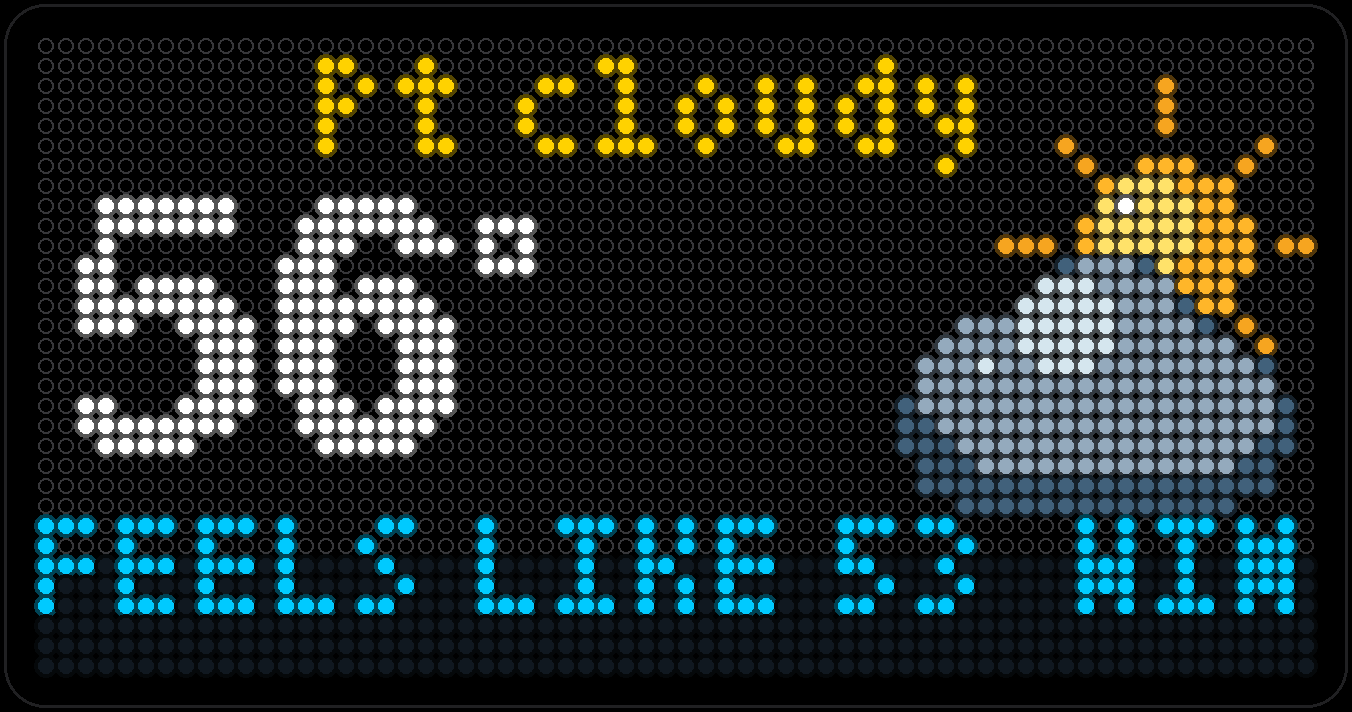
Current conditions from Open-Meteo — free, no API key. The big temperature and sky up top, with feels-like, humidity and wind scrolling underneath.
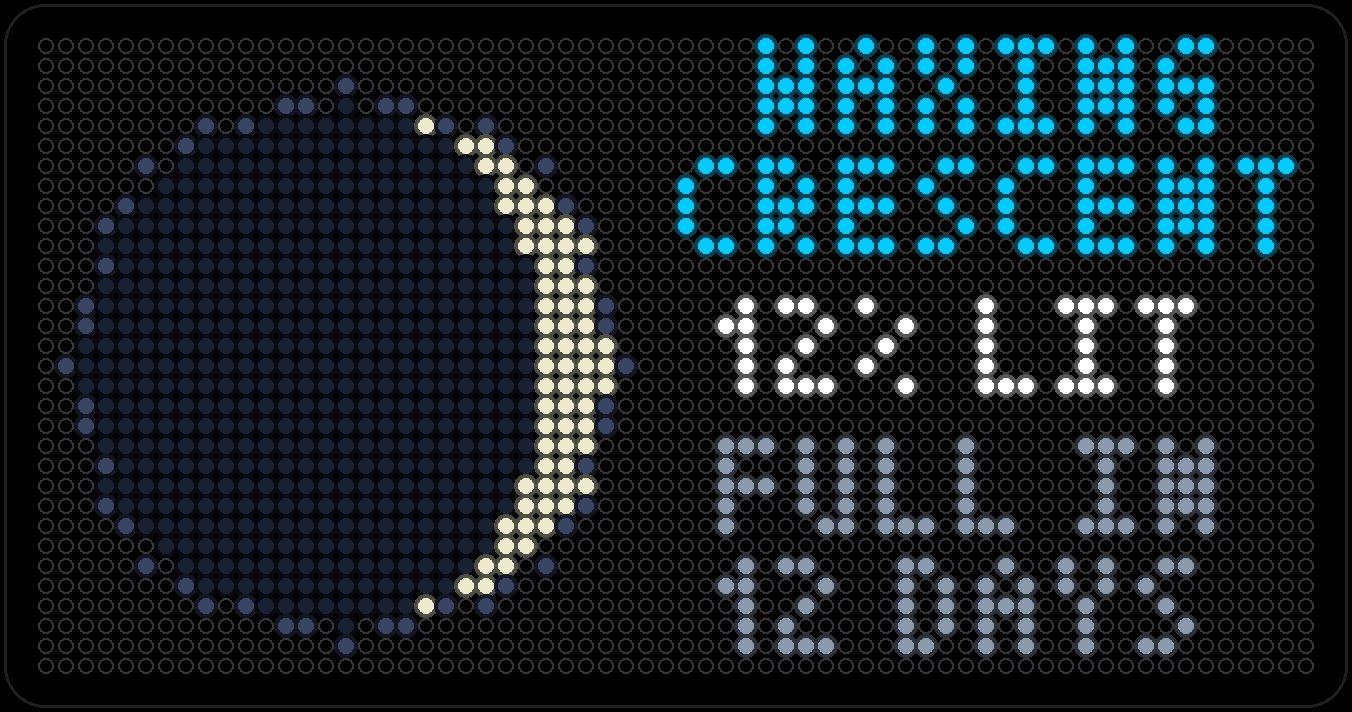
Forecast (Weather pages)
Up to seven days out, shown two ways: two days per screen, or one big day at a time with its high, low, rain chance and icon. Shares Weather's location by default.
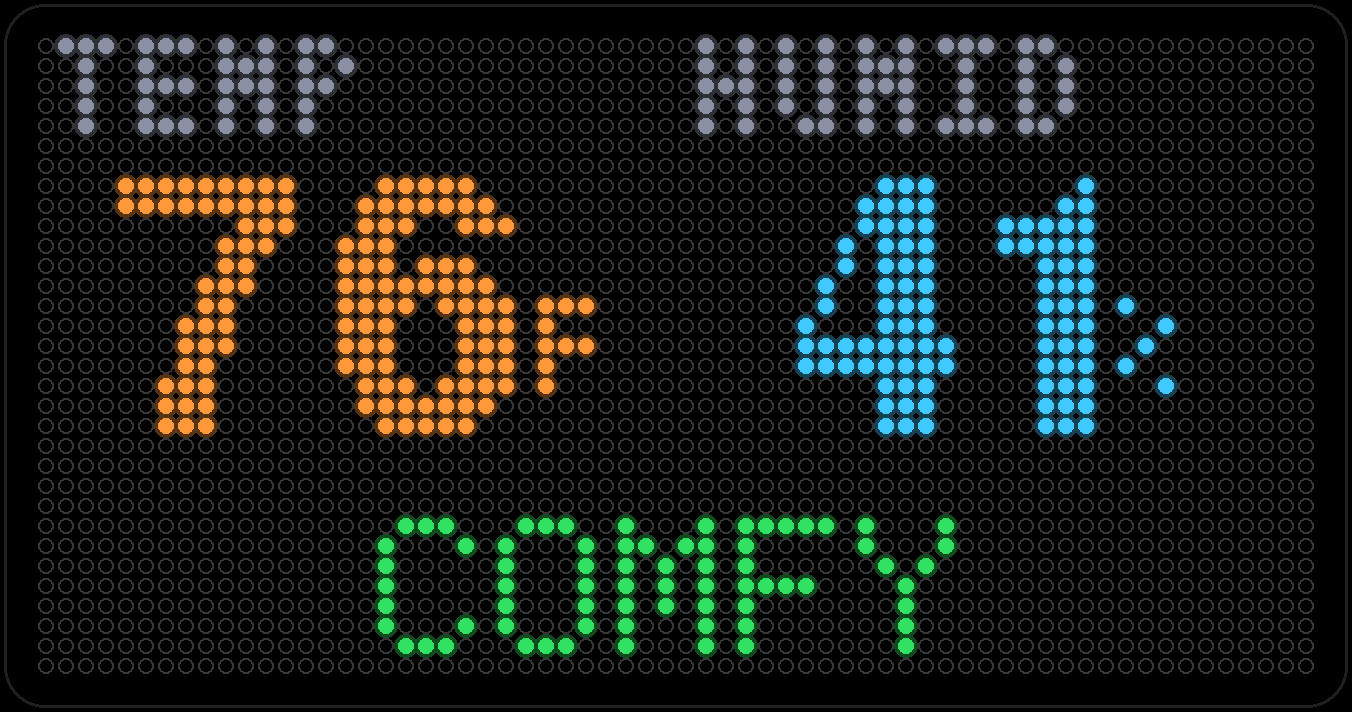
Air Quality
Not outdoor smog — this one reads the board's own temperature and humidity sensor, a few inches from your face, and says in plain words whether the room feels comfortable. Plus a trend graph of the last few hours.
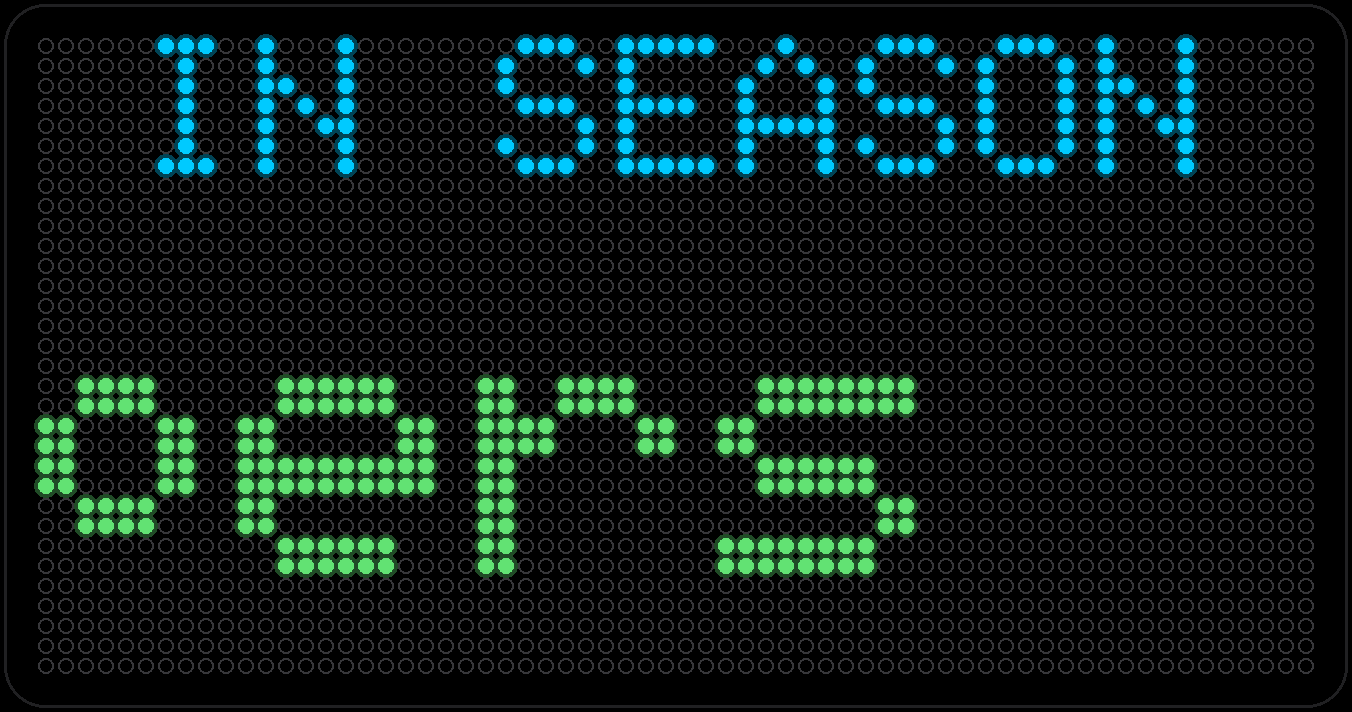
In Season
What's actually in season this month, wherever you live — little produce icons scrolling by, pulled from the same location as Weather.
News, scores & feeds
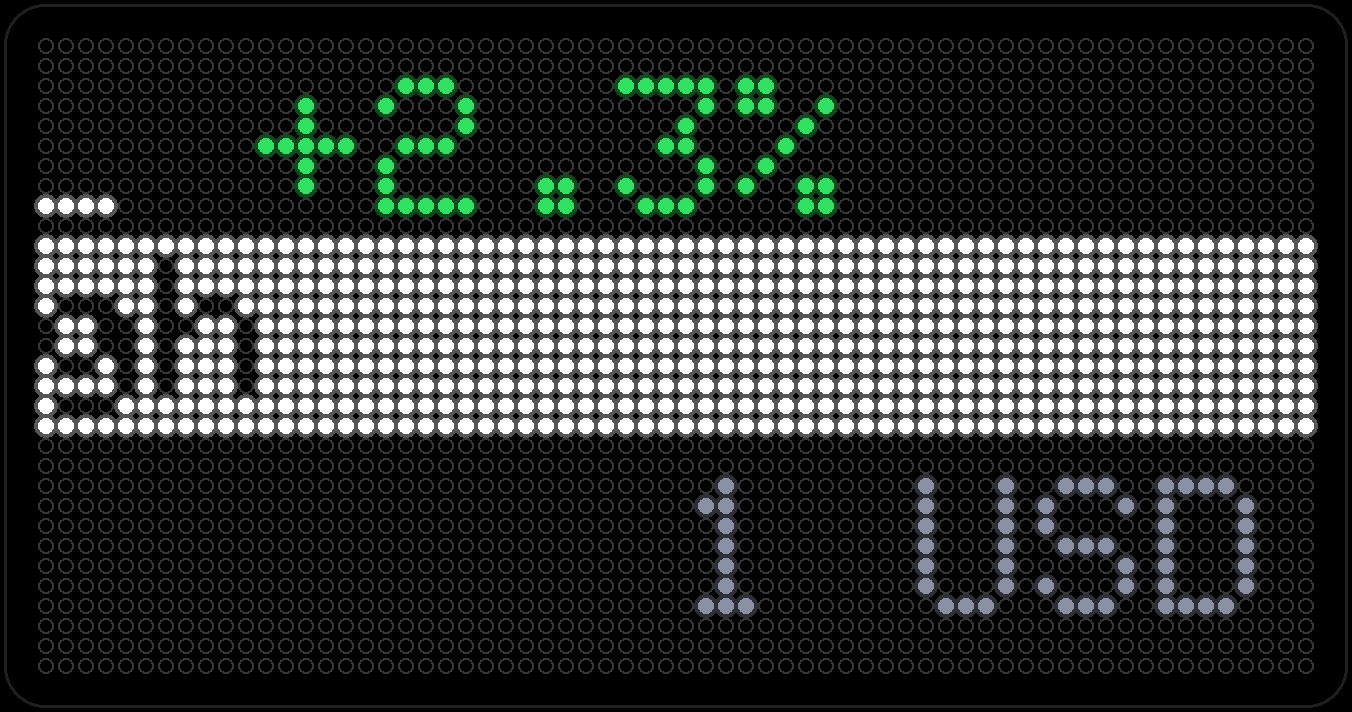
News Ticker
Three rows scrolling at once, any mix you want: stock movers, headlines from an RSS feed, or currency conversions. All from free services — no account required.
Scores
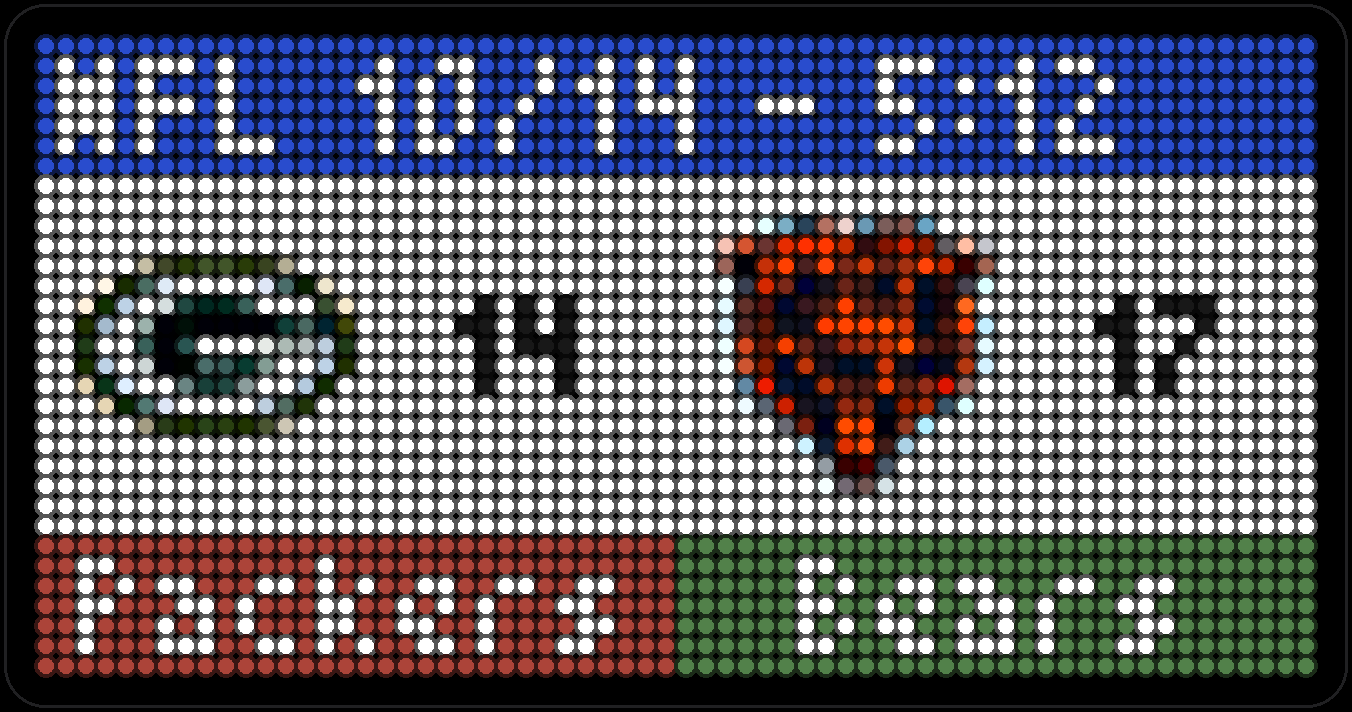
Scores for the NFL, NBA, MLB, NHL and MLS, team logos and all, scrolling card by card from ESPN's public scoreboard.
Flights
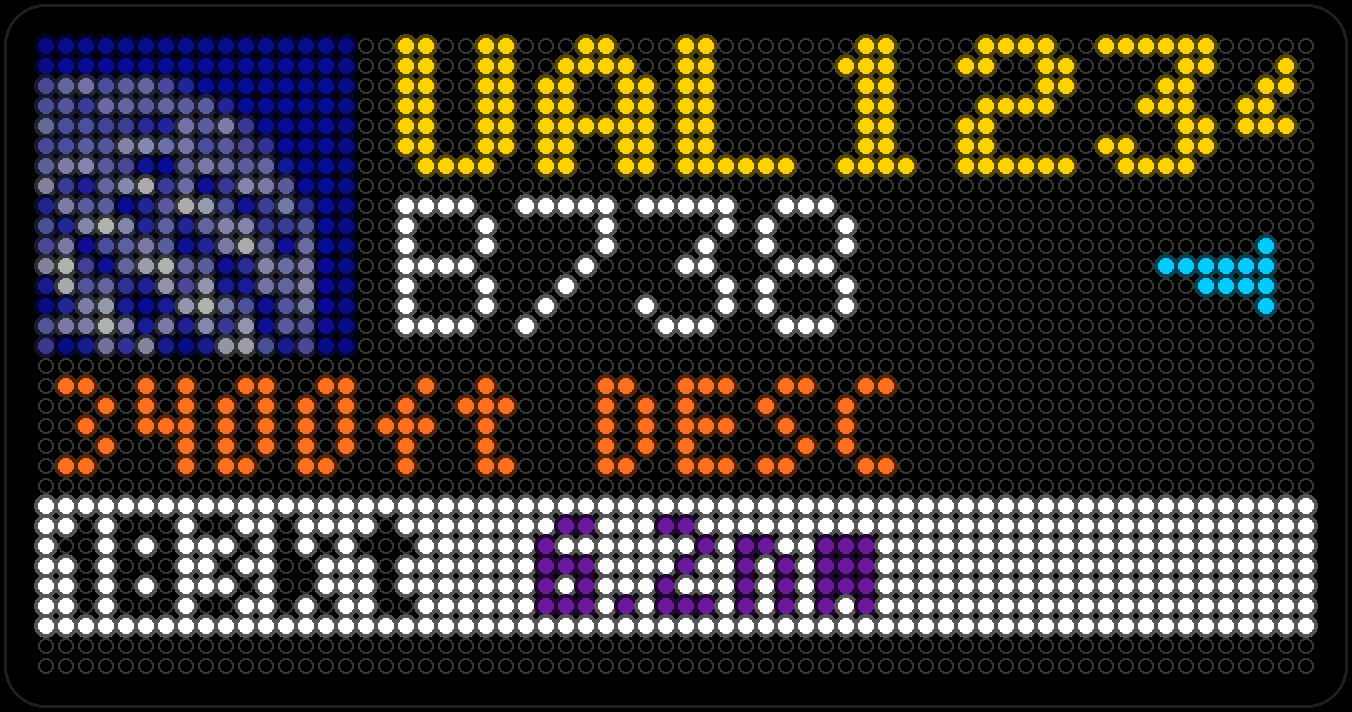
Every aircraft currently flying near a spot you choose, nearest first: callsign, type, altitude, speed and an arrow for the direction it's heading. Free public ADS-B data, no account needed.
Gas Prices
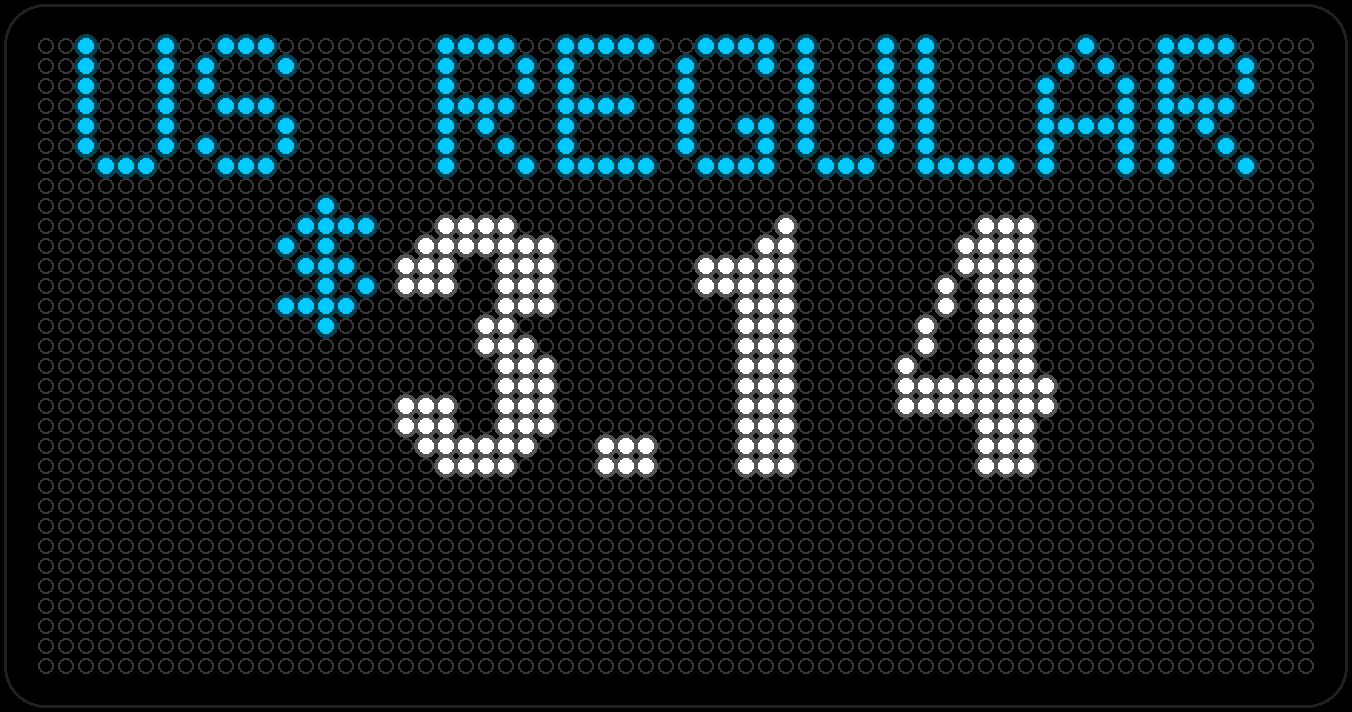
National average price of a gallon of regular gas from AAA, updated once a day, with the grade you pick shown above the price.
Horoscope
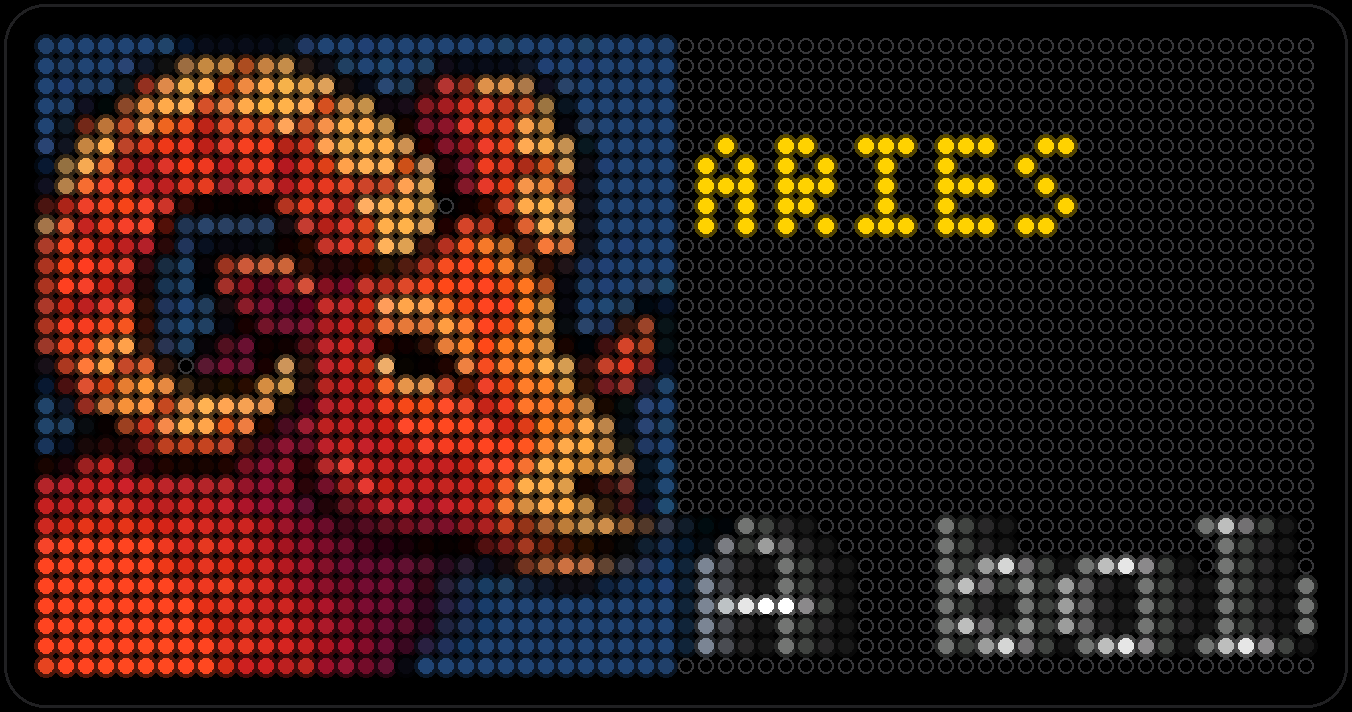
Your sign's reading for the day, with its full-color icon and name underneath — pulled daily from a free horoscope feed, no sign-in needed. All twelve signs get the same treatment; here are three.
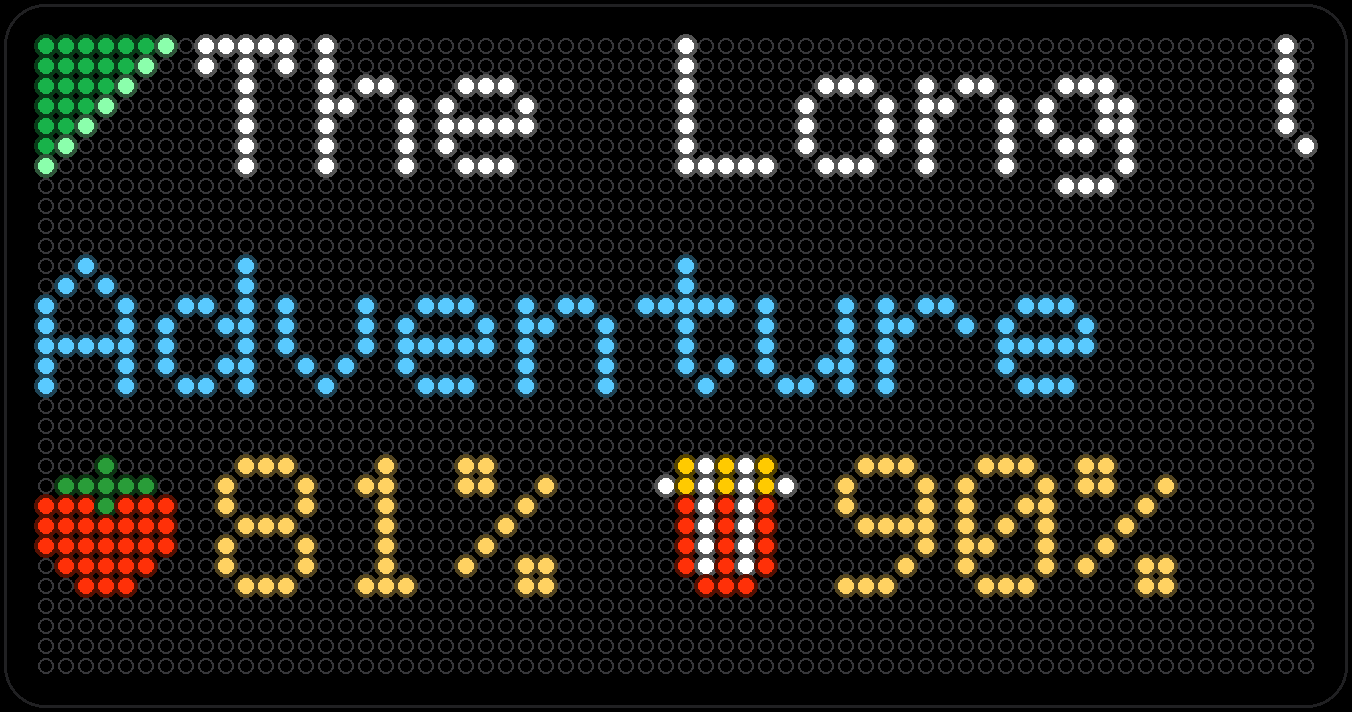
Plex Recently Added
The newest arrivals on your own Plex server, one per page, with the title and its rating — Rotten Tomatoes when it has one, IMDb or TMDb otherwise. Talks to the server directly on your network.
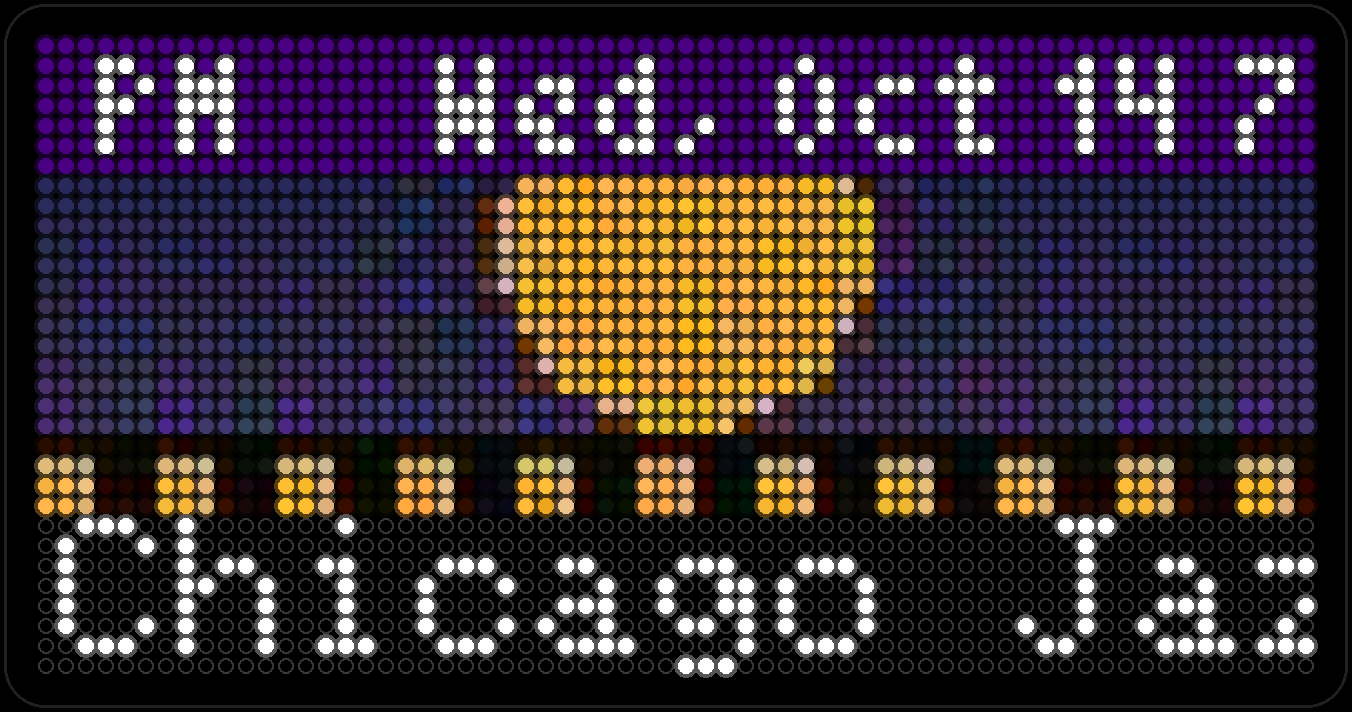
Chicago Events
Upcoming events around Chicago from a public listings feed, one per page like Calendar, with the date and time across the top.
- Capture coming soon
CTA
The next trains or buses for one Chicago Transit Authority stop you choose, from CTA's Train Tracker and Bus Tracker.
Pictures & words
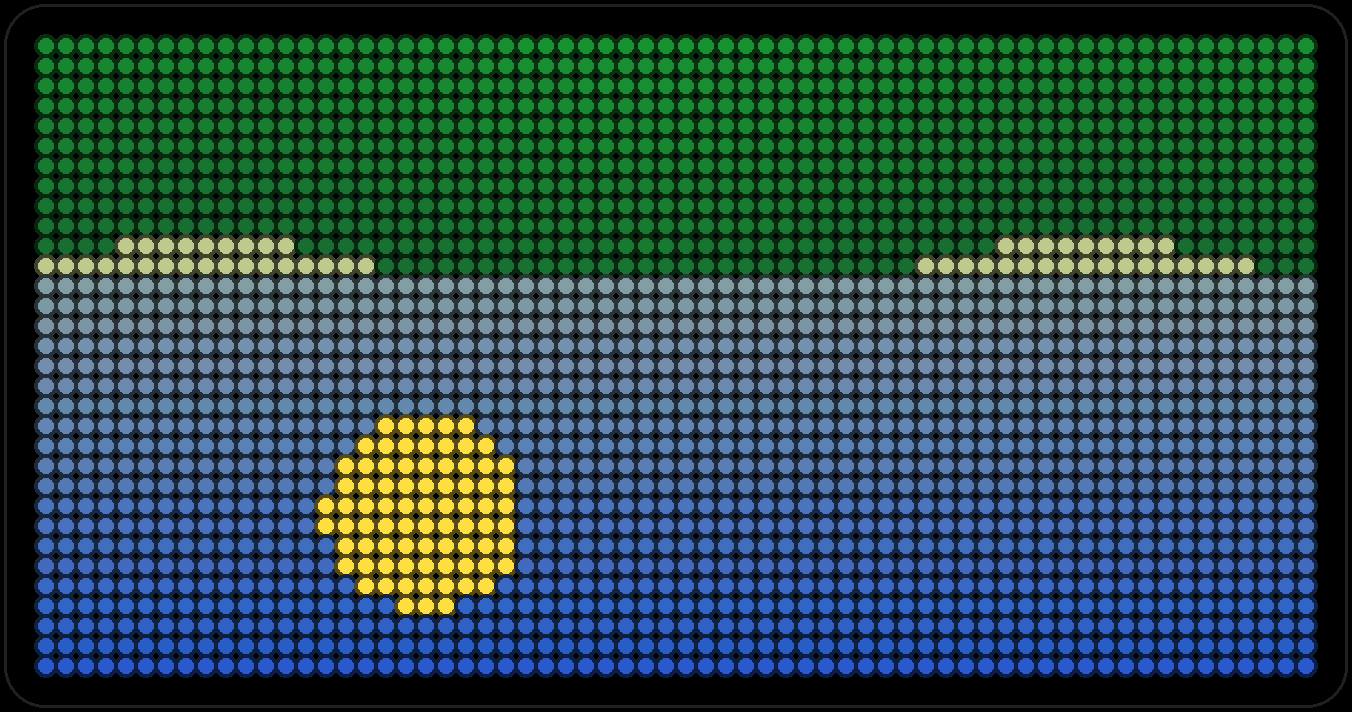
Gallery
Pixel art from Companion's PopArt library, crossfading from piece to piece. At bedtime, Lullaby dims the picture and plays a soft recording that fades out right along with it — see it below.
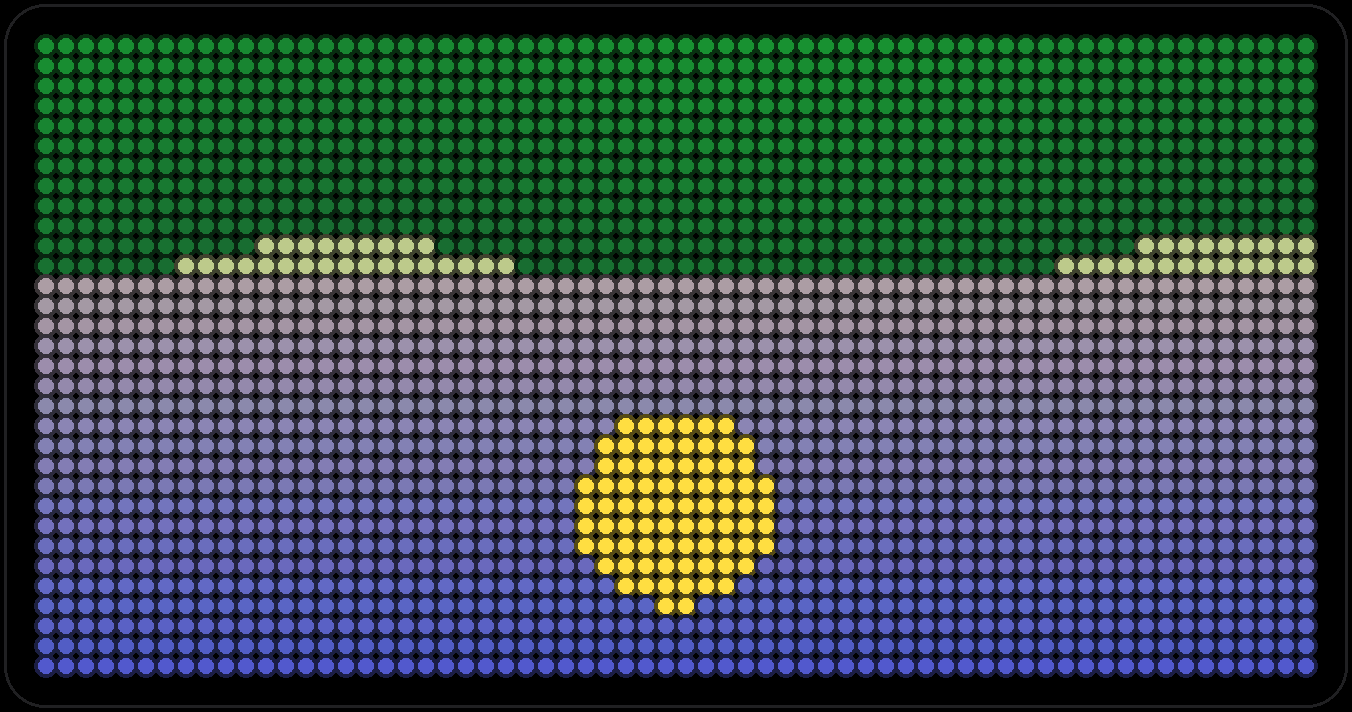
Photo Album
A live window onto wherever your iPhone is pointed, streamed over from Companion frame by frame, plus the last few snapshots playing back like a little gallery of their own.
Photos
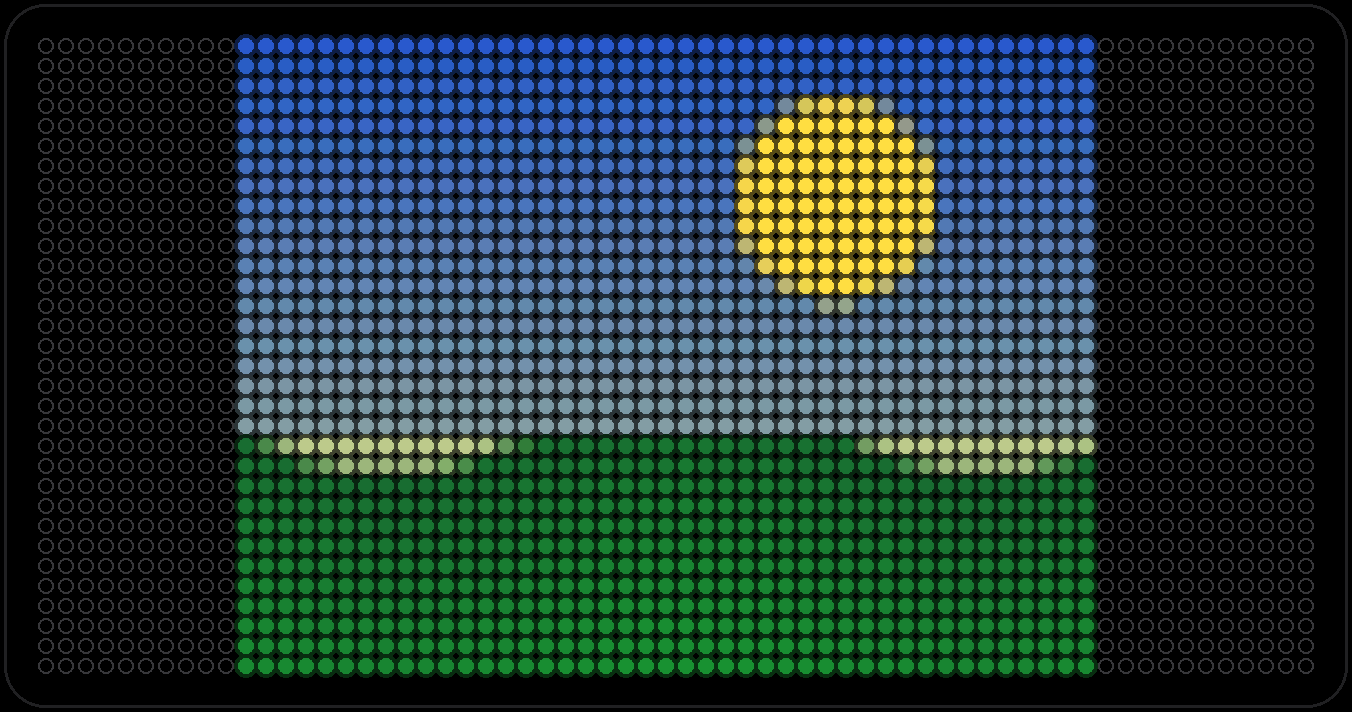
Up to 16 pictures uploaded from the board's own web page, fitted to the panel by stretching, cropping or letterboxing.
Marquee
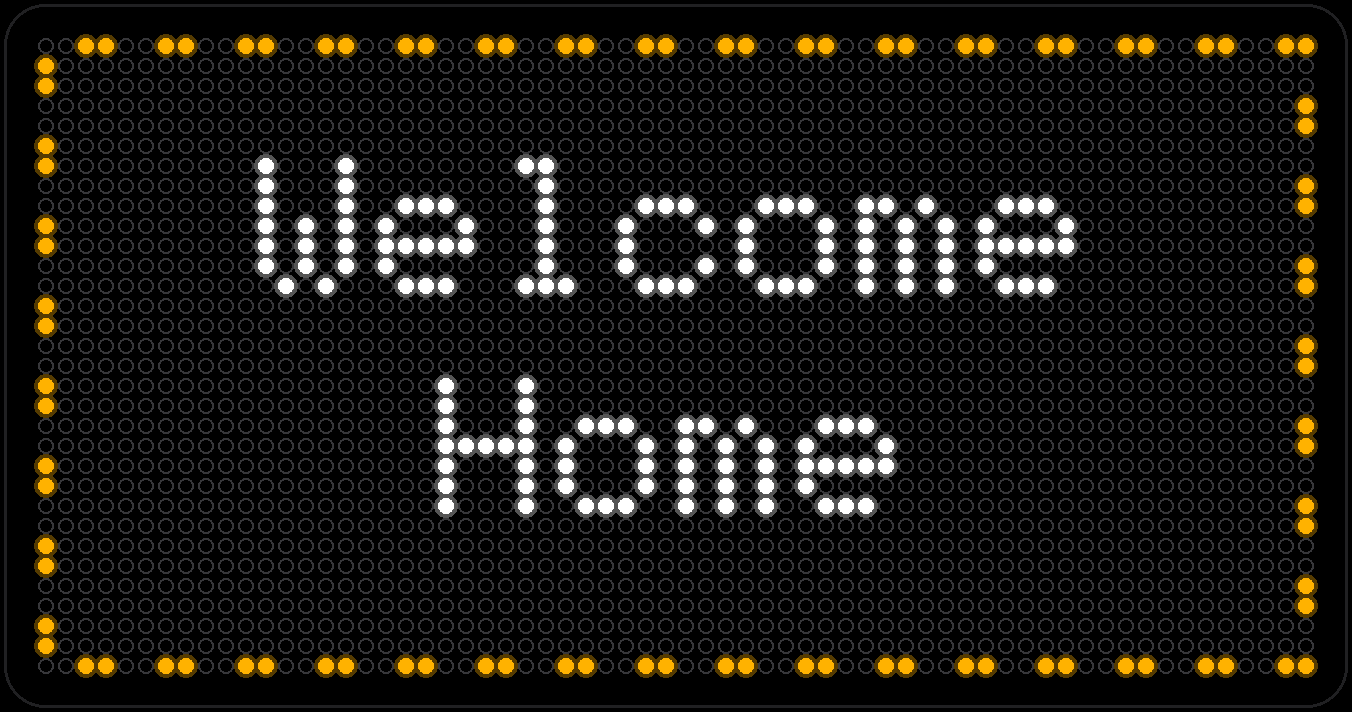
Your own message, up to three lines, chased by a ring of marching dashes like an old theater sign. Lines too long to fit pause, then scroll.
Fun & animations
Neko
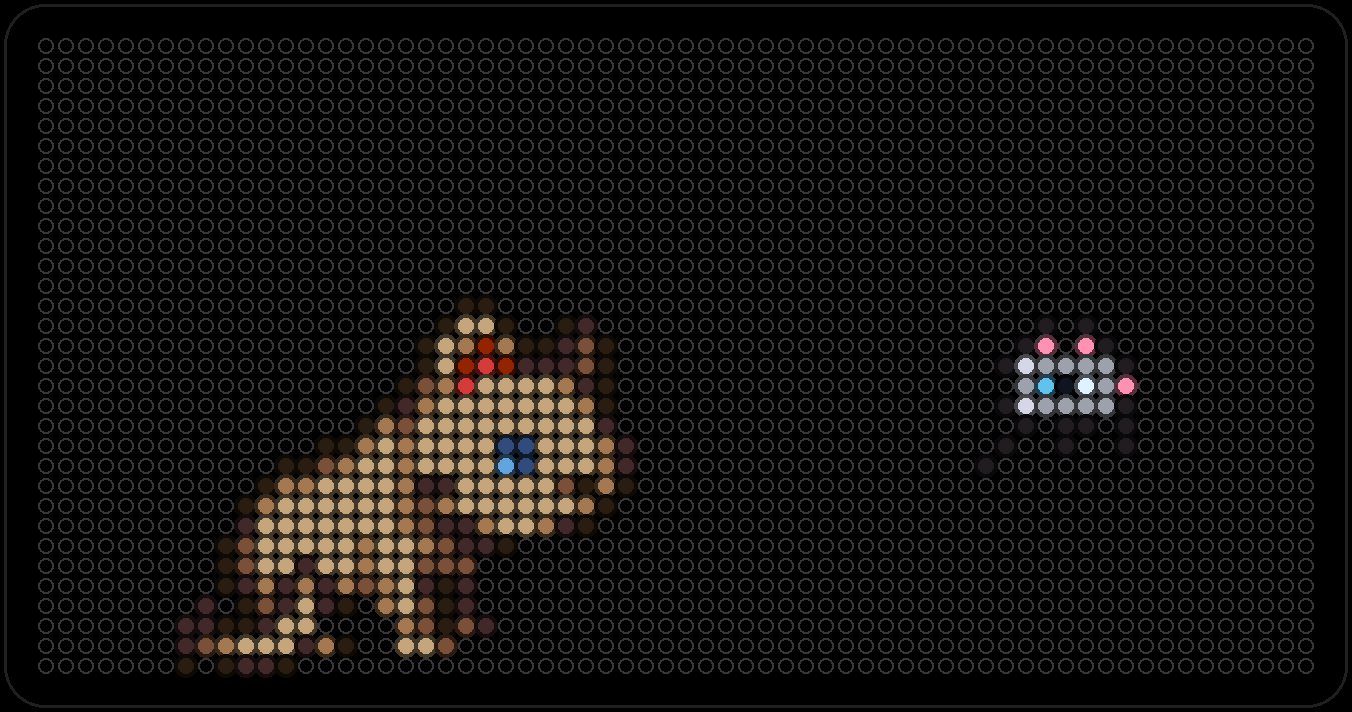
A tan, blue-eyed cat who naps, wakes and wanders after a little mouse — then grooms once he's caught it. Modeled on a real sprite sheet, and he turns to face wherever he's walking, portrait panel included.
PixelPet
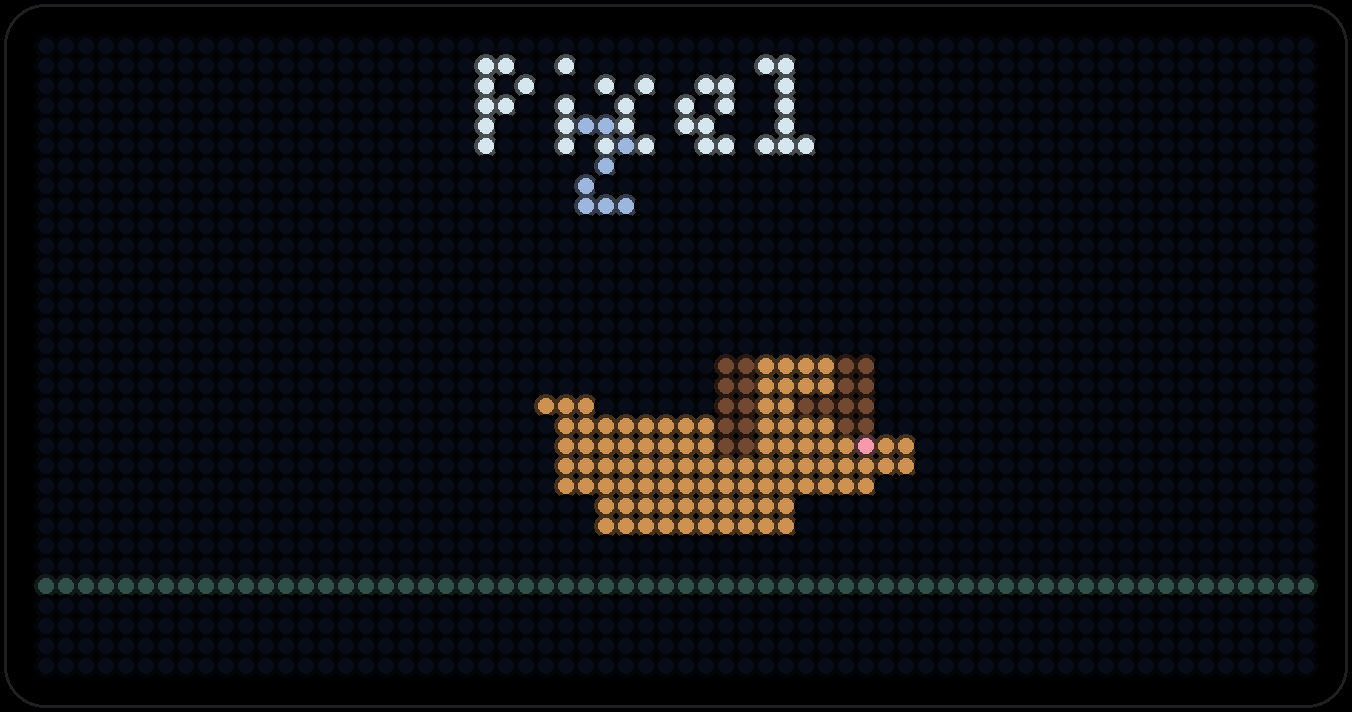
A pixel cat or dog walking across the panel. In portrait the pet stays in place while the street scrolls past, with fire hydrants for the dog and a cat tower for the cat.
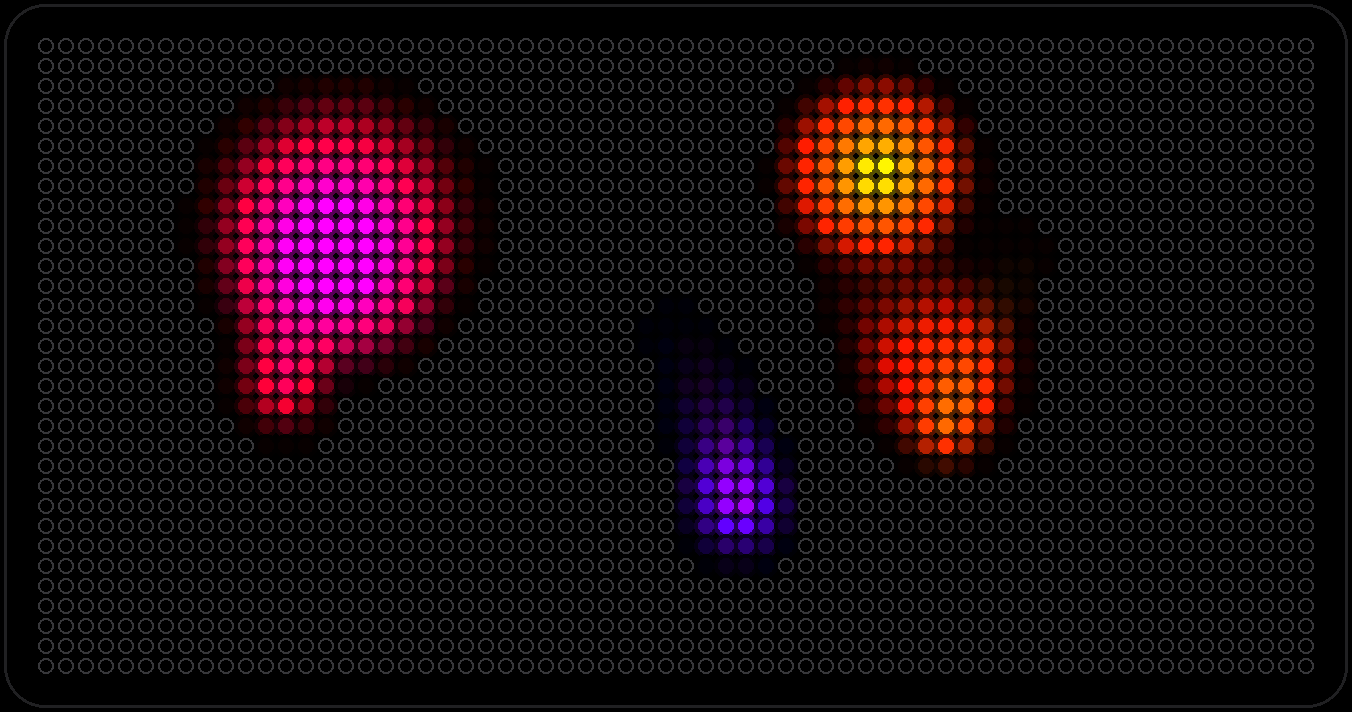
Lava Flow
Soft, additive color blobs that drift and leave fading trails behind them — the screensaver you'd actually want to sit and watch.
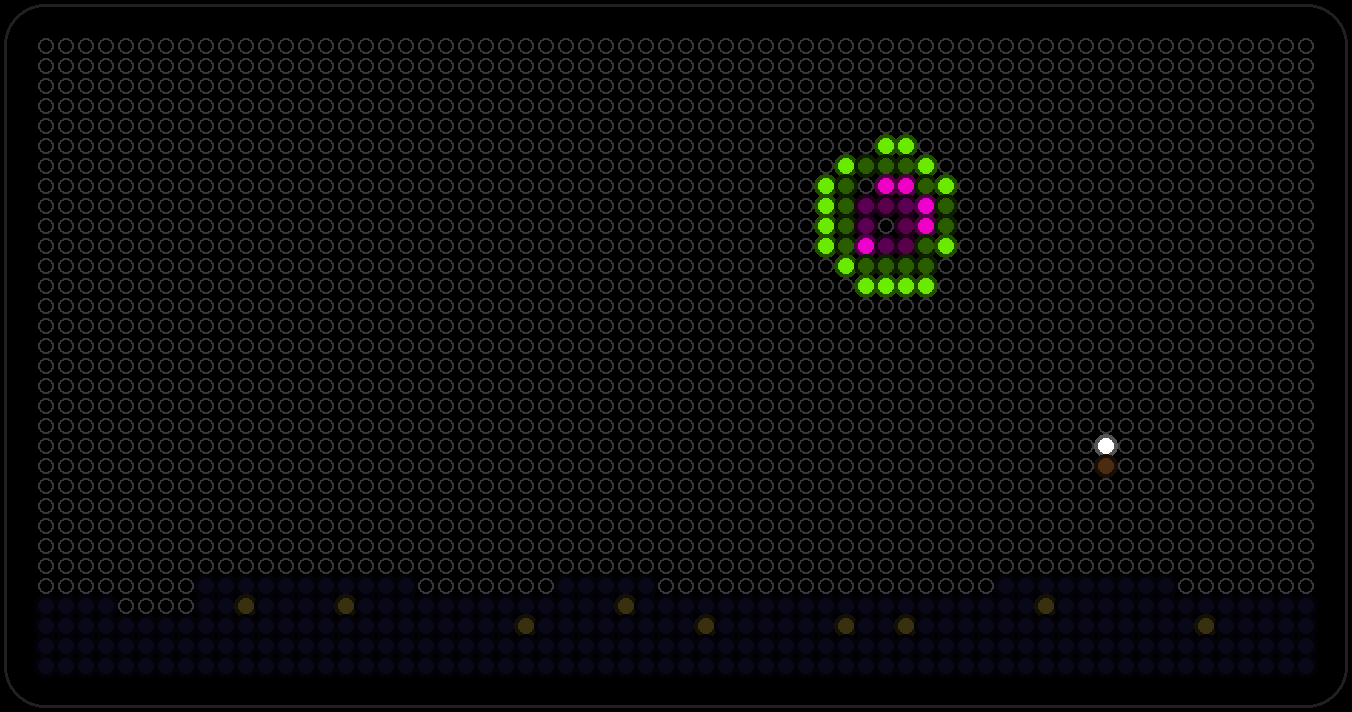
Fireworks
A simulated show over a tiny skyline: rockets rise, burst into spheres, rings and golden willows, sometimes ending in a finale right before the page turns. Whoosh, boom and crackle, if the speaker's on.
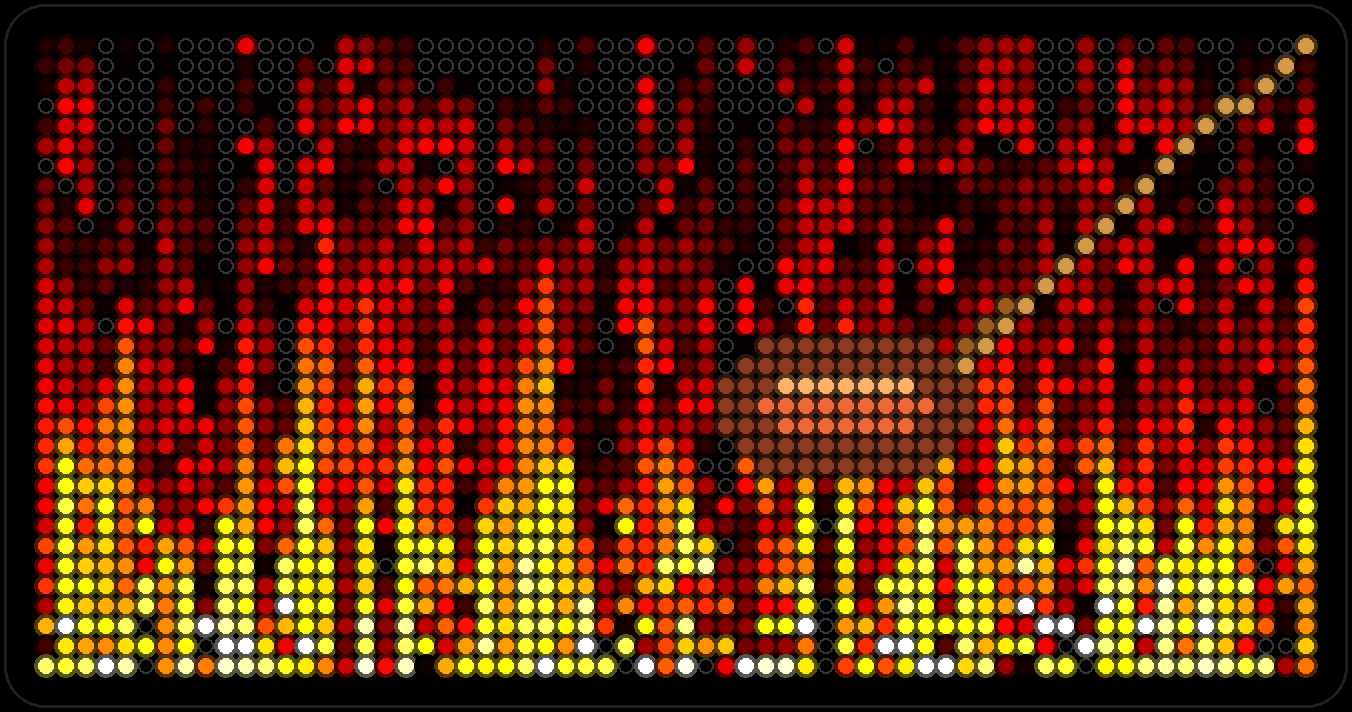
Fire
A self-contained heat simulation — actual fire math, not a looping clip — running continuously across the panel.
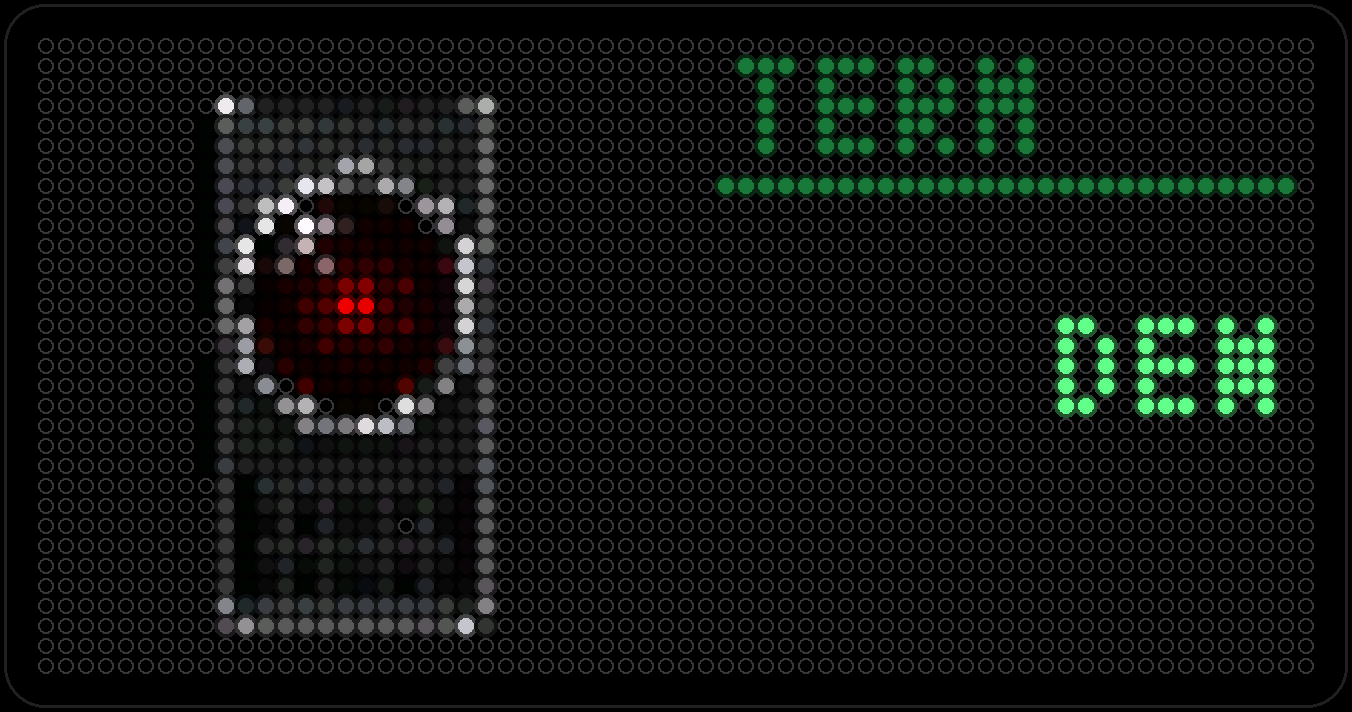
HAL
An original sci-fi scene: a red lens beside a green CRT terminal, quietly watching. No data, no sound — just atmosphere.
Activities
Activities are started from Companion when you need them. They are not part of the Modules rotation.
Clock Mode
Keeps the board on the clock instead of cycling modules. A tap does not skip it, and a ringing alarm still dismisses with one tap.
- Capture coming soon
Timer
A countdown on the board: 5, 10 or 15 minutes, or any length. It rings when it ends, and you get a notification on iPhone and Watch.
Pomodoro Timer
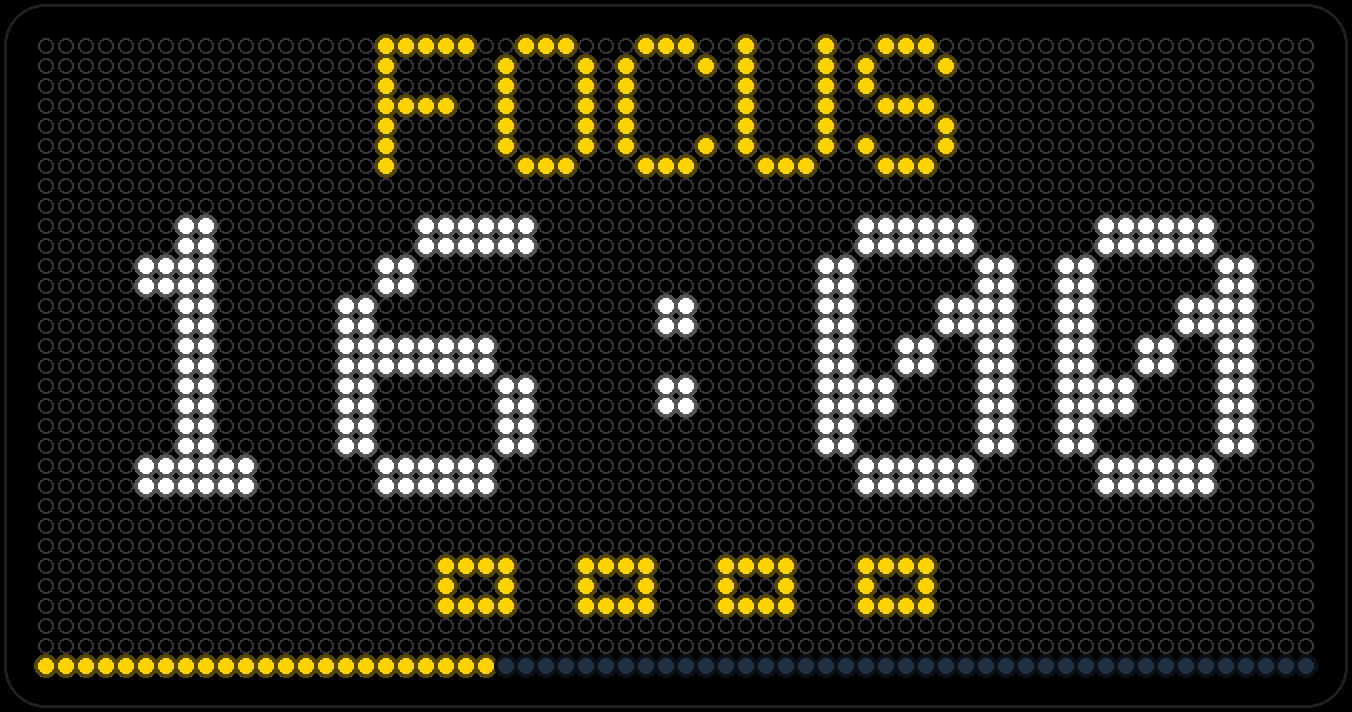
A focus timer with a 25-minute work block by default, short and long breaks, and a count of completed sessions on screen.
Cook
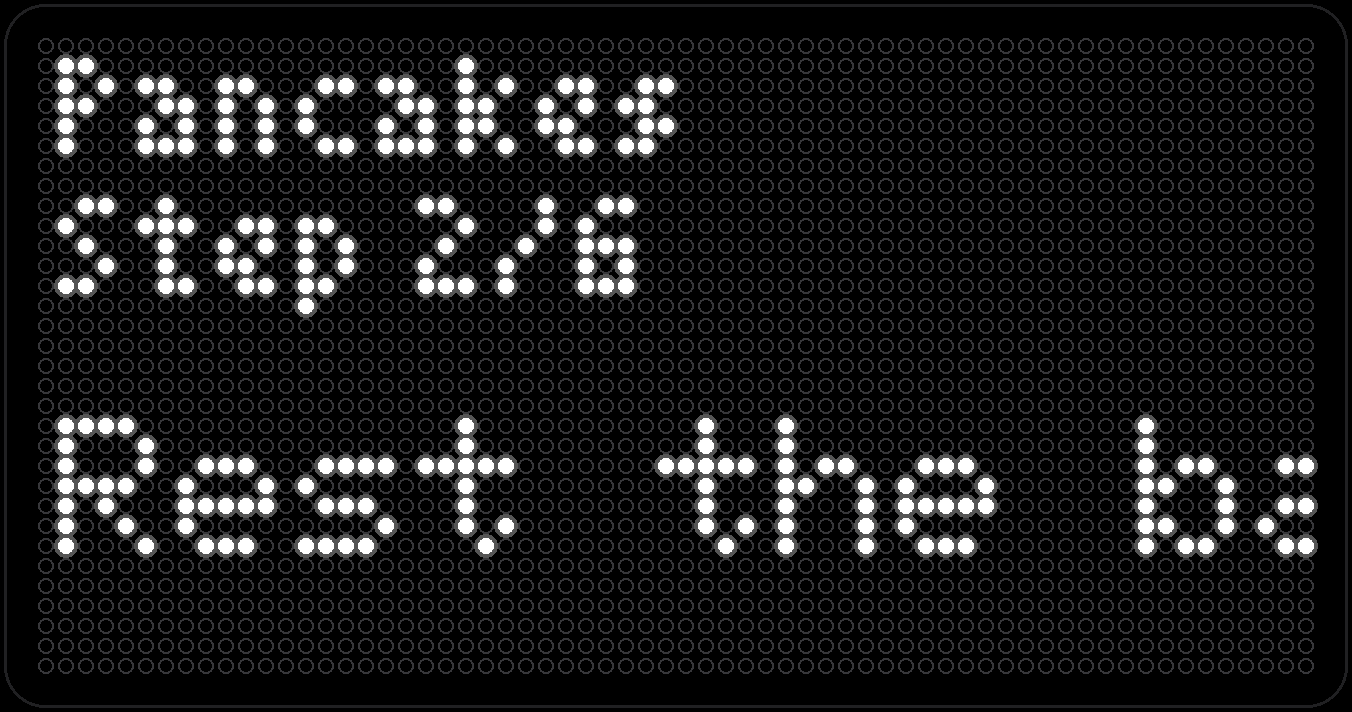
Recipes from Companion, one step per line: the board shows the title and the current step, and you move through them one at a time.
Send a Message
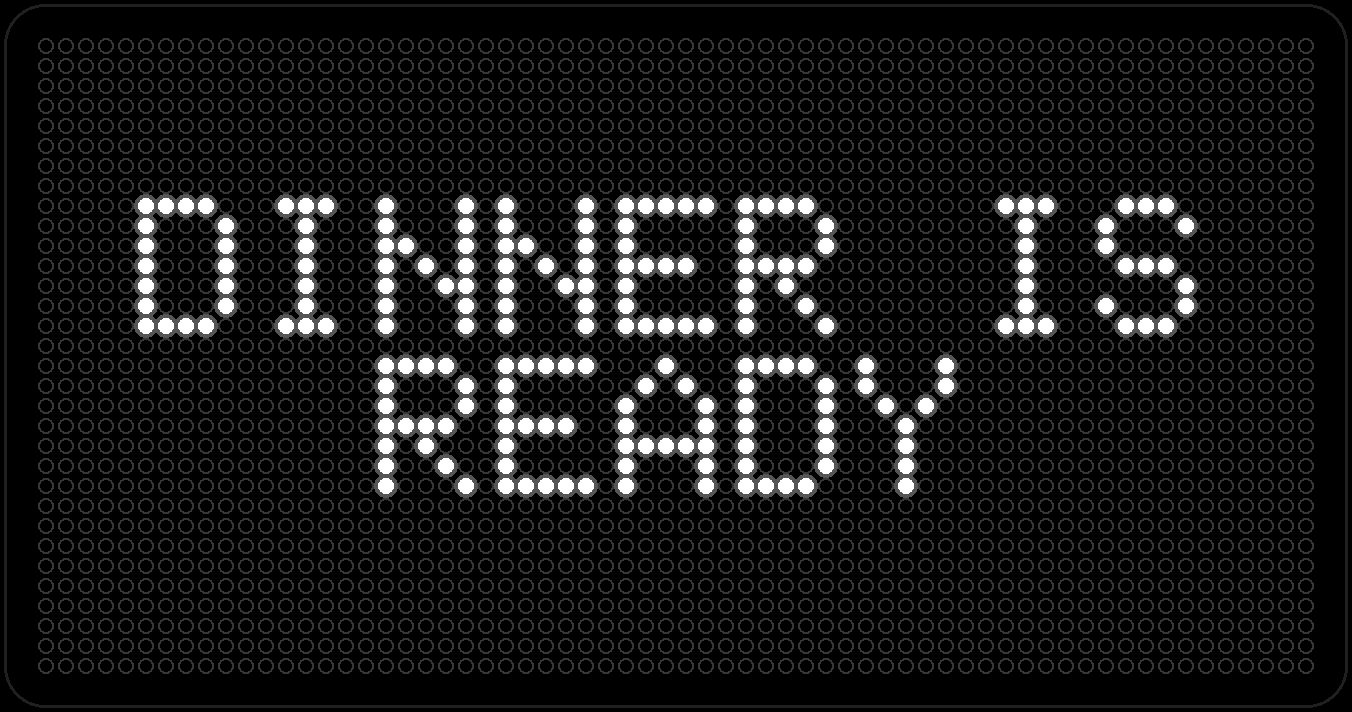
Send a short message to the display: scrolling, flashing, typewriter and more, repeated as often as you like, with an optional bell. Works from anywhere when you are signed in.
Urgent Notice
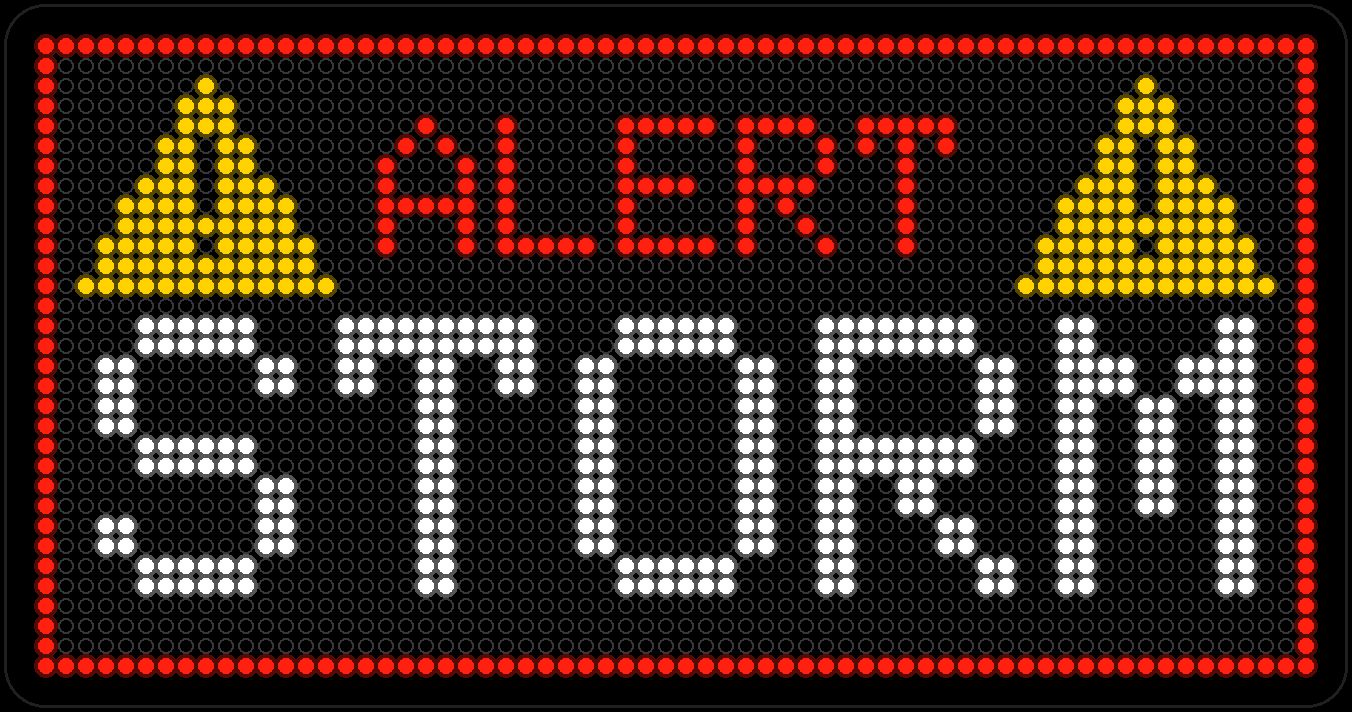
The one AutoPop nothing else interrupts. Type a message on its web page, hit Send, and flashing alert triangles — plus, if you want, a two-tone siren — take over the whole panel until you say stop.
Night Night
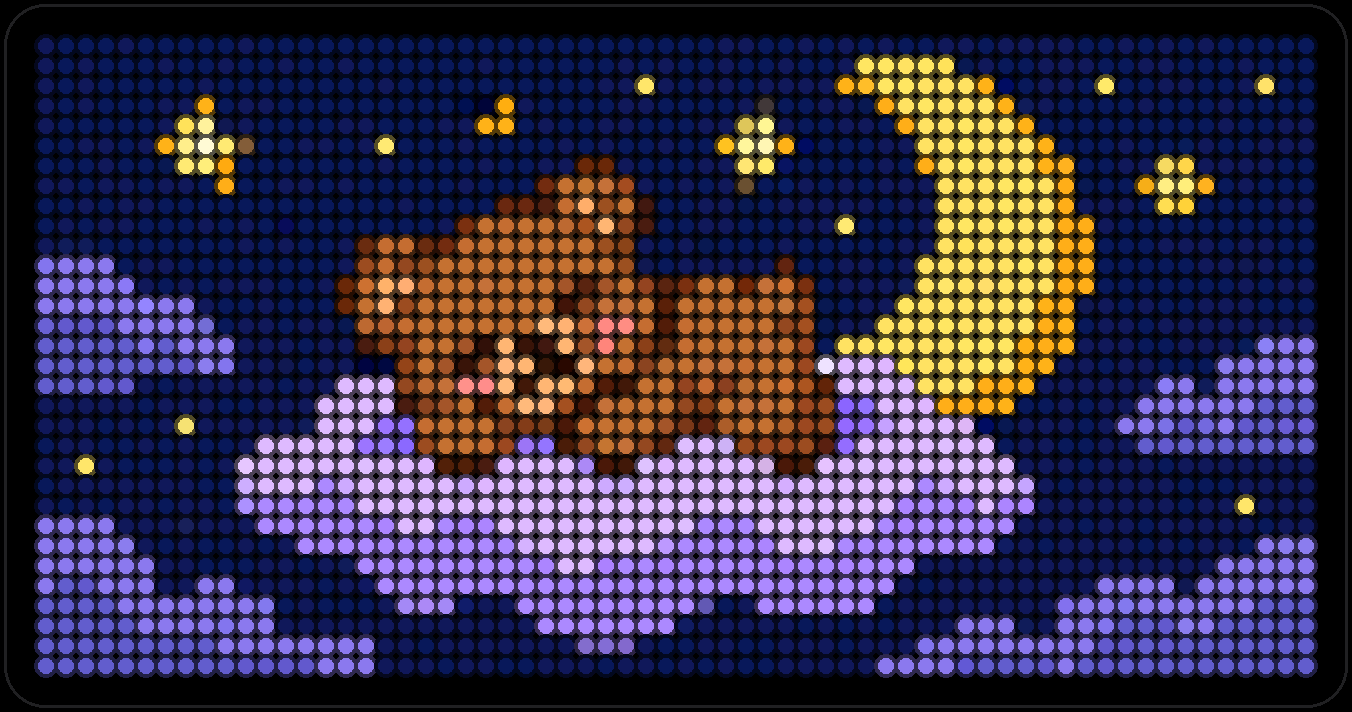
Lullabies and a calm screen for bedtime: a night scene with a moon and stars. Start it when you need it; it is not in the Modules rotation.
Watch Arcade
Games played with PixelPop Arcade on Apple Watch and drawn on the board.
Chomper
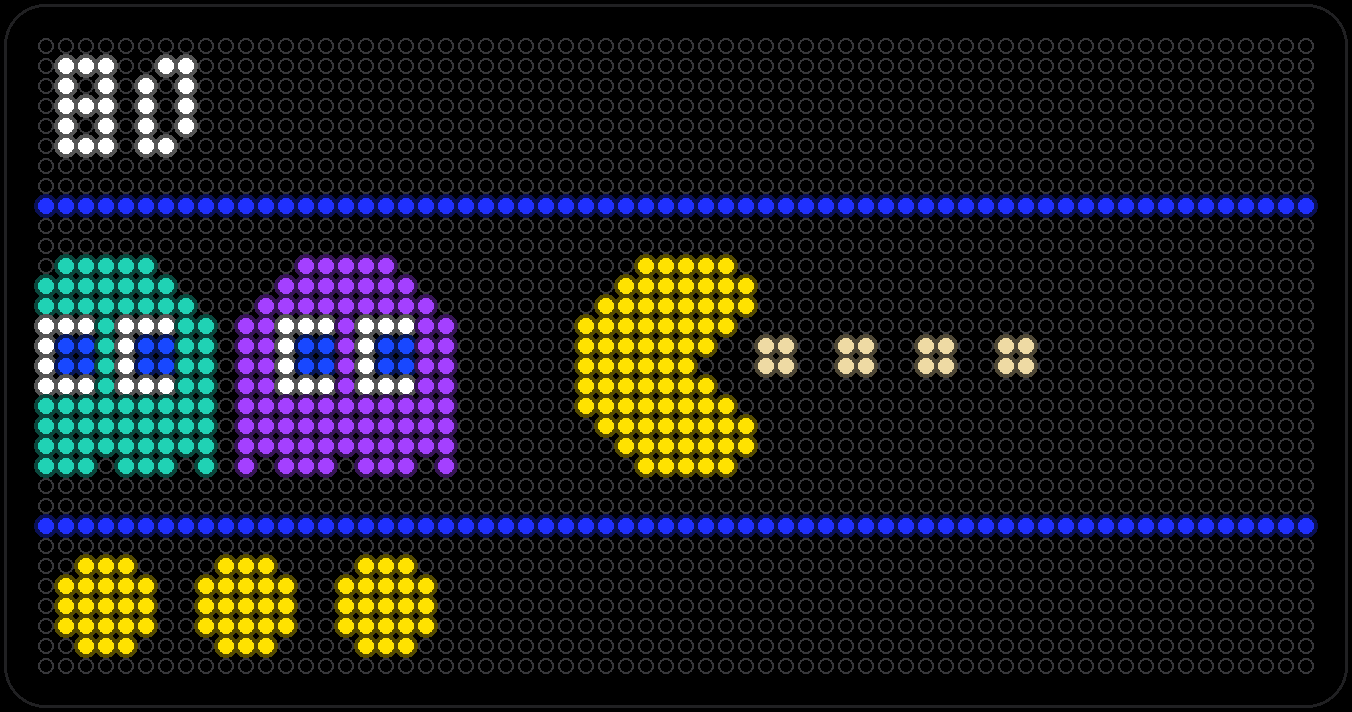
An original maze chase: a small yellow critter eats its way across the corridor while four wisps give chase — until it grabs a glowing star and turns the tables. No data, no setup, it just runs.
Frogger
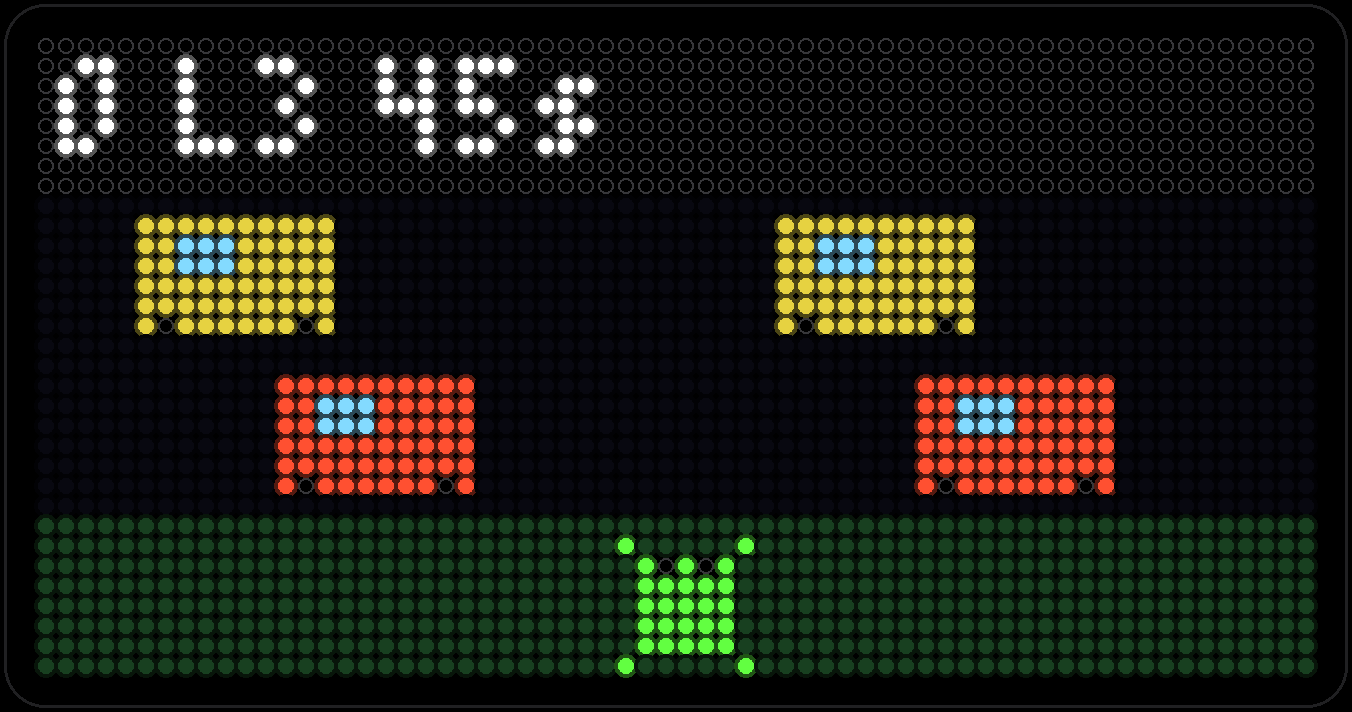
A watch-controlled road and river crossing played from the Watch Arcade. The board shows the lanes, logs, score, lives and time left.