Paint
A little creativity. Right in your hand.
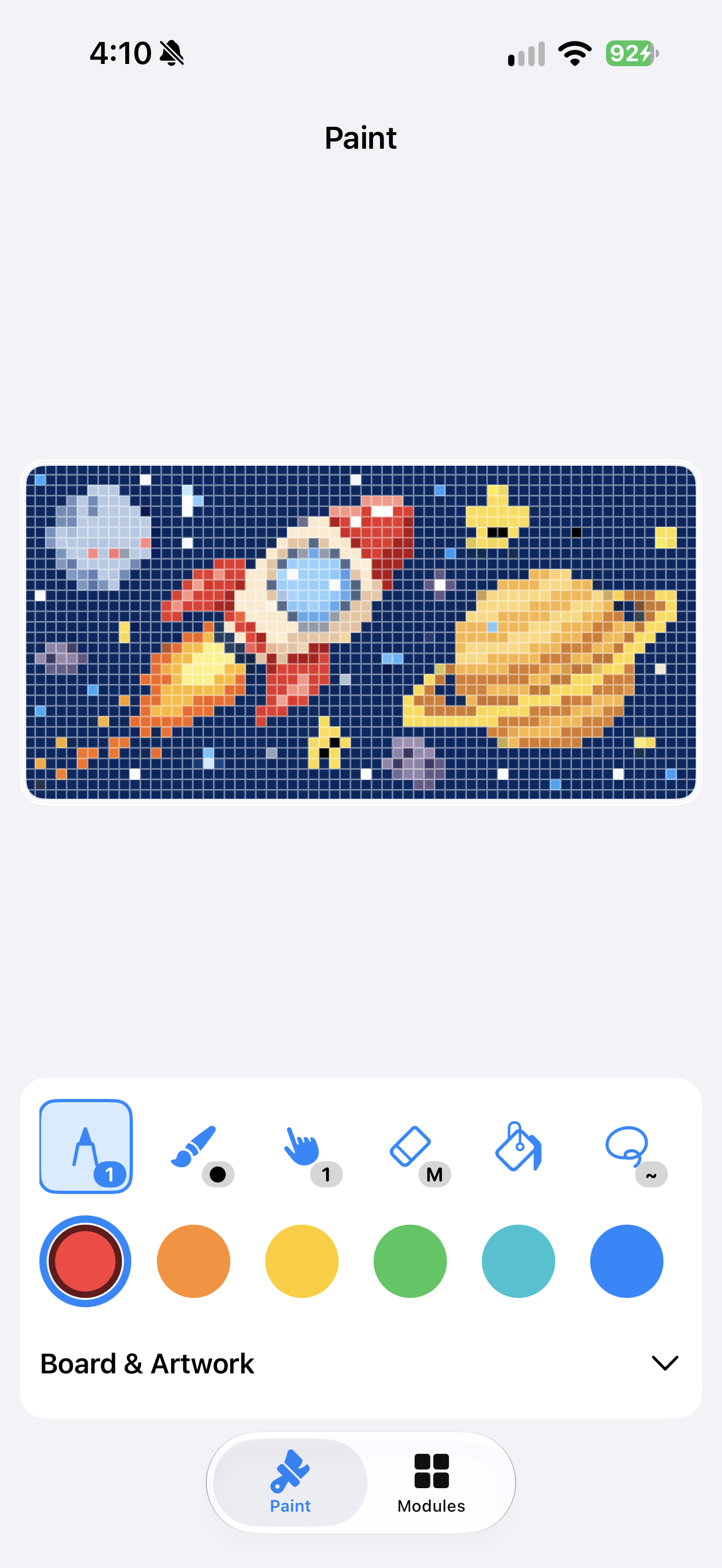
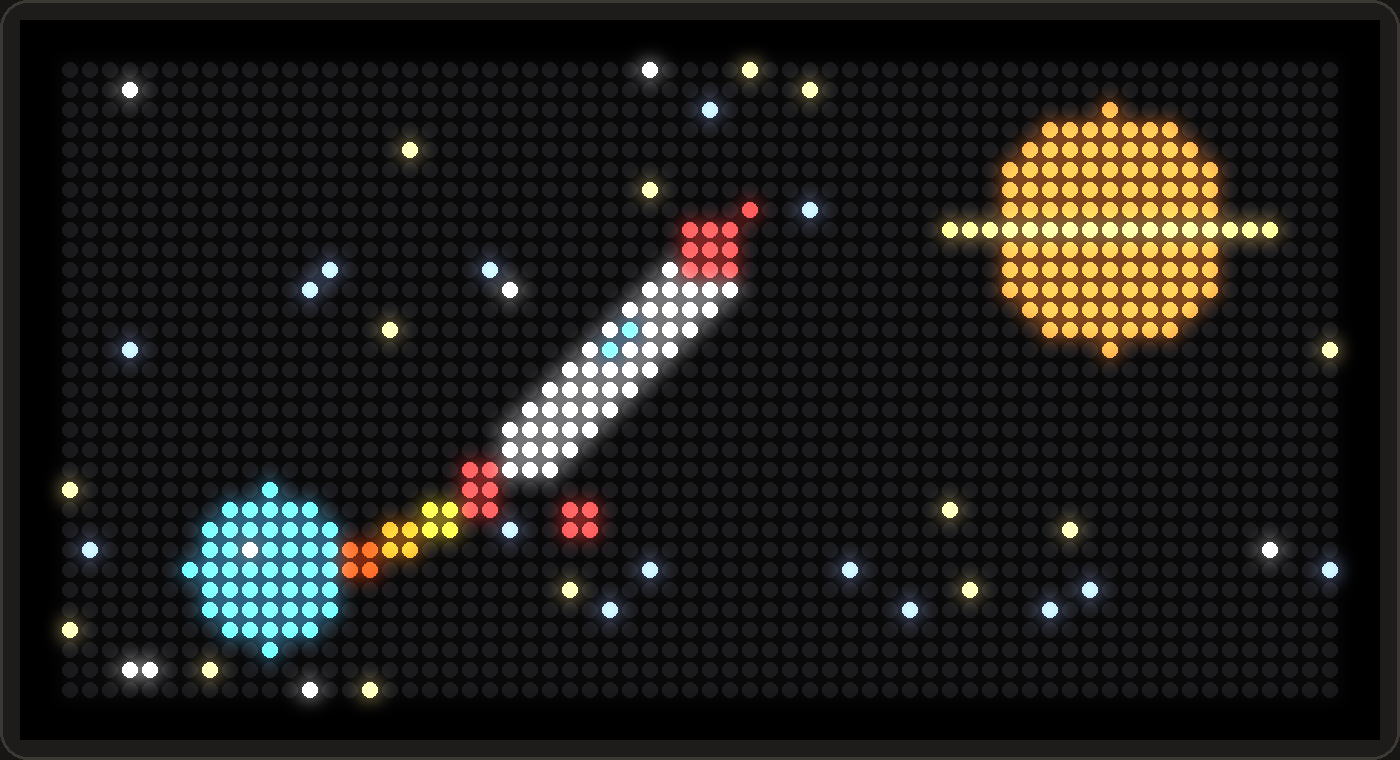
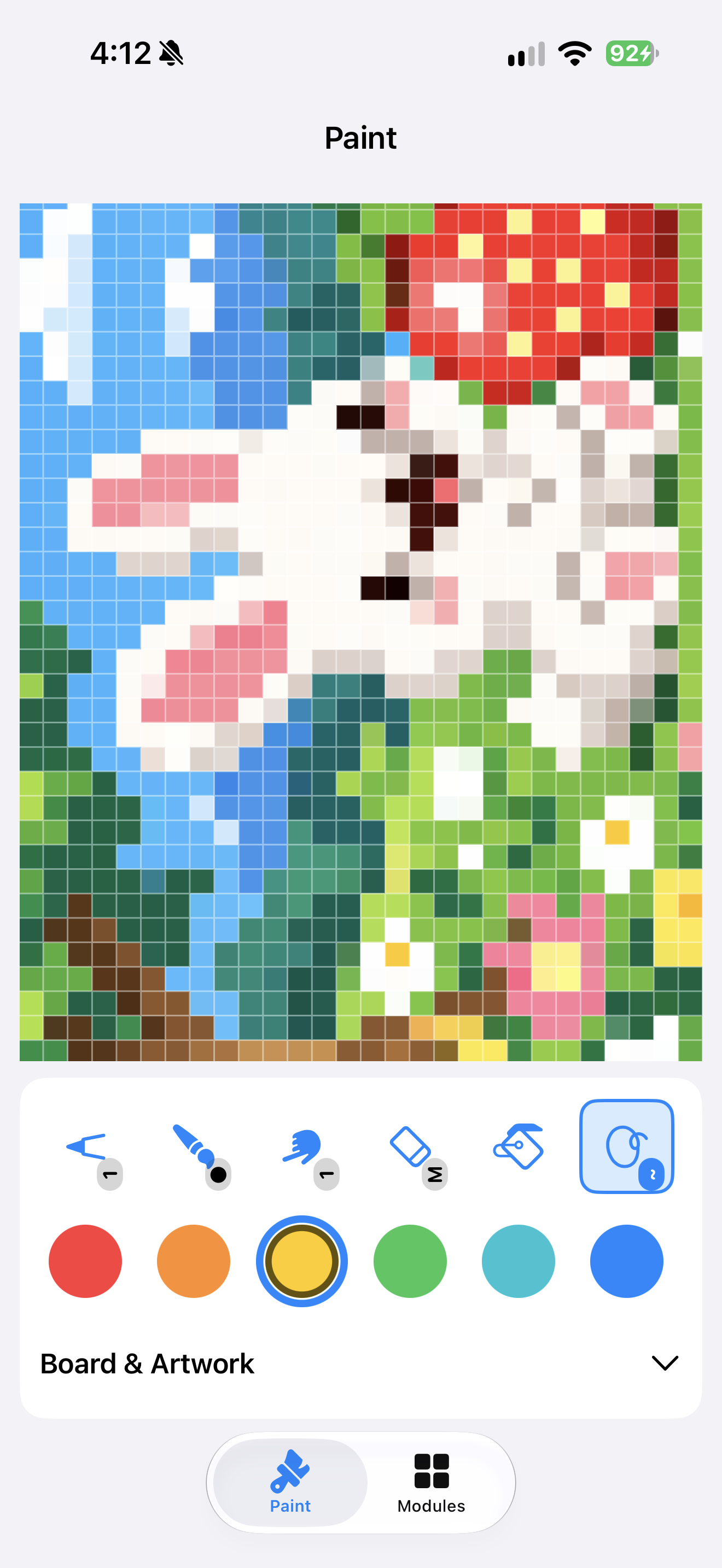
Draw on your iPhone, iPad, or Mac and watch every pixel light up on PixelPop as you go.
Live mirroring
One pixel. One LED.
Your canvas is the display: 64 by 32, the same grid as the panel. Every stroke shows up on PixelPop while you paint.
Leave Paint, and your AutoPops return on their own.
- Pencil
- Eraser
- Fill
- Select & move
- Undo & redo
Zoom
Make every pixel yours.
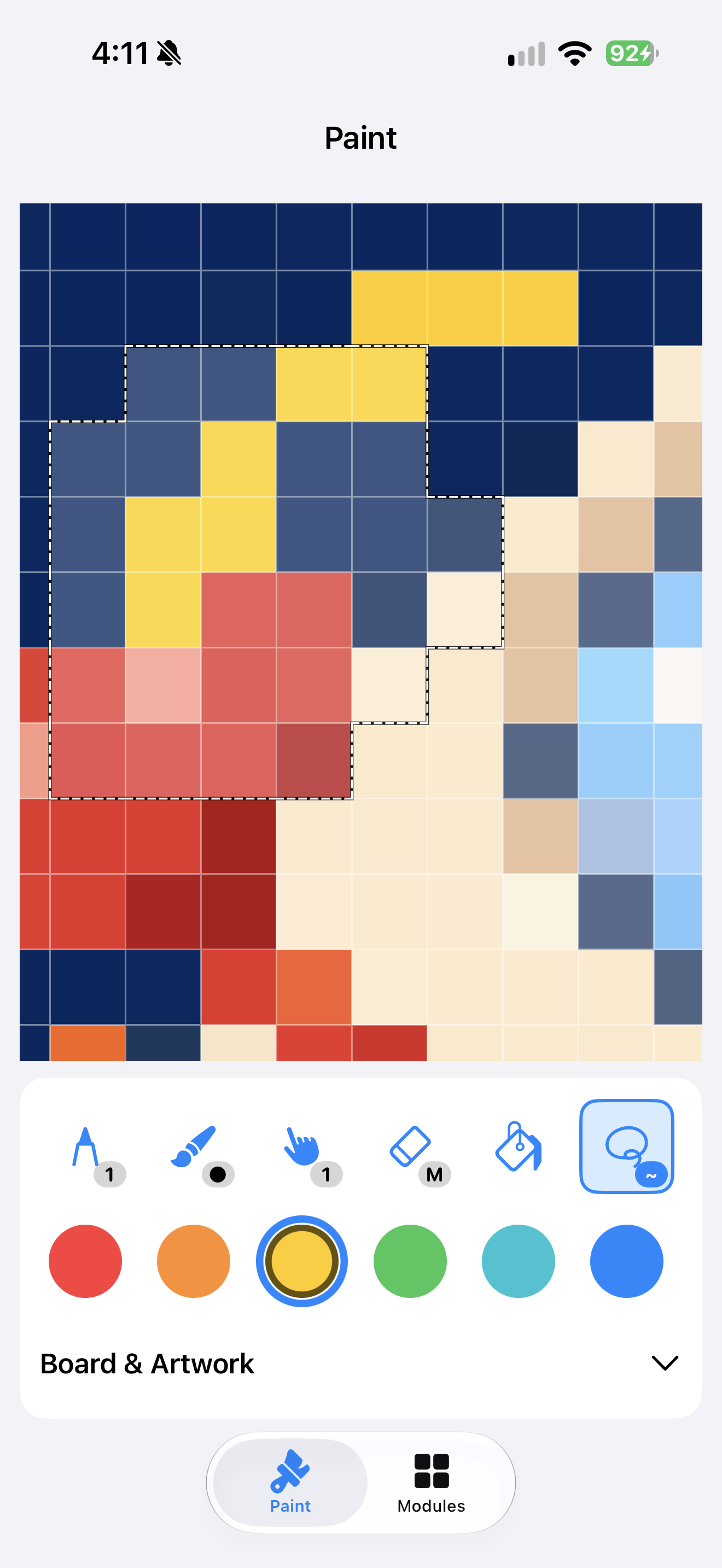
Zoom in for the little details. Pick a color, fill a shape, or lasso a selection and move it. A few pixels can become a whole new world.
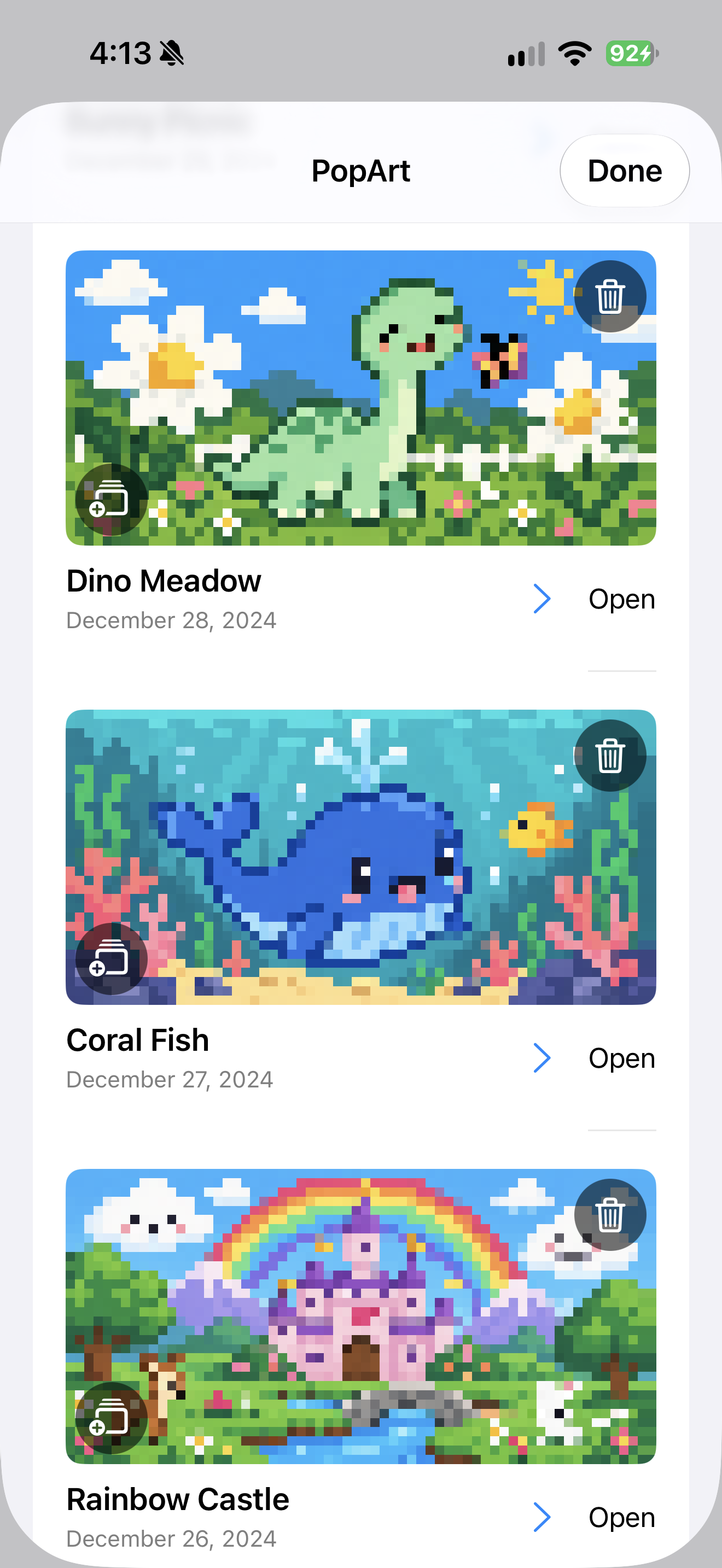
PopArt
Start with a little inspiration.
Open a favorite from your PopArt collection and keep creating, or start from a blank canvas.
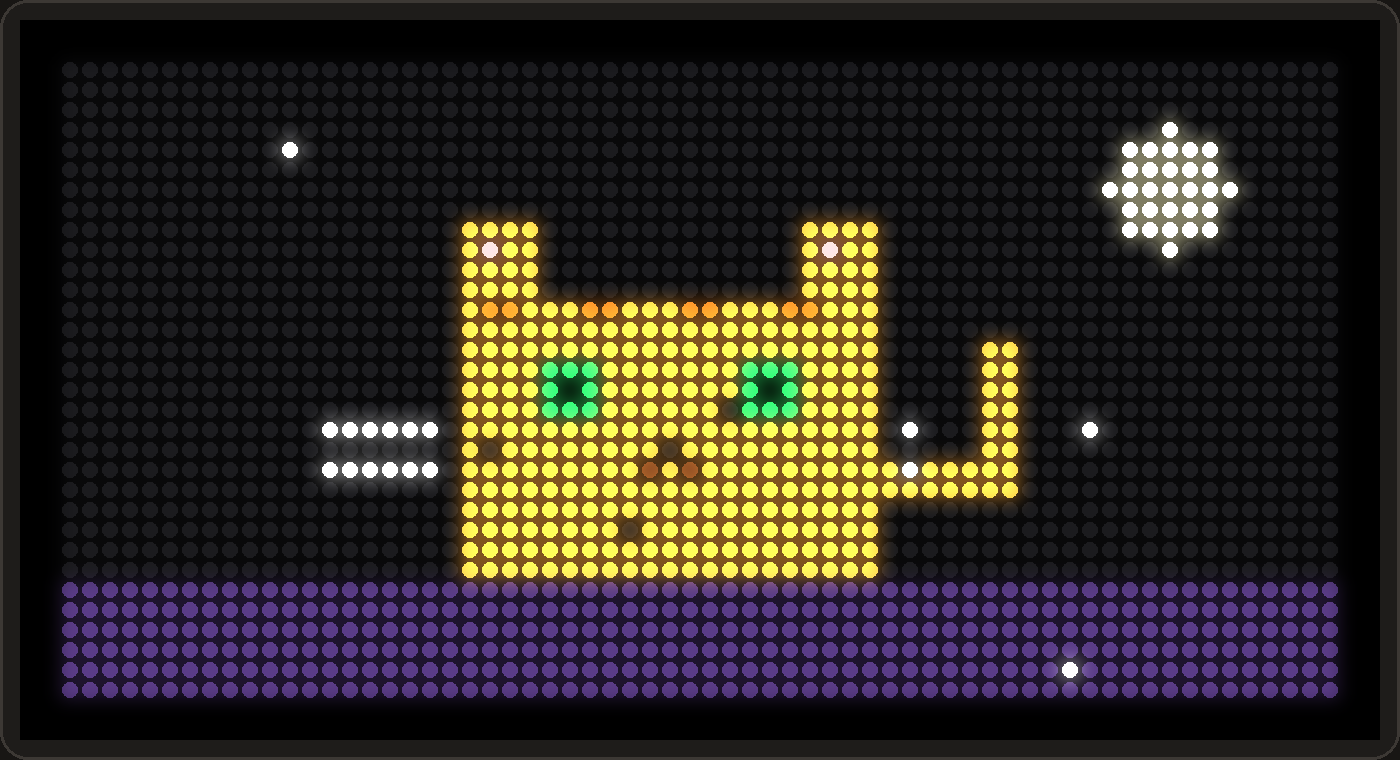
On the panel
Tiny canvas. Big glow.



PixelPop for Mac
Paint with your mouse.
The Mac Companion paints too. Sit at your desk, draw with the mouse, and reach your board over USB-C or Wi-Fi.